14 Best Squarespace Templates For Photographers (2026)
Squarespace templates are premade designs that you add your own content and branding to before going live, giving you a starting point to build from. Below is our selection of the 14 best templates for photographers in 2026, assessed for their design style, pages and features, and pricing.
Some are built by Squarespace and included with a Squarespace subscription, and others are premium templates built by independent studios and designers. Both are fully customizable and allow you to add Blocks, Sections, Pages, and change fonts and colors.
Please note that all Squarespace templates require you to purchase a Squarespace subscription, and add-ons where needed for features like Email Campaigns, Scheduling, and Courses. All the templates below are built with Squarespace 7.1.
Affiliate disclosure: Some of the links in this article are affiliate links, marked with an asterisk (*). Studio Founded may receive a commission from qualifying purchases made through these links, at no additional cost to you. You can read our full affiliate disclosure here.
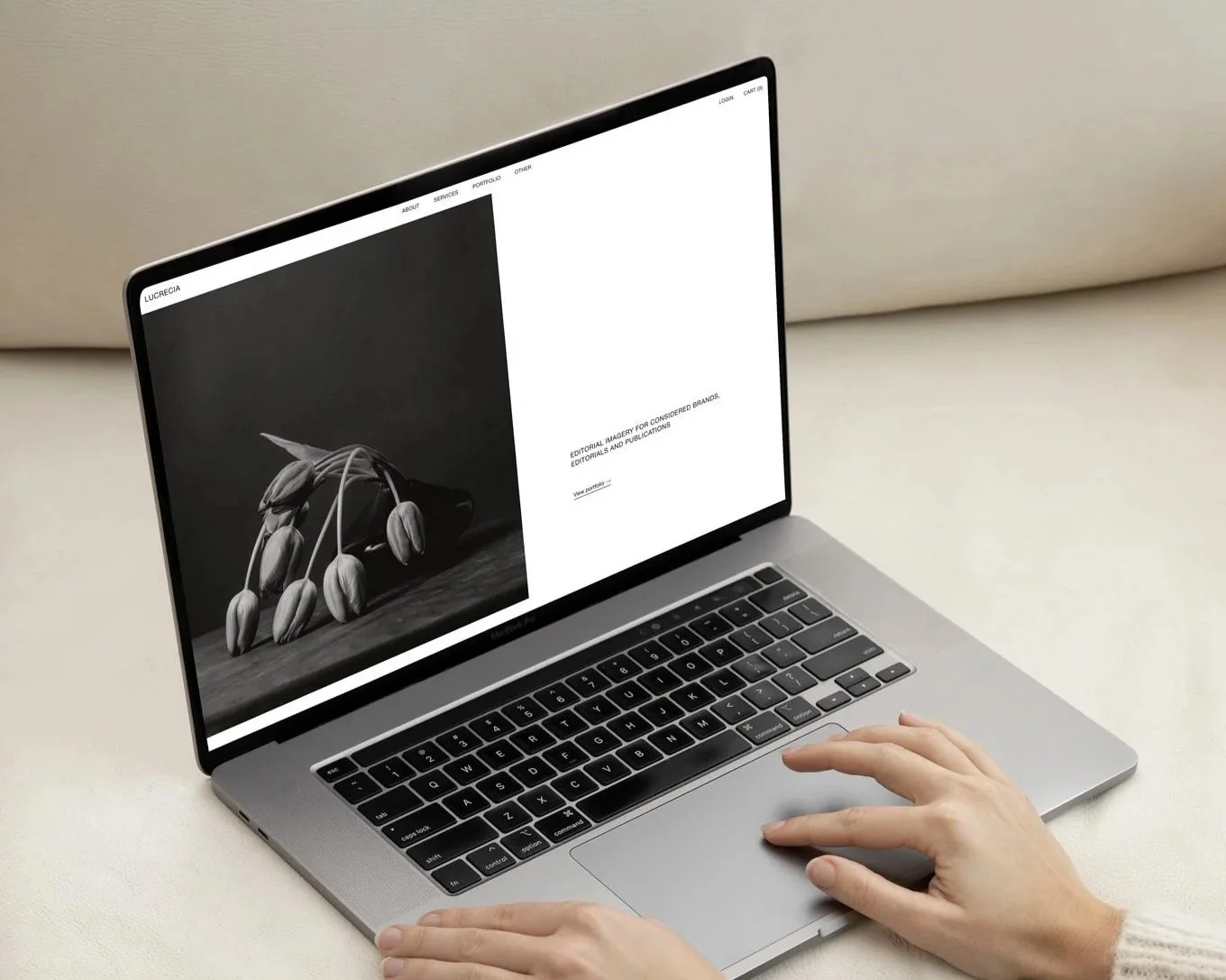
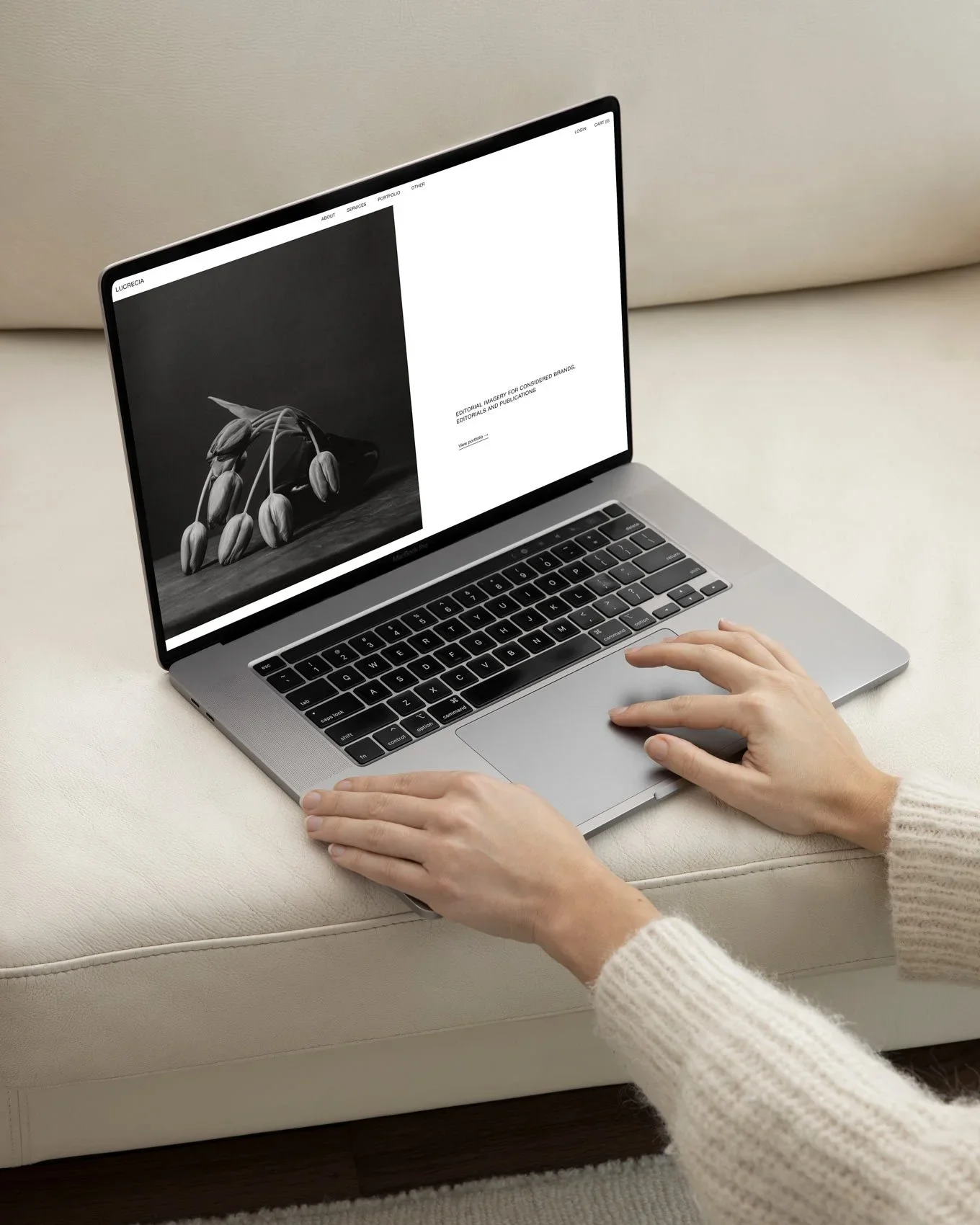
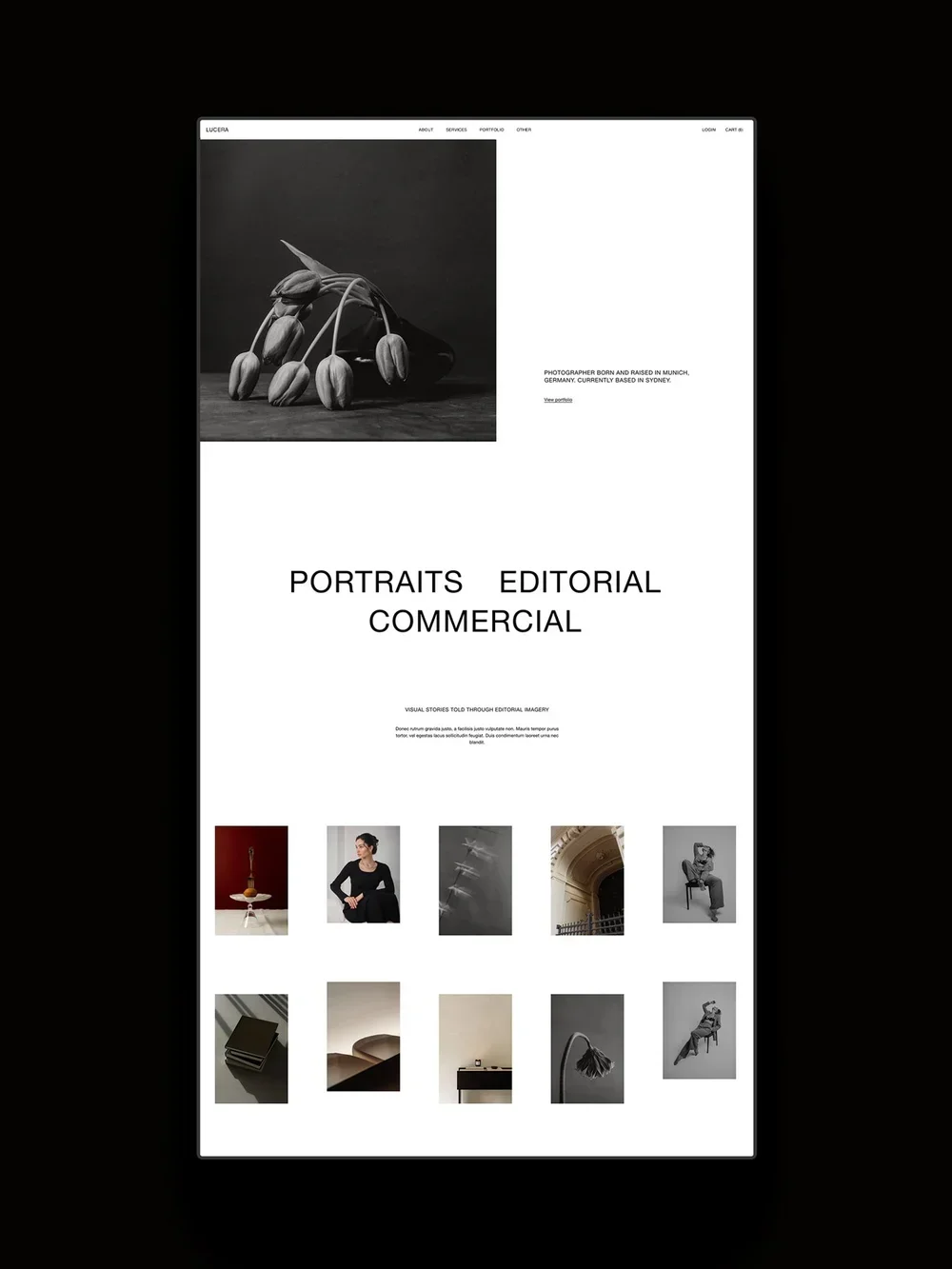
The Lucera Squarespace Template by Studio Founded.
What to Look for in a Squarespace Photography Template
1. Brand Goals
When choosing a template, consider if the design fits your overarching brand and business. Does the template reflect how you want your brand to look and feel and the price point you want to be working at? Would your ideal client would feel inspired and confident booking you from this site?
Important note: Fonts and styles can be changed on any Squarespace template, as can most layouts (although coded features may have limitations, so remember to check the template’s documentation), so don’t worry if they don’t perfectly match your brand.
2. Strategic Design
Your website should support conversions by guiding your visitors towards booking. It should help them understand who you are, what you offer, and how they can take the next steps with you. Ask yourself if the template includes space for your brand story and portfolio, if there are pages or services, FAQs, and sales, and if the site guides visitors towards making a book or reaching out.
Important note: Things like FAQs and testimonial sliders can be added to any Squarespace site with built-in tools, but a template that already includes these elements styled to match the rest of the template will save you time while designing.
3. Room to Grow
The template should have space where you can share your services and process, and give you room to grow with features like a Blog, Shop, or Sales Page later. For example, you might not offer digital products right now, but it might be something you want to add a year or two down the line if you expand into selling presets or wedding albums for additional or passive income alongside your services. Look for templates that include a dedicated sales page, services pages, FAQs, a shop, and a blog.
Important note: Squarespace Stores, Blogs, Courses, Scheduling, and Memberships can be added to any Squarespace site (plan upgrades or paid add ons may be required). All Squarespace Stores can handle physical and digital products. So the inclusion of these isn’t a sole deciding factor when choosing a template, but it makes the process easier to have these pages styled and set up for you.
4. Imagery
Of course, a photography template should have plenty of room for imagery. Consider if the template presents imagery the way you’d like, if it gives the imagery room to breathe, and if it includes a portfolio page.
Lastly, when choosing a template, always remember to reach out to the template creator if you have questions! Squarespace is very flexible, and if a feature isn’t clear in a template, it doesn’t mean it can’t be added or altered. The template creator will be able to advise you on what’s possible with it. For advise on your templates, you can reach out to us here.
Let’s move onto our curated template selection, starting with the free options before moving into premium templates.
1. Matsuya by Squarespace*
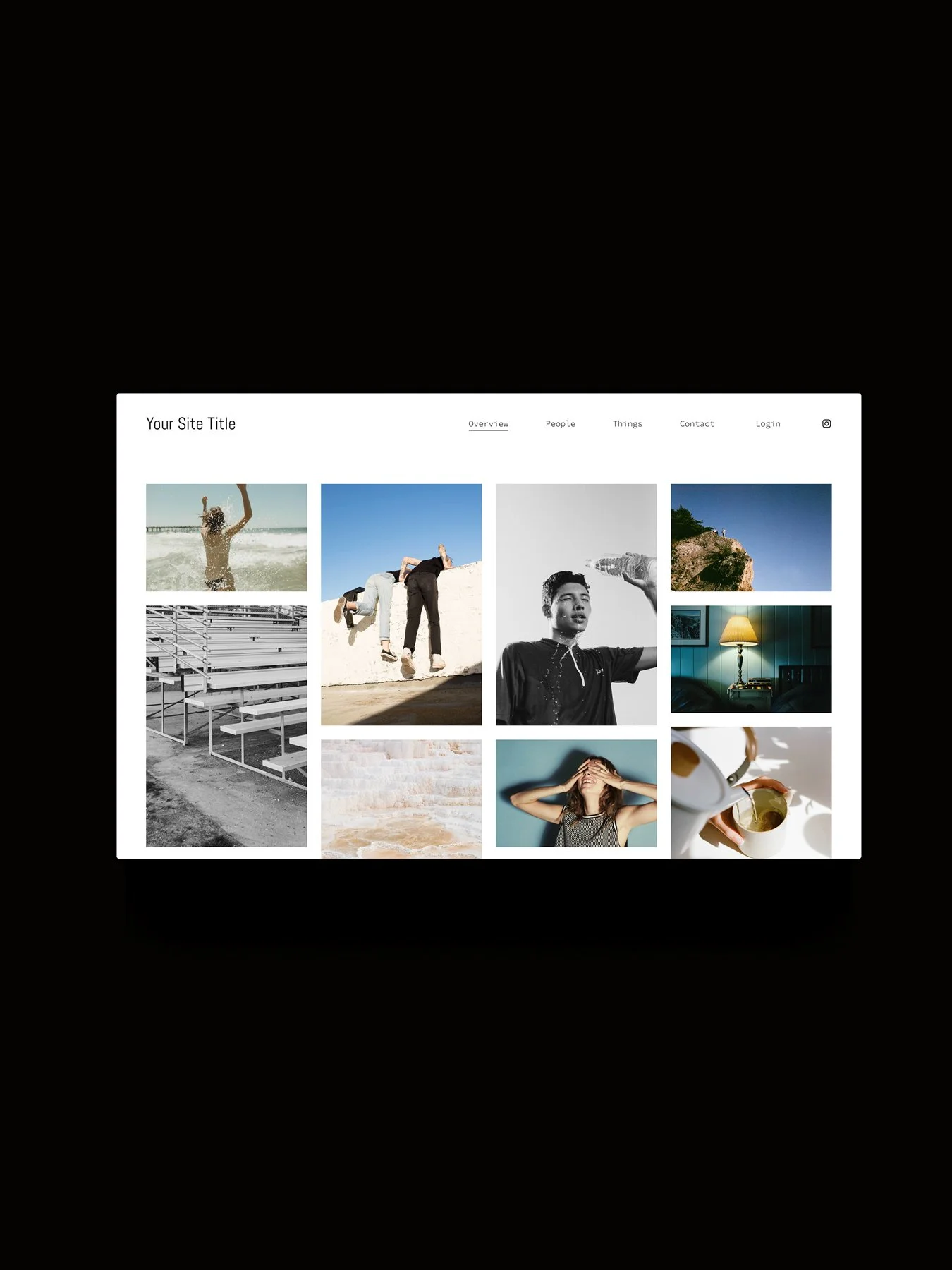
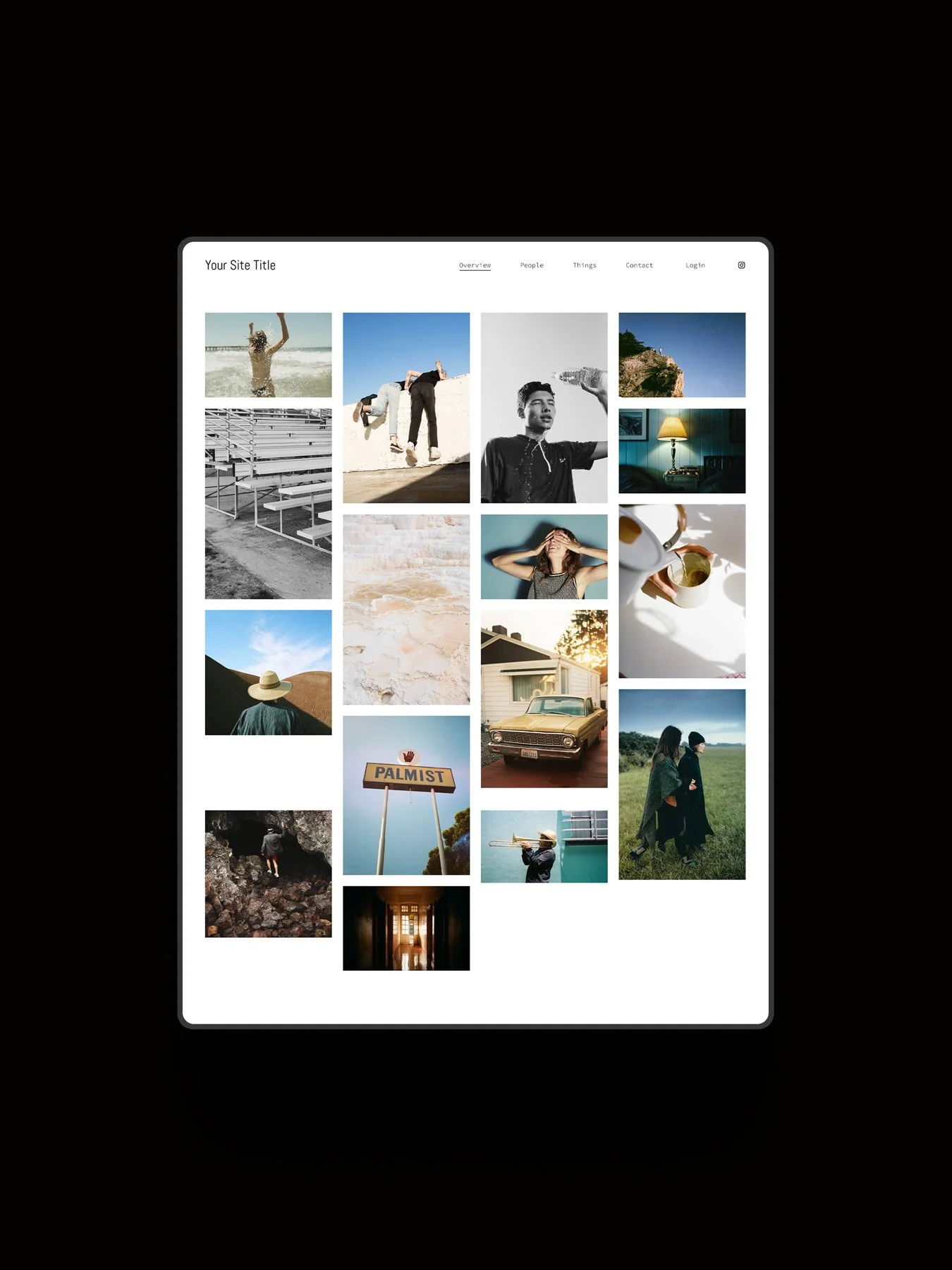
Matsuya is a built-in Squarespace 7.1 template featuring a simple masonry gallery layout, best for photographers who want to get up and running quickly with a straightforward site that keeps attention on their images.
Pages:
Home, Galleries, Contact.
Pricing:
Included with a Squarespace subscription. Save 10% with the code STUDIO10.
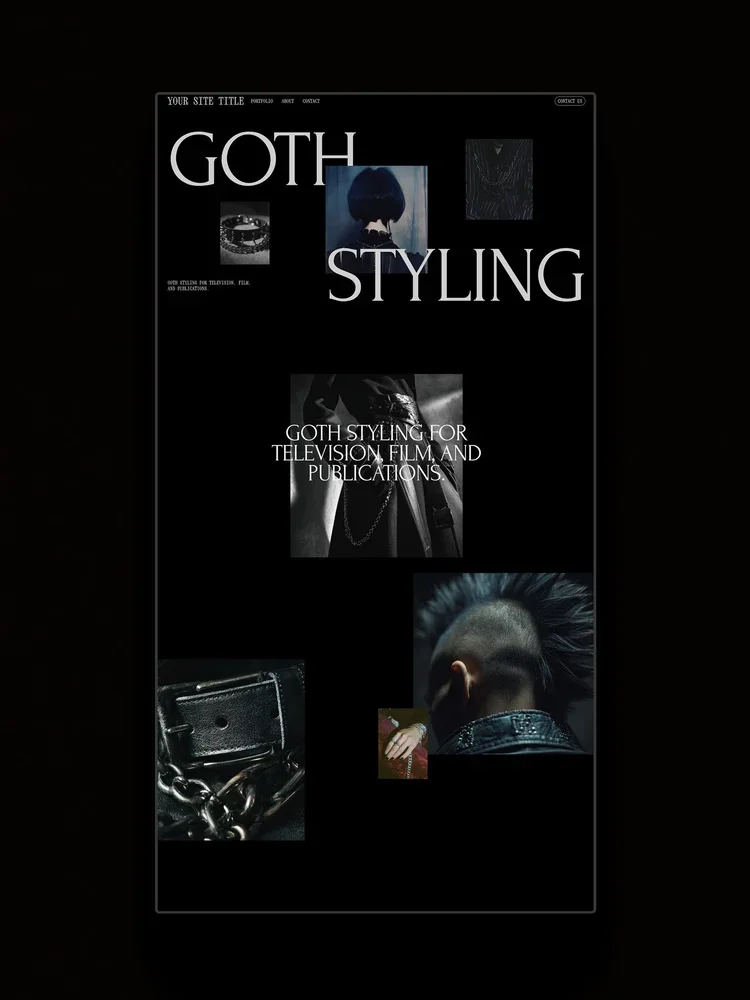
2. Night by Squarespace*
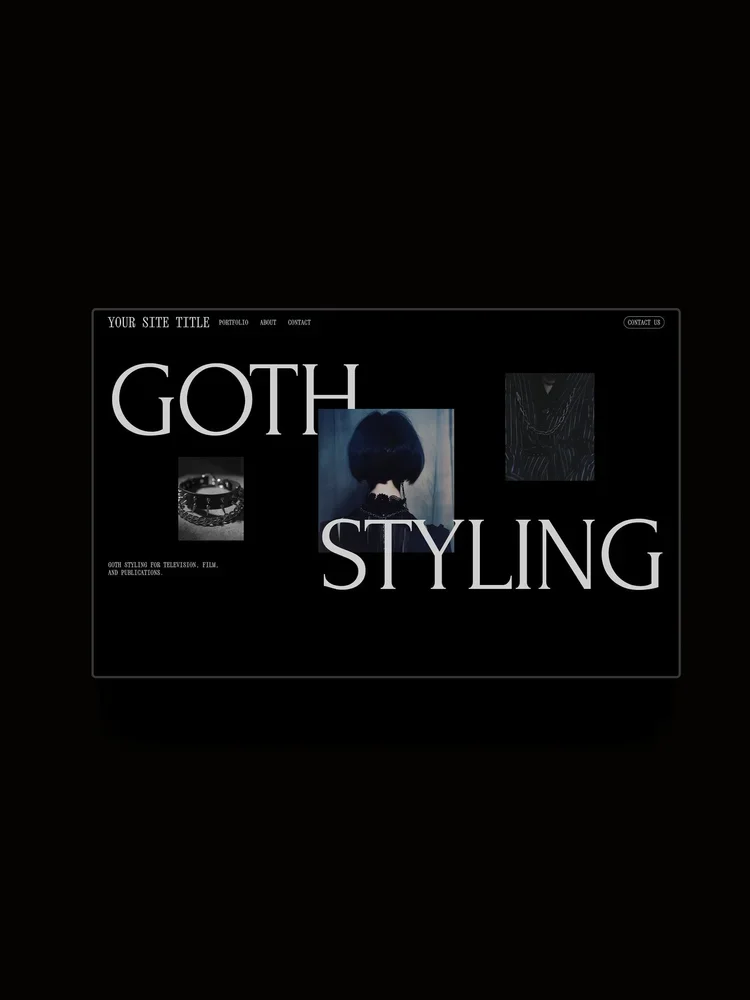
For photographers with a bold style creating fashion, commercial, or conceptual photography, Night is a built-in Squarespace 7.1 template that features bold type, large imagery, and moody color palettes. It features large, immersive layouts with a sticky scrolling section for interactivity.
Pages:
Home, Portfolio, About, Contact.
Pricing:
Included with a Squarespace subscription. Save 10% with the code STUDIO10.
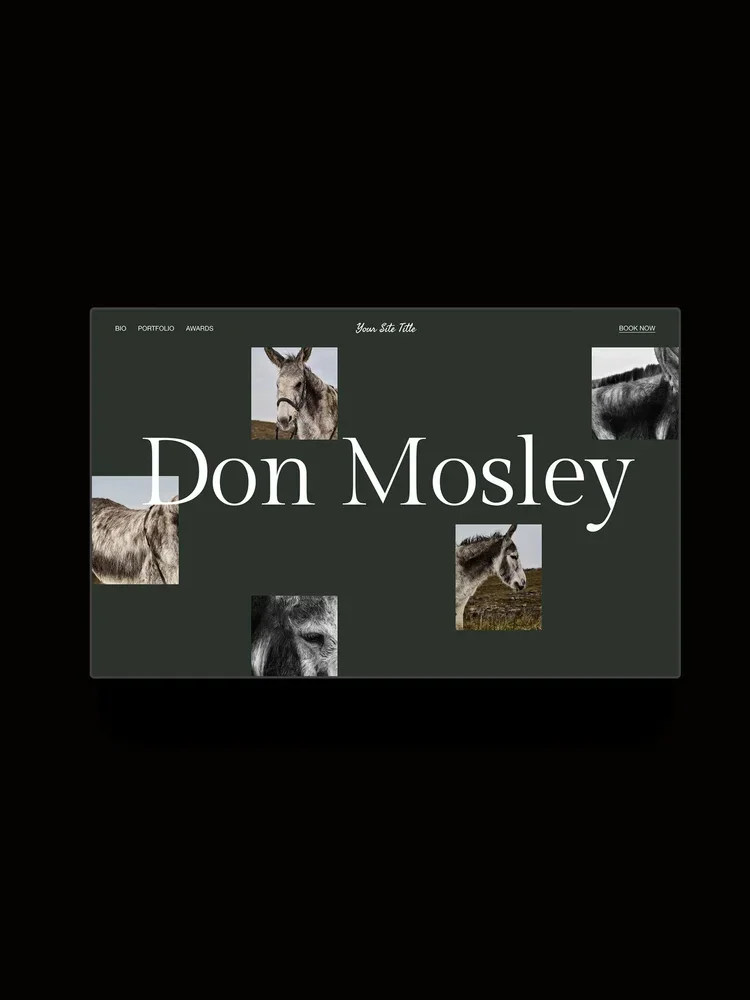
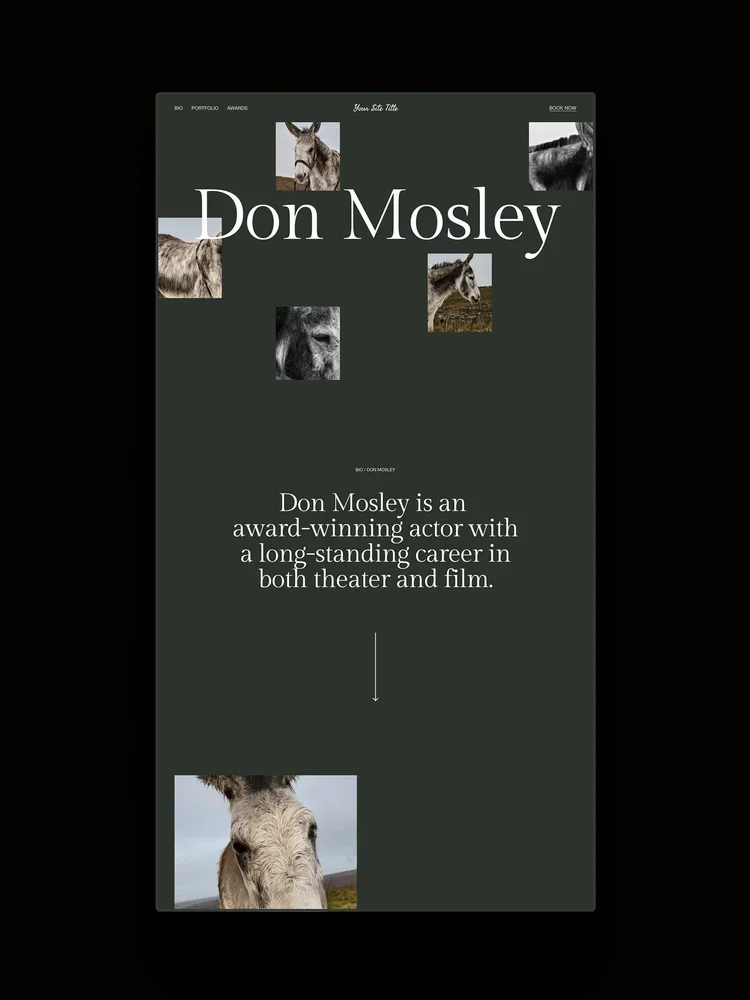
3. Mosley by Squarespace*
Mosley is a Squarespace 7.1 template that includes a blend of text and imagery, featuring large asymmetric galleries, services displayed in accordions, and a clean enquiry form for bookings. It’s best for photographers creating personal brand photography, who want to share their images with their brand story and credentials.
Pages:
Home, Portfolio, About, Awards, Contact.
Pricing:
Included with a Squarespace subscription. Save 10% with the code STUDIO10.
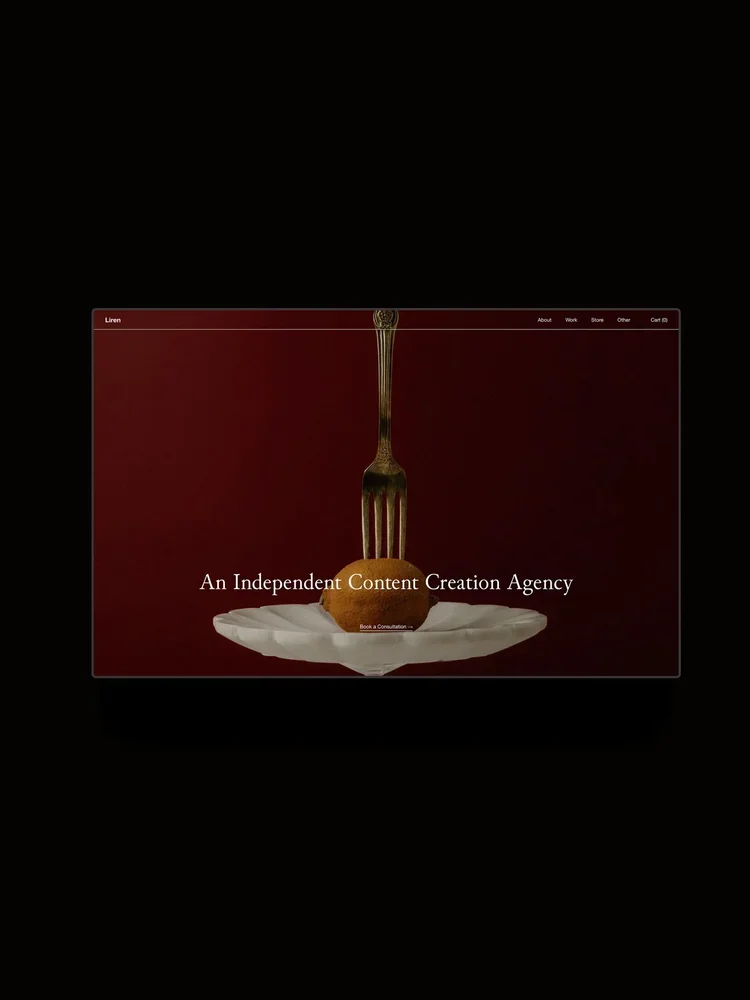
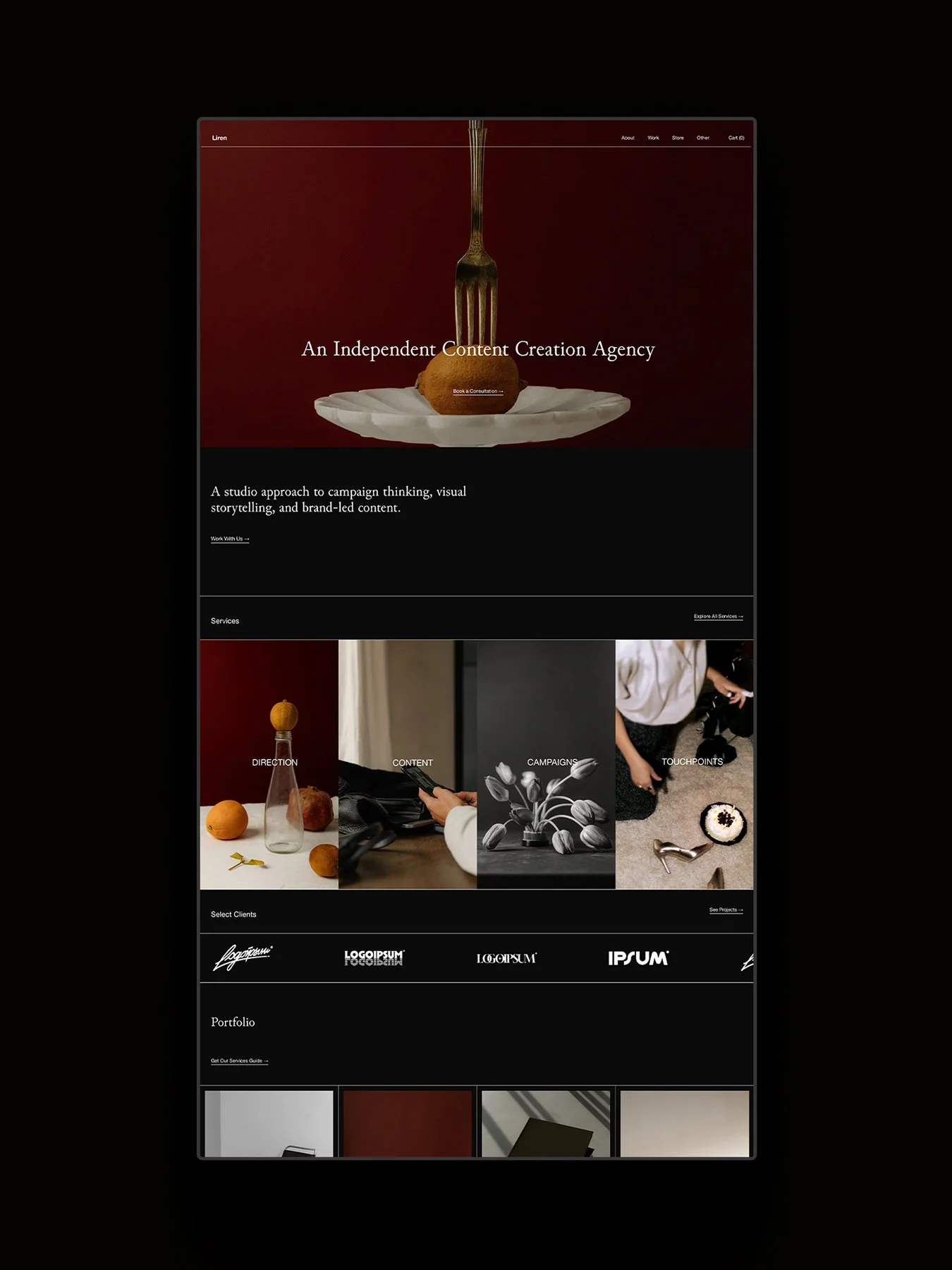
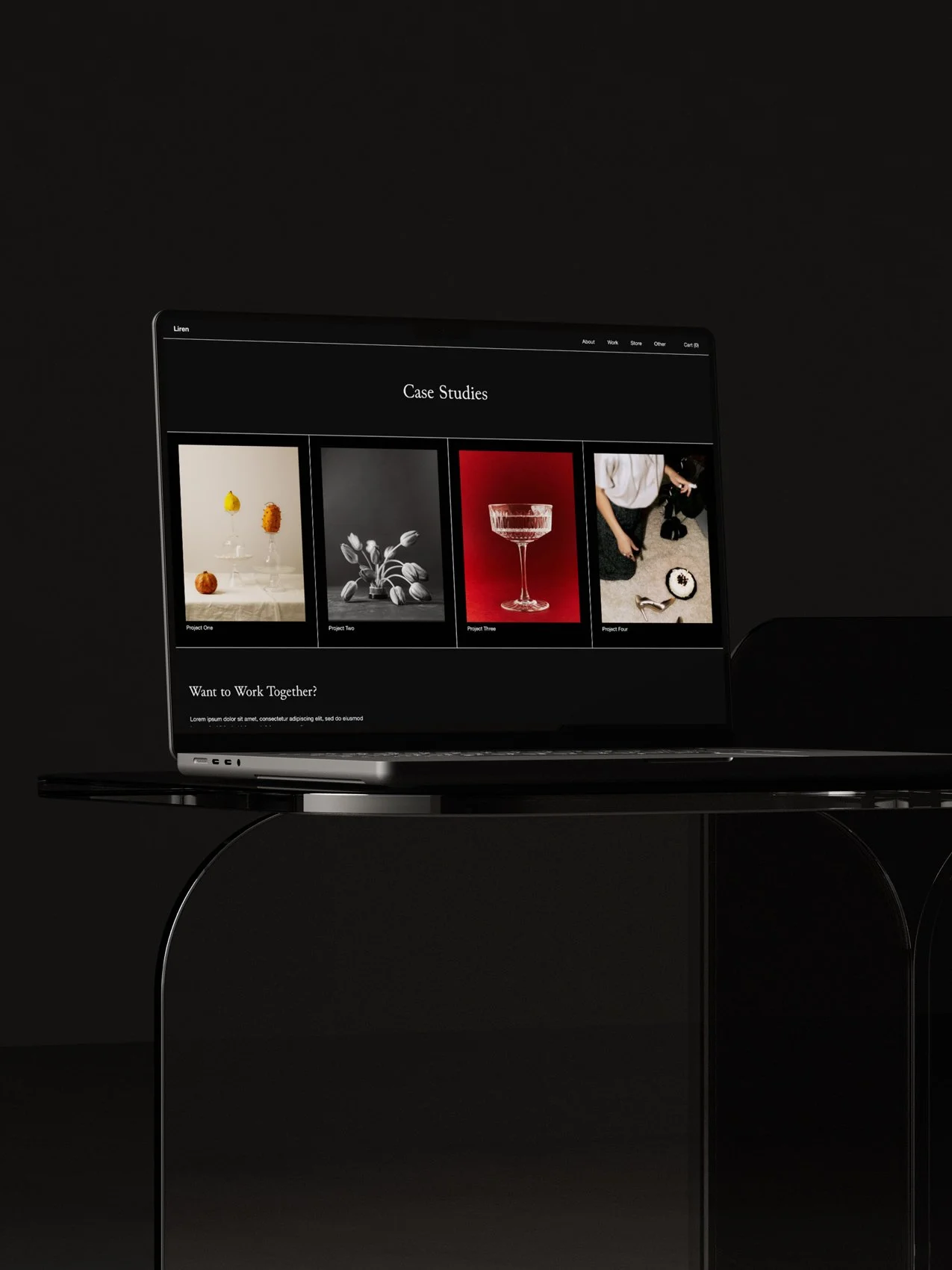
4. Liren by Studio Founded
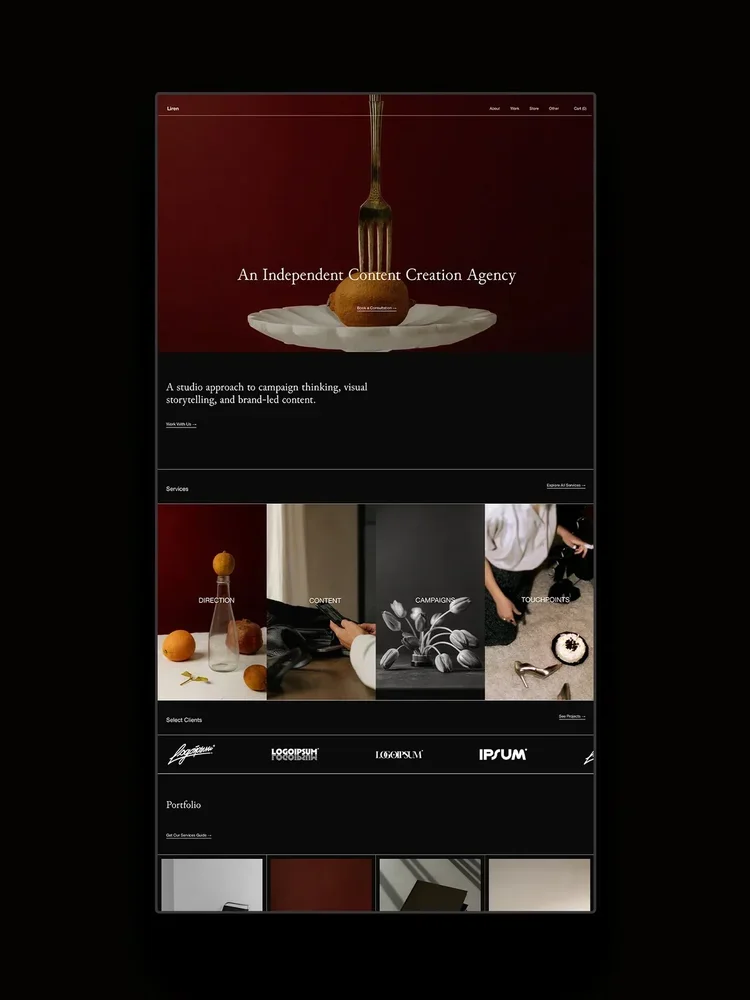
Liren is a Squarespace 7.1 template made to strategically take visitors through your brand story and philosophy to portfolio, offerings, and enquiry. It includes features that aren’t normally available in Squarespace, including interactive expanding panels, customizable split and grid-based sections, auto scrolling logos, number counters, an expanding hover cursor, and more. While these features were created with code to expand Squarespace’s capabilities, they are designed for non-coders to easily use and update, and come with tutorials and email support.
Pages:
Home, About, Services, 2x Portfolio layouts, Project Pages, 2x Blog layouts, Blog Post Pages, FAQ, Shop, Product Pages, Sales Page, Contact, Instagram Links, Legal Pages, custom 404.
Pricing:
$399 or 2x $199.50 with split payment. Includes 25% off your first year of Squarespace with any annual plan.
5. Photography Portfolio Template by ILoveCreatives
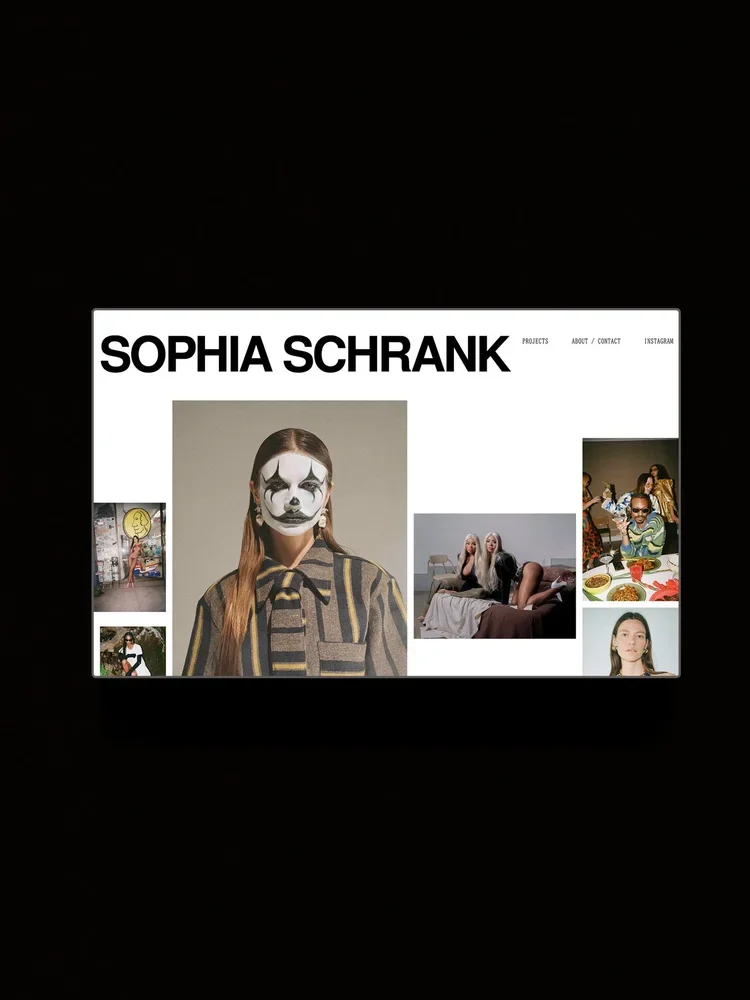
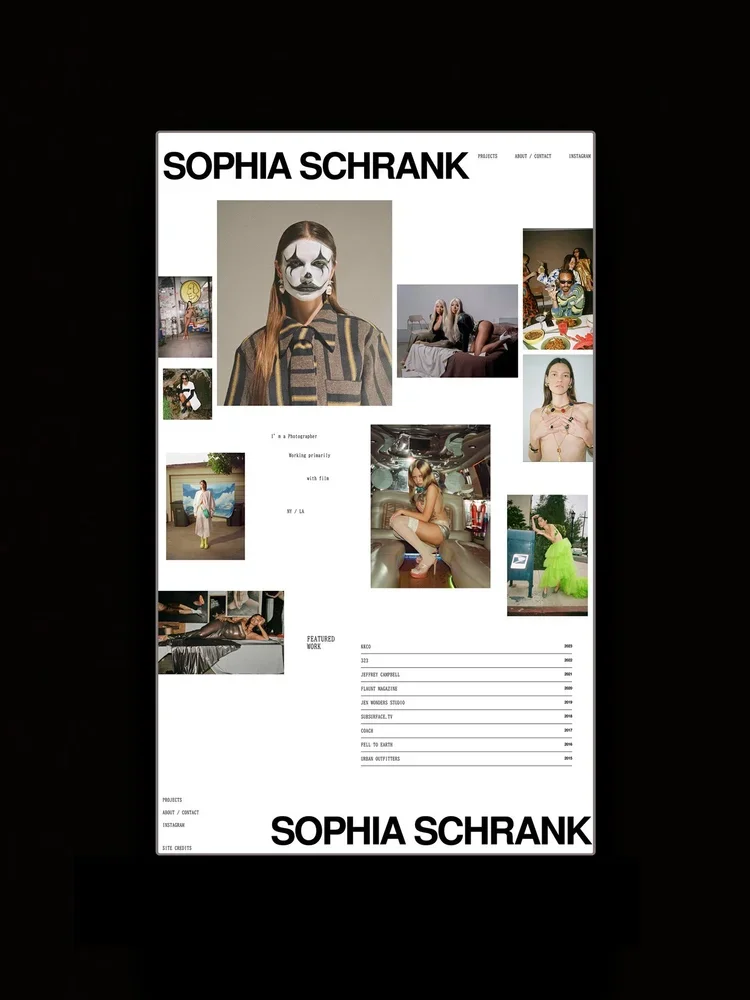
The Photography Portfolio Template by I Love Creatives is a collage-style Squarespace 7.1 template. With oversized typography, layered imagery, and an editorial layout, it’s ideal for fashion and music photographers who want their website to feel expressive, contemporary, and art-driven.
Pages:
Home, Portfolio, About/Contact.
Pricing:
$199.
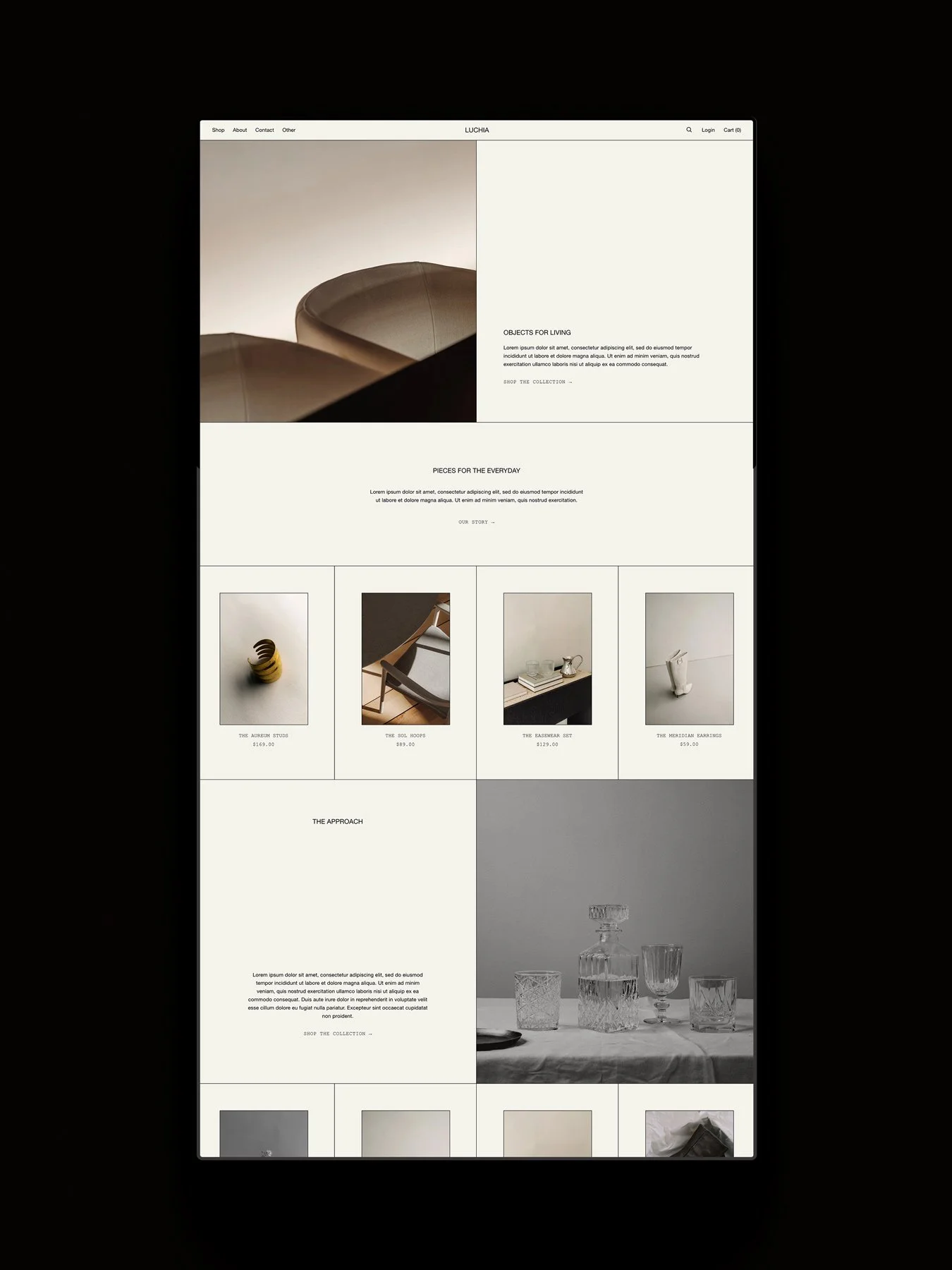
6. Lucera by Studio Founded
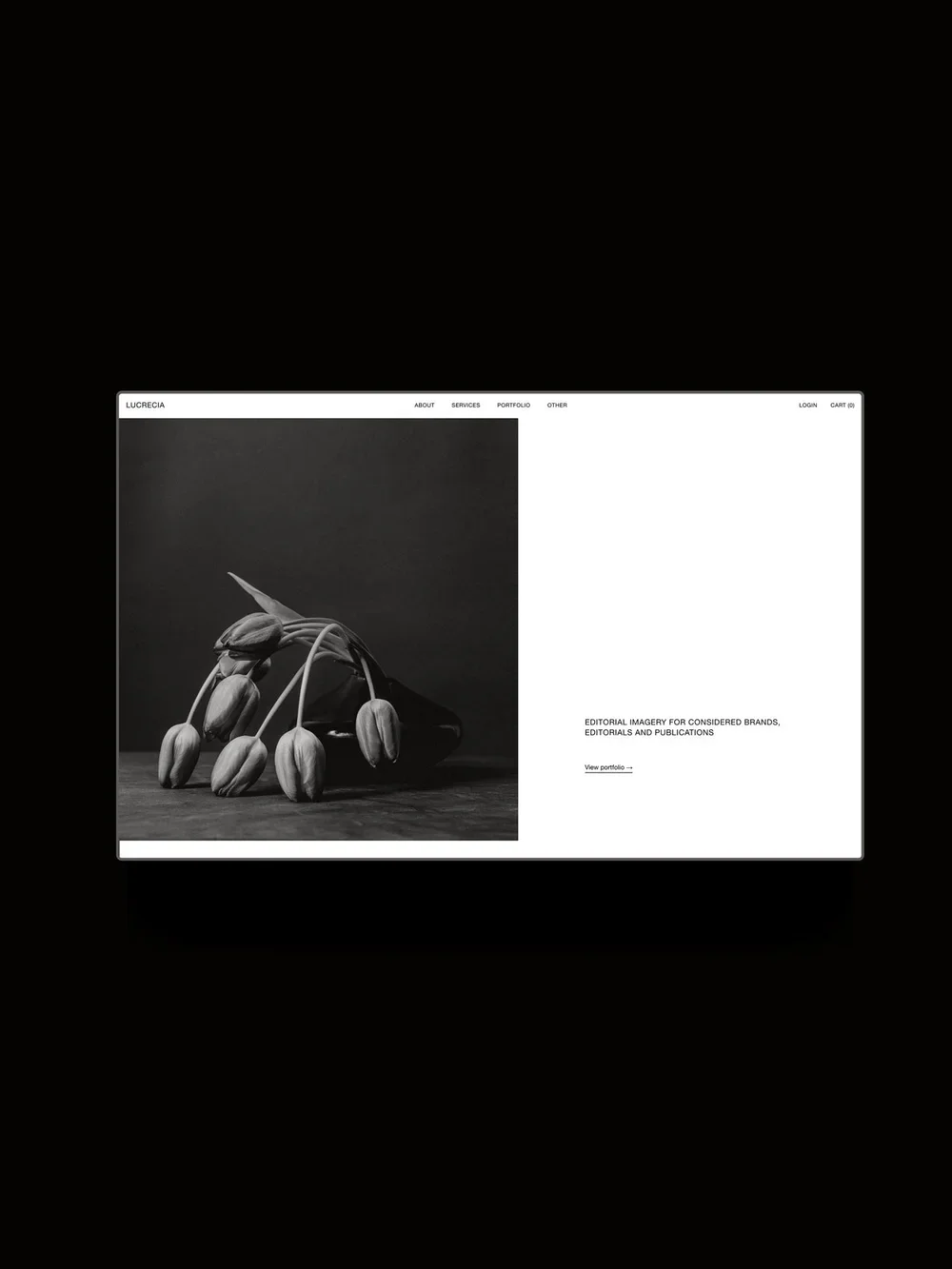
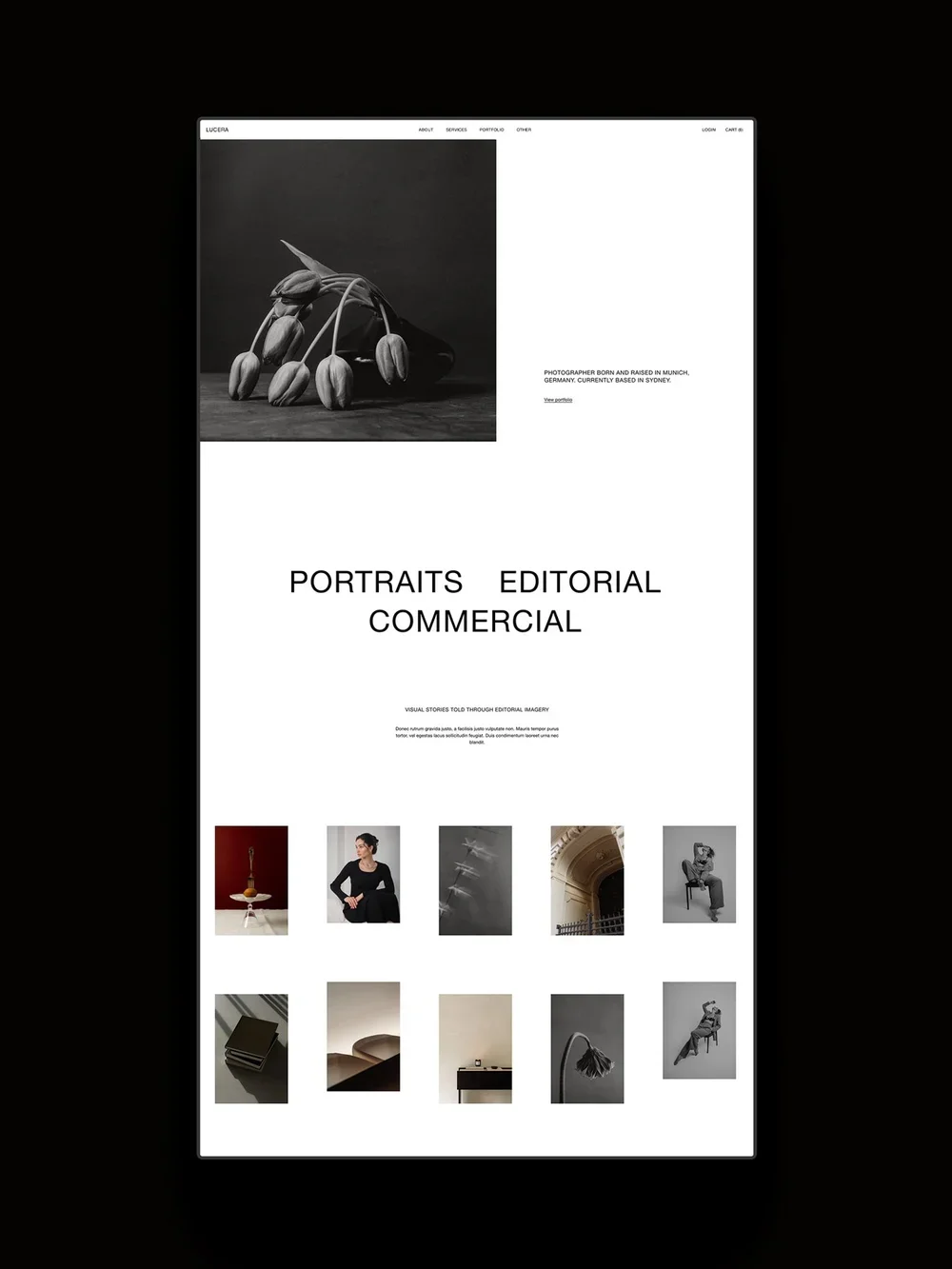
Lucera is a Squarespace 7.1 template that presents your photography in a minimalist, contemporary design. It includes a masonry gallery and custom features like interactive hover images to display your services and tabbed sections to share your work and offerings. While these features were created with code to expand Squarespace’s capabilities, they are designed for non-coders to easily use and update, and come with tutorials and email support.
Pages:
Home, About, Services, 2x Portfolio layouts, Project Pages, 2x Blog layouts, Blog Post Pages, FAQ, Shop, Product Pages, Sales Page, Contact, Instagram Links, Legal Pages, custom 404.
Pricing:
$399 or 2x $199.50 with split payment. Includes 25% off your first year of Squarespace with any annual plan.
7. Rosie Template by Some Shape
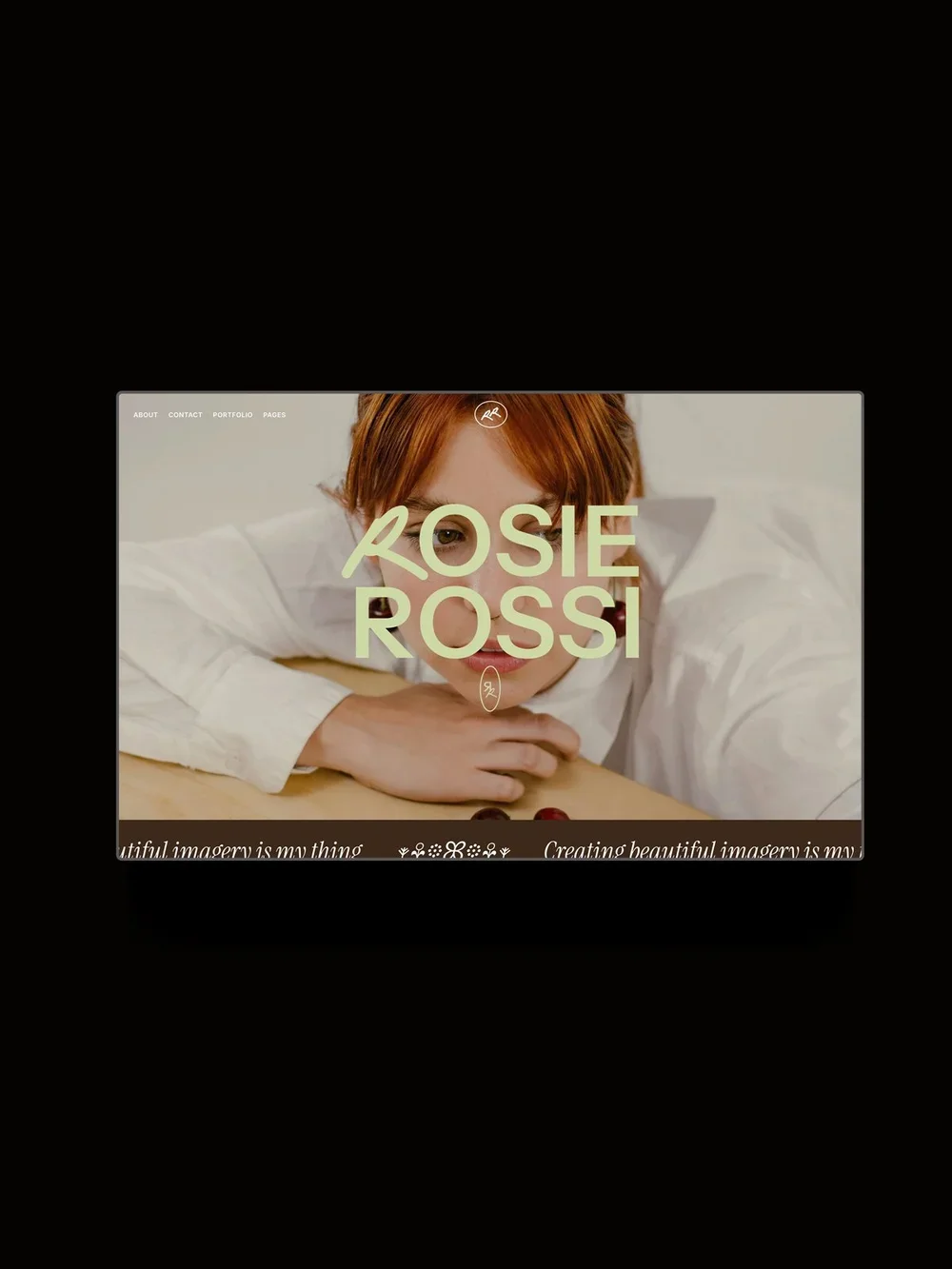
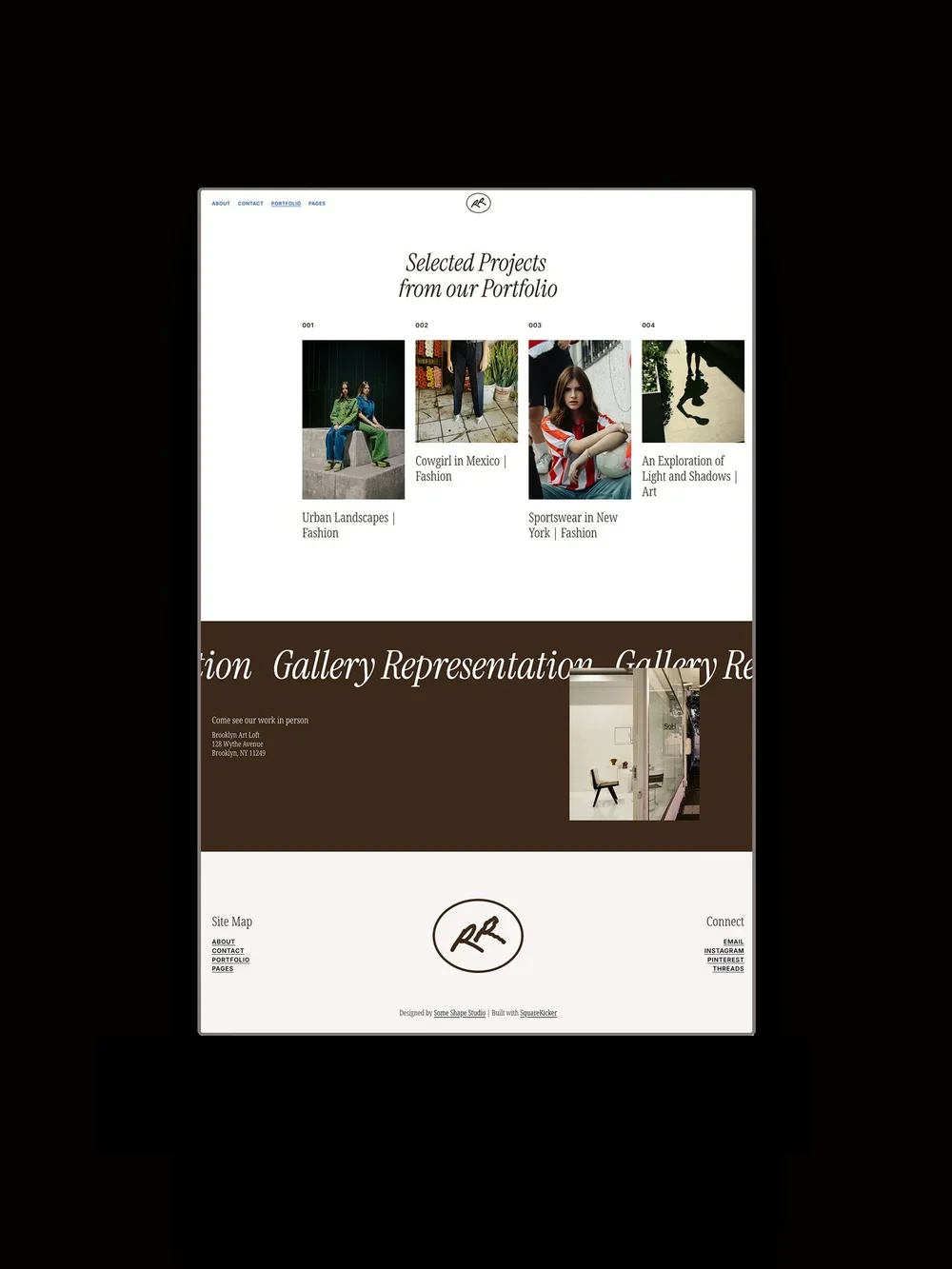
Rosie is a contemporary Squarespace 7.1 template made with Squarekicker for personal brand photographers with expressive work. It includes a bold, typographic homepage with expressive color accents and an editorial portfolio section, with features such as hover animations, scrolling text, and image hover effects.
Pages:
Home, About, Contact, Portfolio, Project Pages, custom 404.
Pricing:
$599.
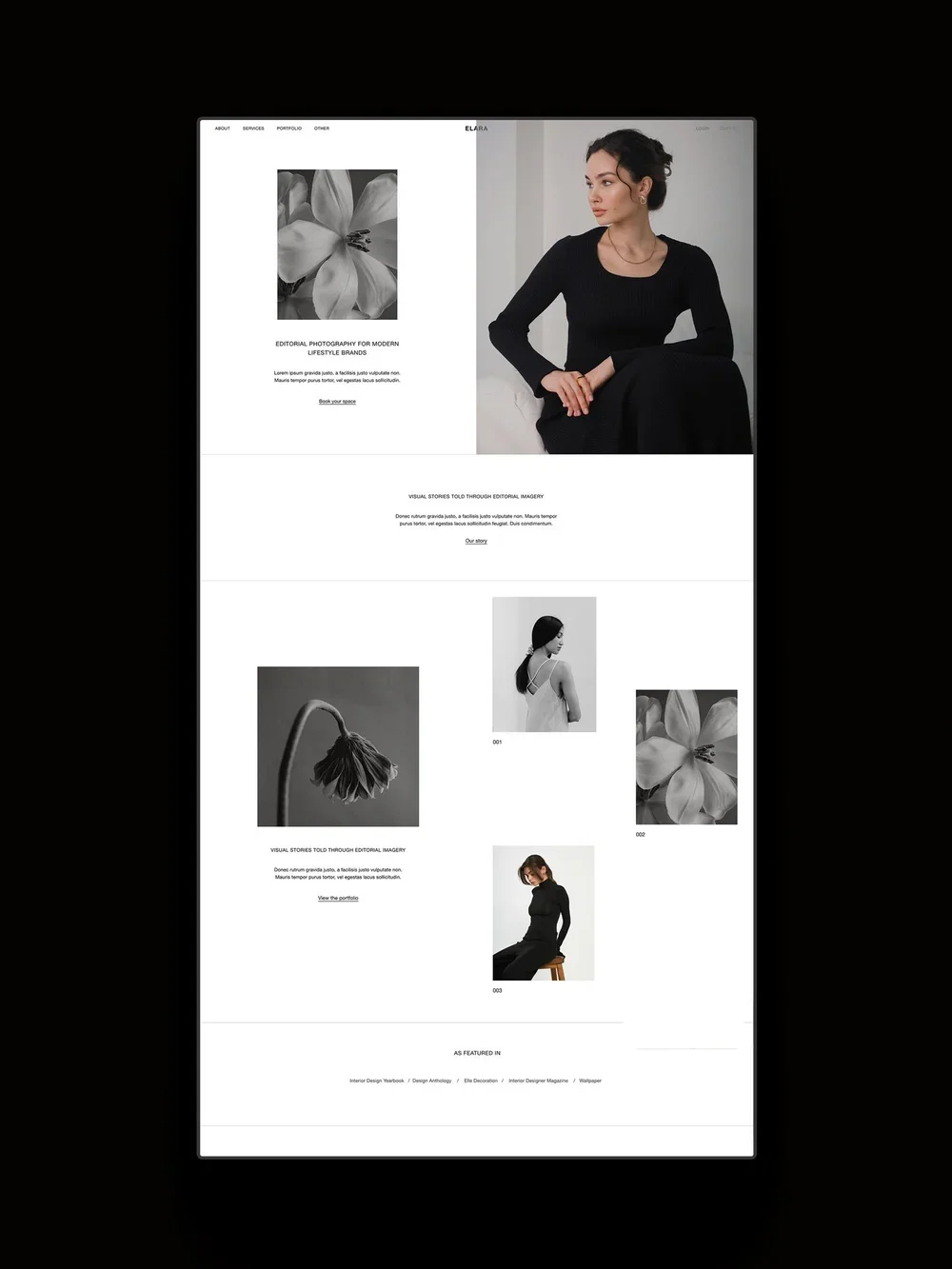
8. Elara by Studio Founded
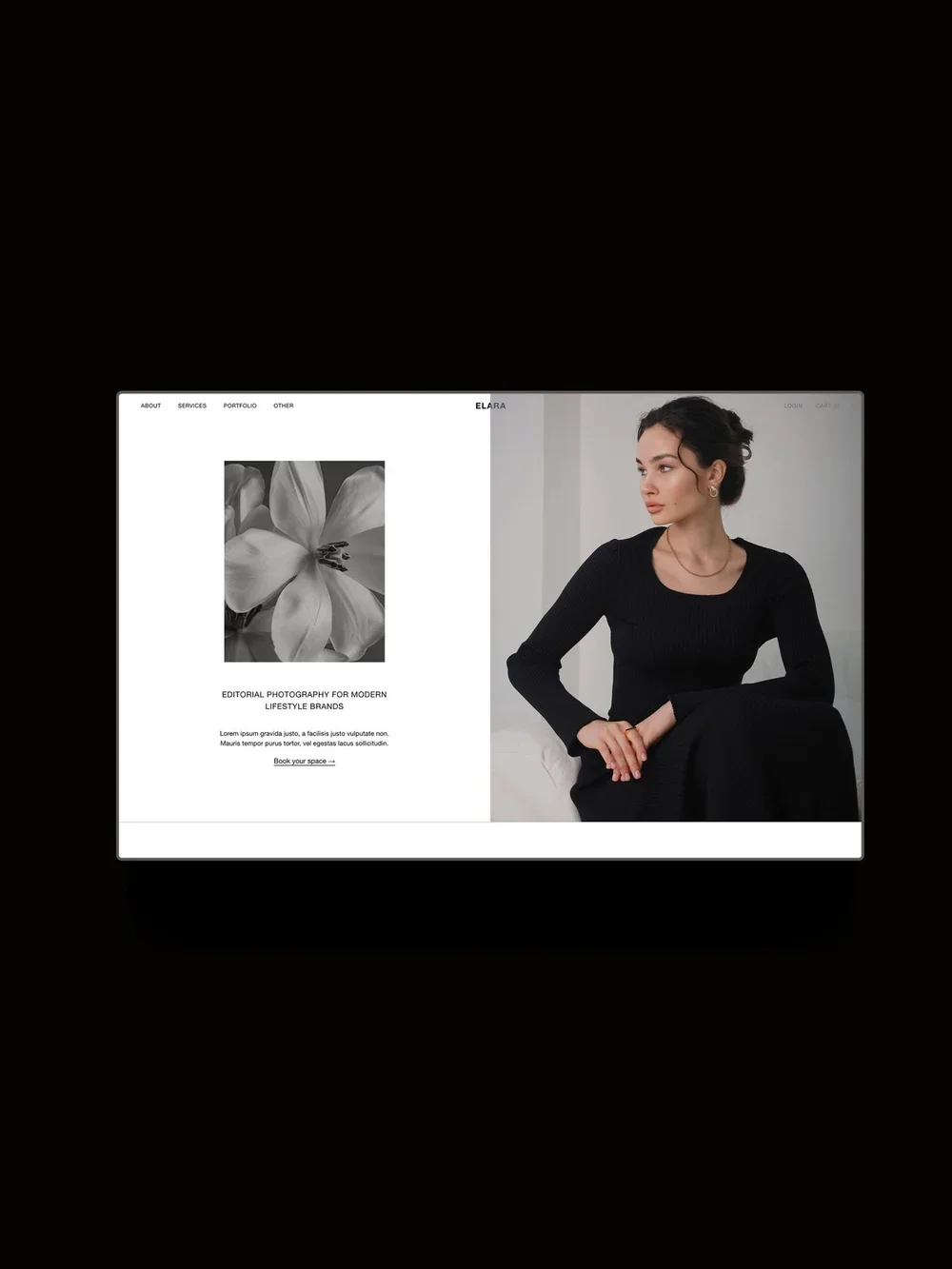
Elara is a Squarespace 7.1 template with a high-end, minimalist look, made for luxury and fine art wedding photographers. It includes custom features like customizable split and sticky split sections, content tabs to display your work and offerings, animated typing text, hover animations, and more. It’s designed strategically with space for portfolio highlights, your story and philosophy, process and investment, and enquiry, supporting you to book clients. It comes with tutorials and email support.
Pages:
Home, About, Services, 2x Portfolio layouts, Project Pages, 2x Blog layouts, Blog Post Pages, FAQ, Shop, Product Pages, Sales Page, Contact, Instagram Links, Legal Pages, custom 404.
Pricing:
$399 or 2x $199.50 with split payment. Includes 25% off your first year of Squarespace with any annual plan.
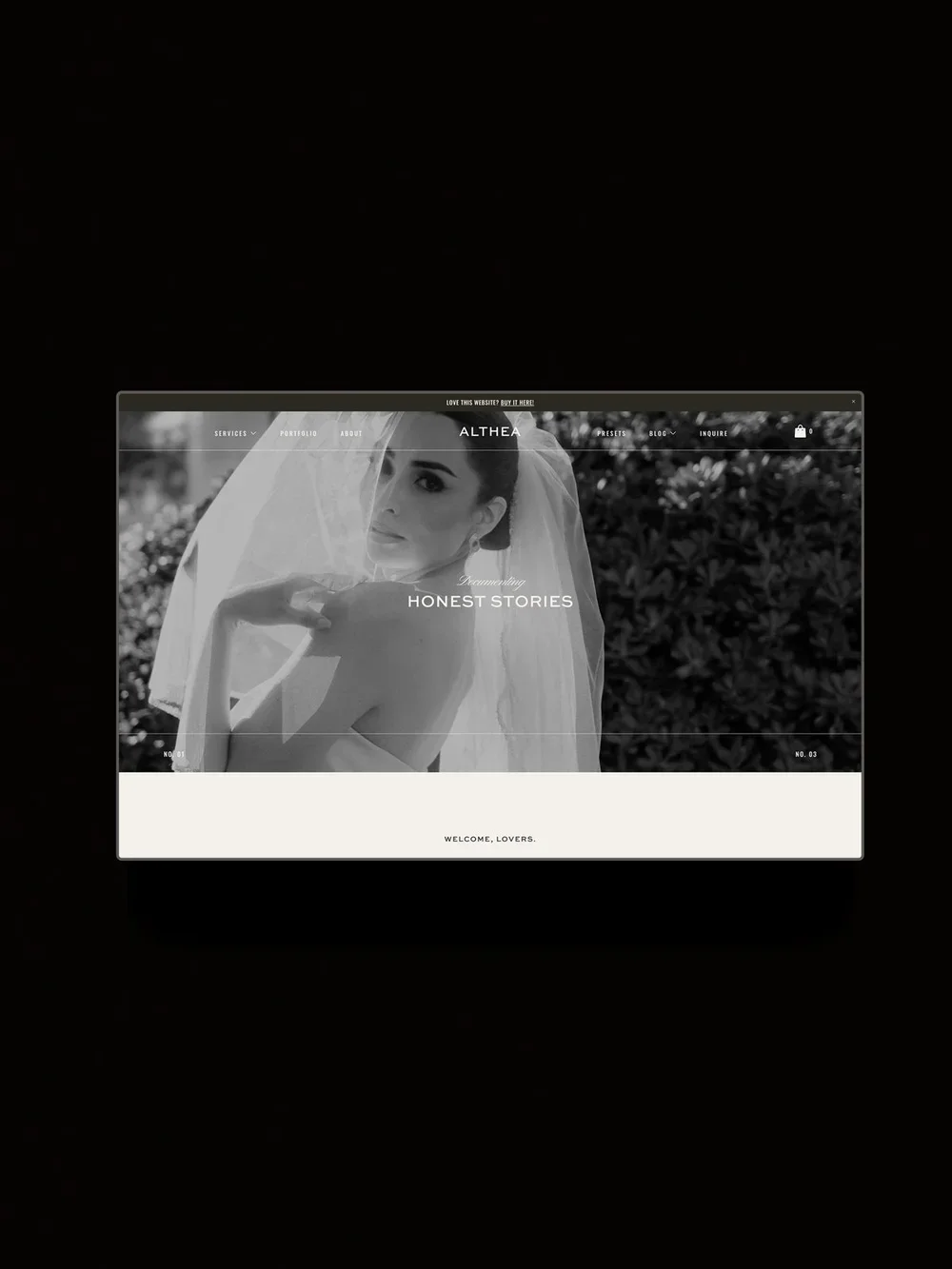
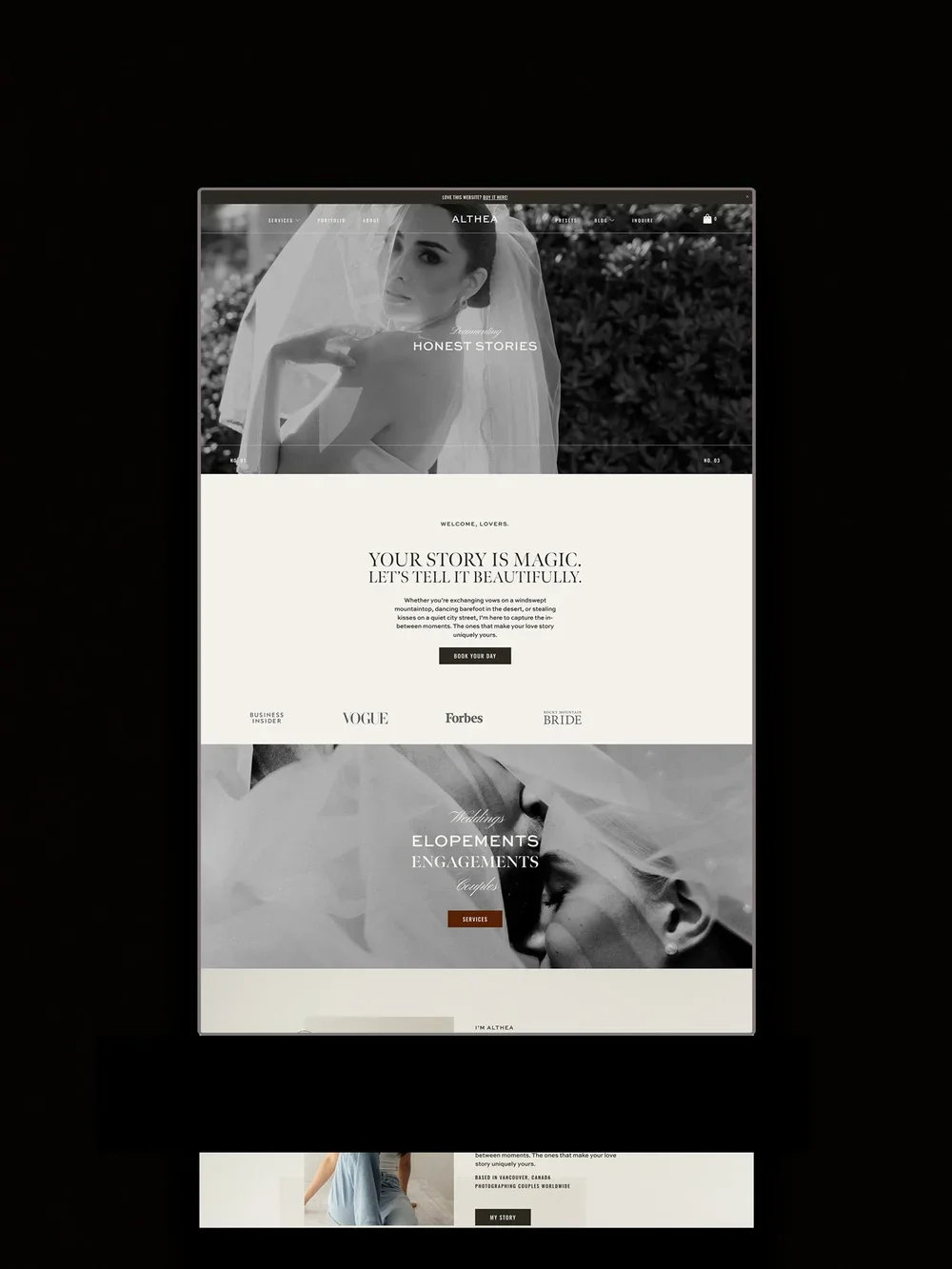
9. Althea by The Styled Square*
Althea is a soft, story-driven Squarespace 7.1 template designed for wedding and elopement photographers who want a warm, romantic website with content sections built around storytelling. It features auto scrolling logos, sliders, and a mega menu.
Pages:
Home, About, Portfolio, Services, Blog, Shop, Contact, custom 404.
Pricing:
$299. Save 10% with code STUDIOFOUNDED.
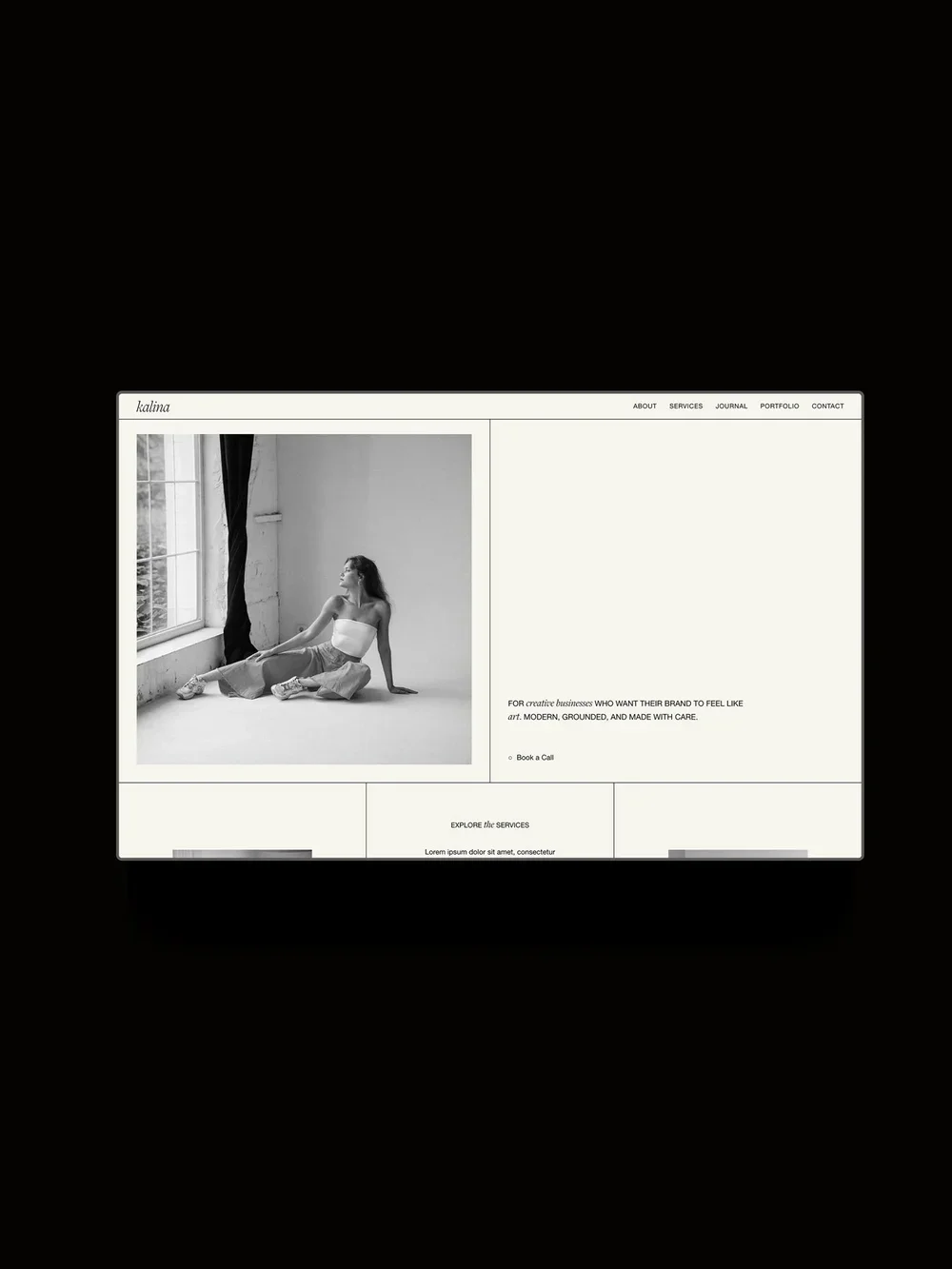
10. Kalina by Studio Founded
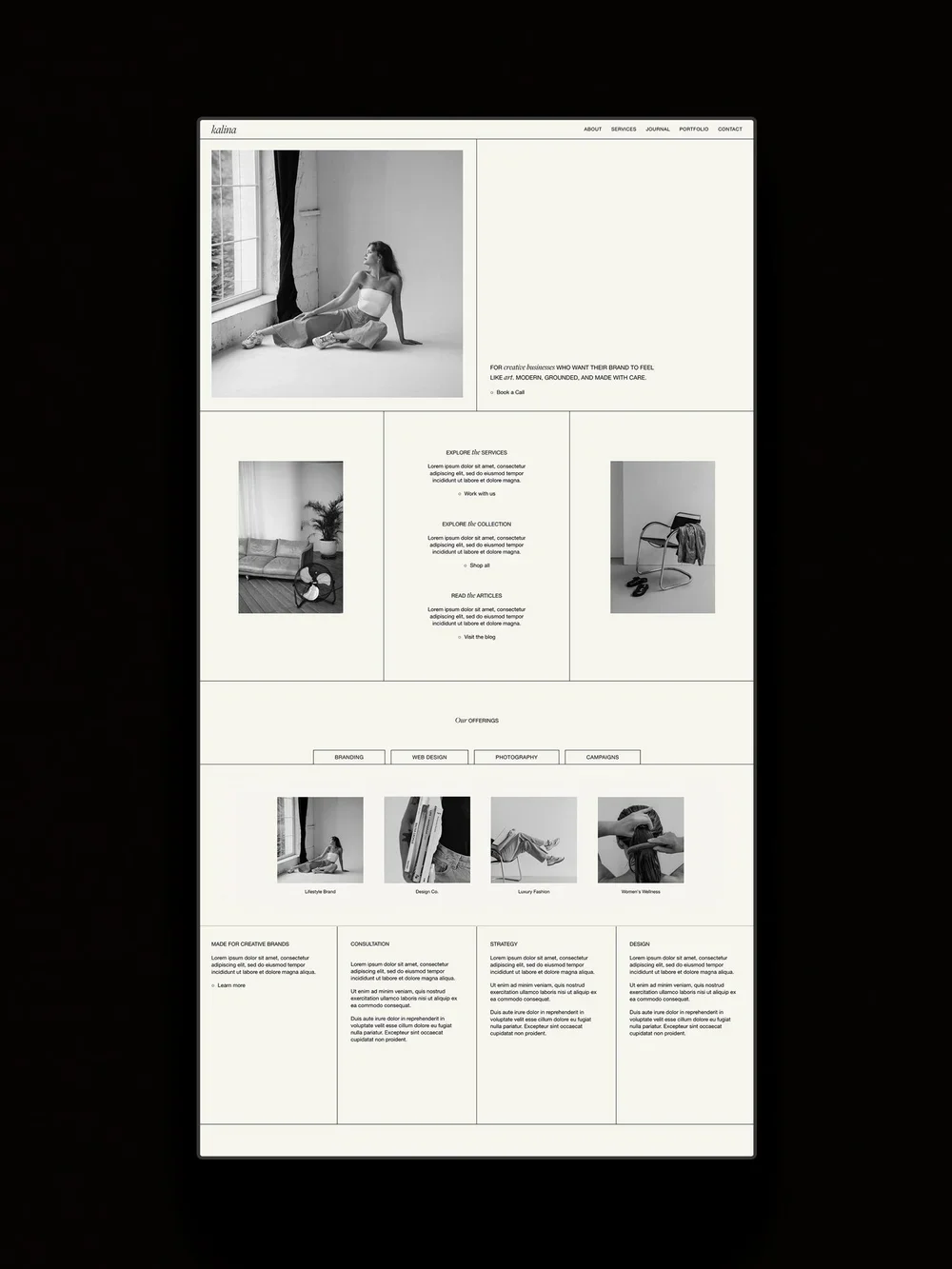
Kalina is a minimal, lifestyle-led Squarespace 7.1 template for contemporary, artful, and lifestyle-led photographers. It has an architectural, grid-based layout. Its features include interactive tabbed sections to display a large body of work or service without taking up visual space, customizable split and grid-based layouts, hover effects, multi-font headings, and more. It comes with tutorials and email support.
Pages:
Home, About, Services, 2x Portfolio layouts, Project Pages, 2x Blog layouts, Blog Post Pages, FAQ, Shop, Product Pages, Sales Page, Contact, Instagram Links, Legal Pages, custom 404.
Pricing
$399 or 2x $199.50 with split payment. Includes 25% off your first year of Squarespace with any annual plan.
11. Rowan by GoLive*
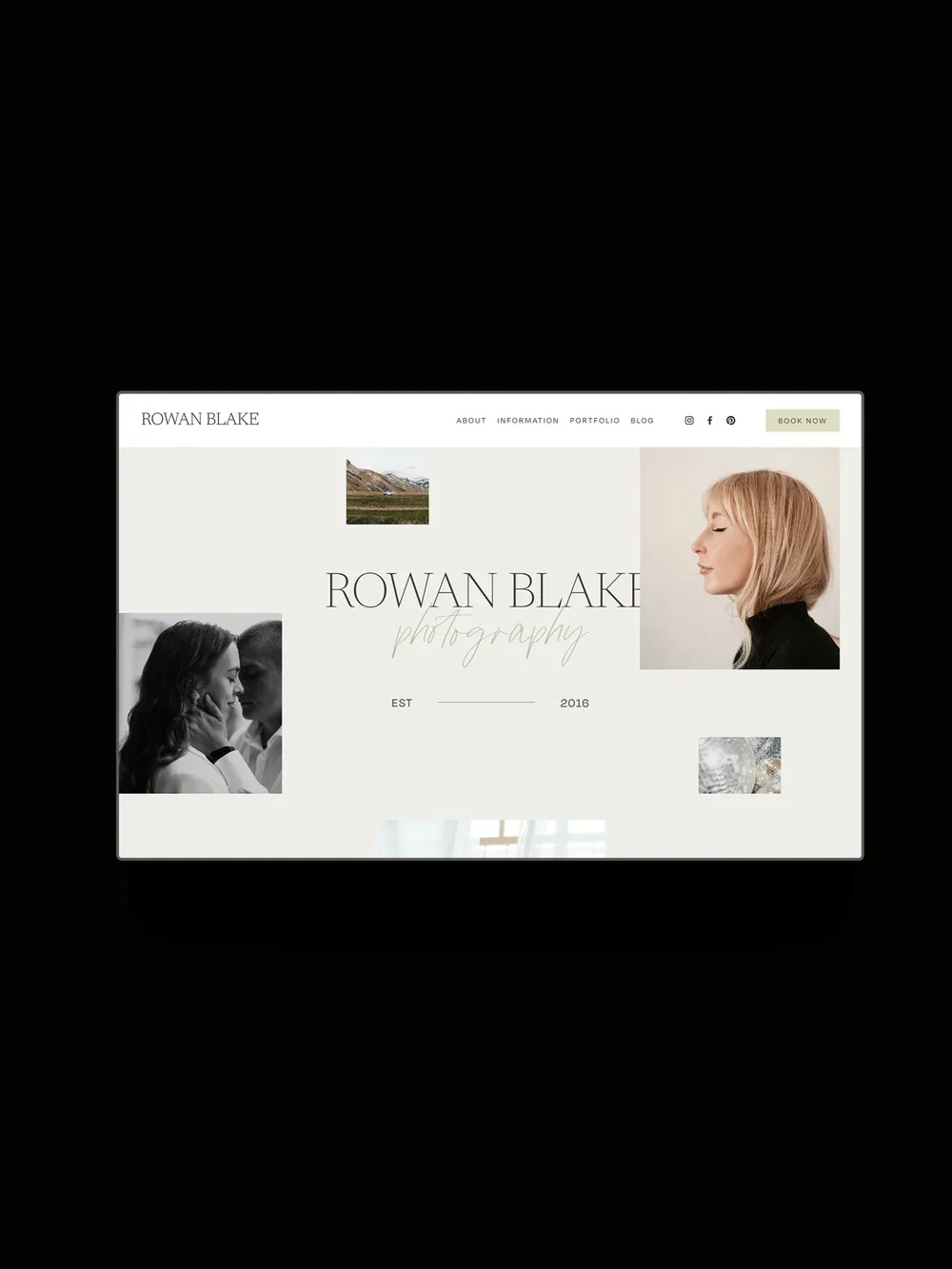
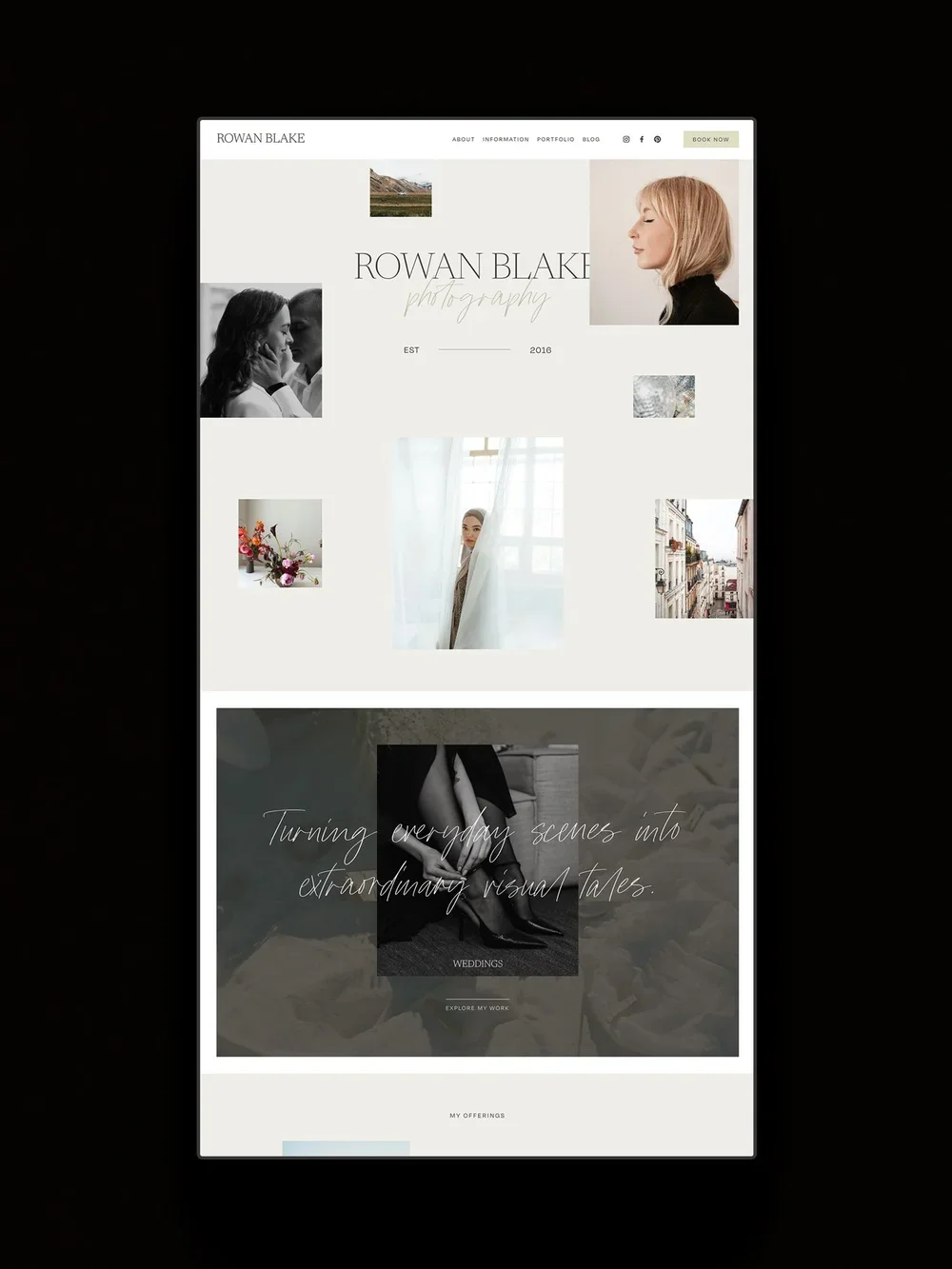
Rowan is a Squarespace 7.1 template that pairs imagery with script typography and a soft palette, offering a romantic, editorial presence. It features auto scrolling logos, sliders, multi-font headings, and more. It’s ideal for romantic, story-led wedding and engagement photographers.
Pages:
Home, About, Services, Portfolio, Blog, Contact.
Pricing:
$299. Save 10% with the code STUDIOFOUNDED10.
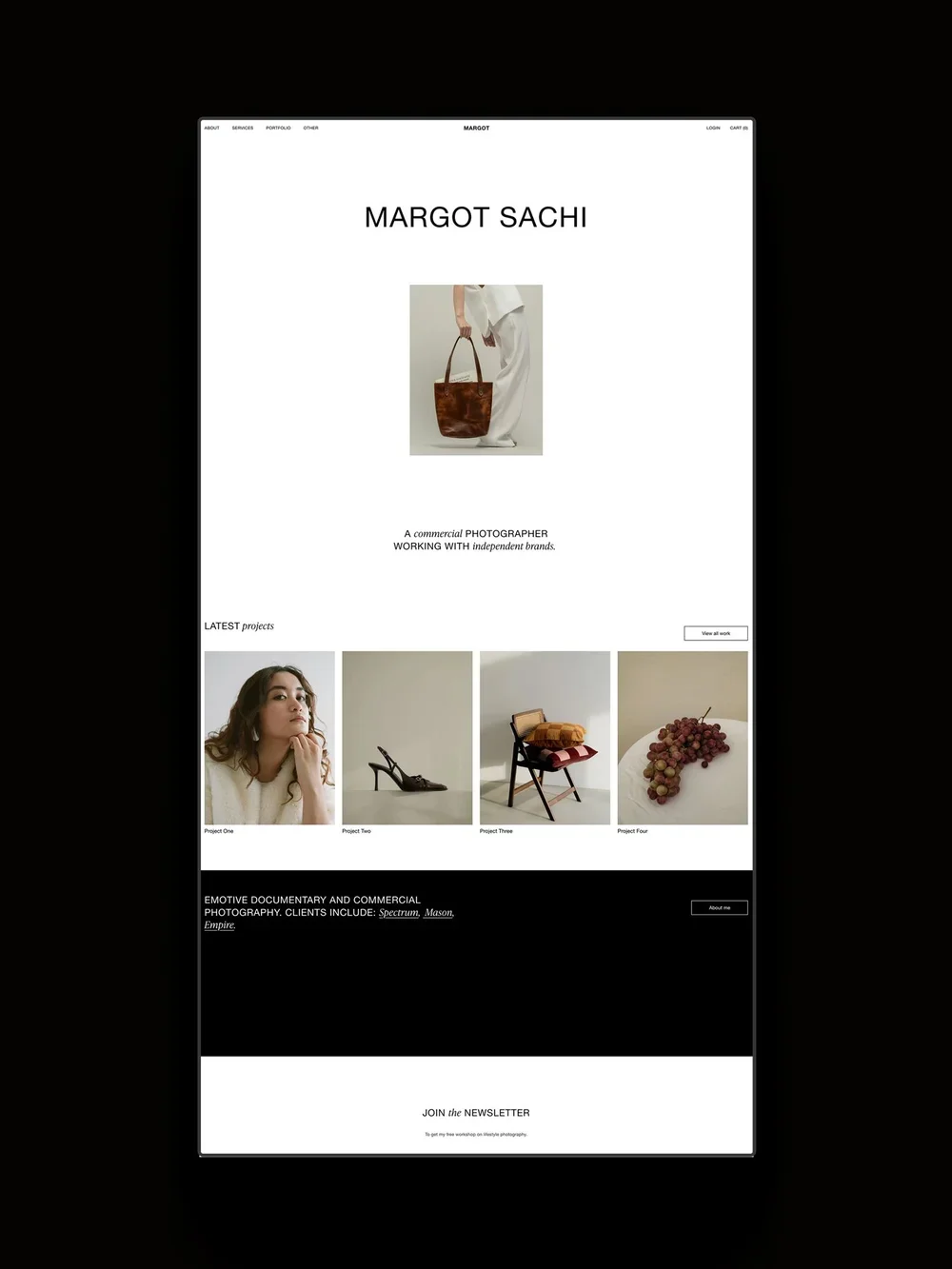
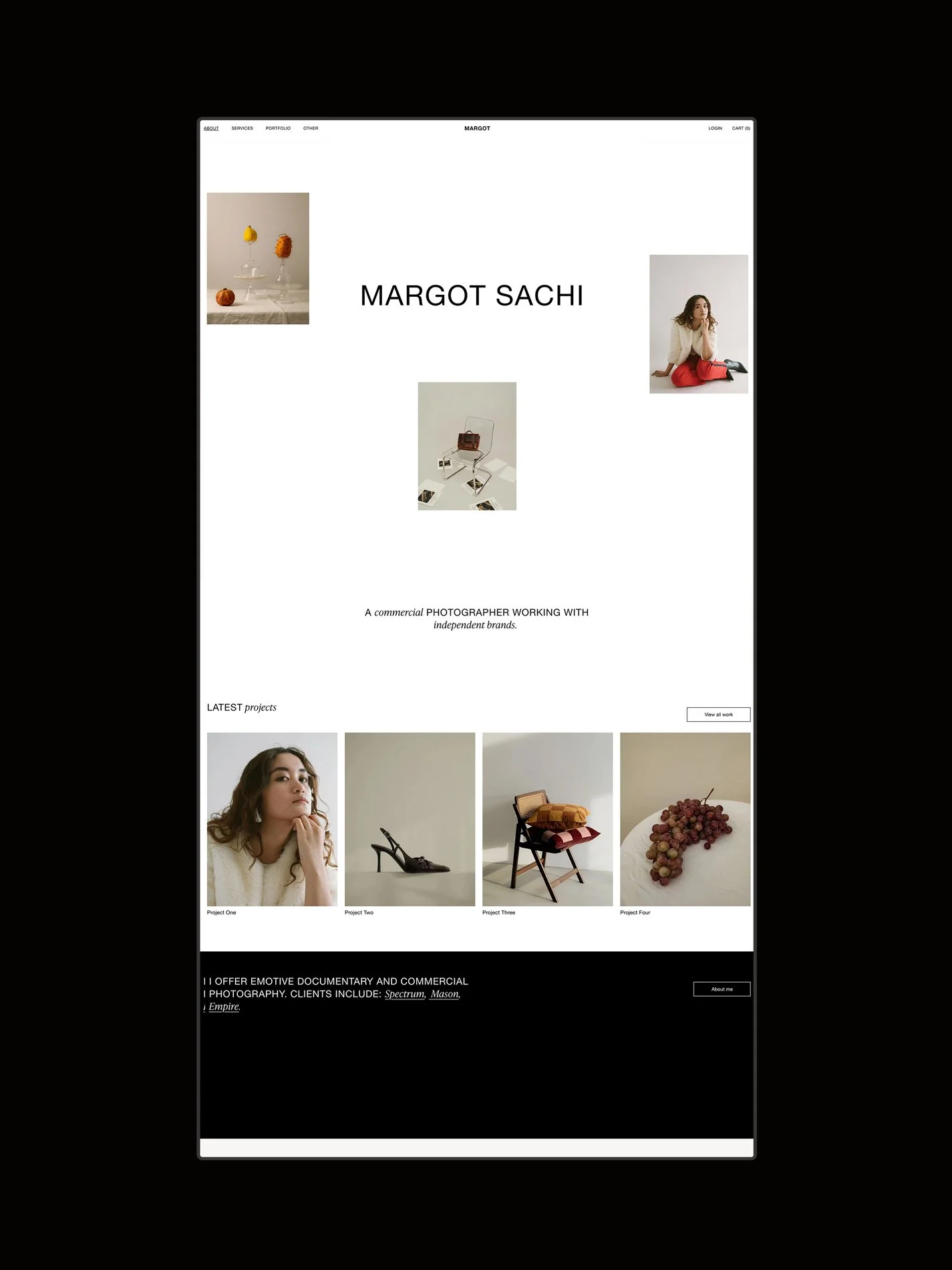
12. Margot by Studio Founded
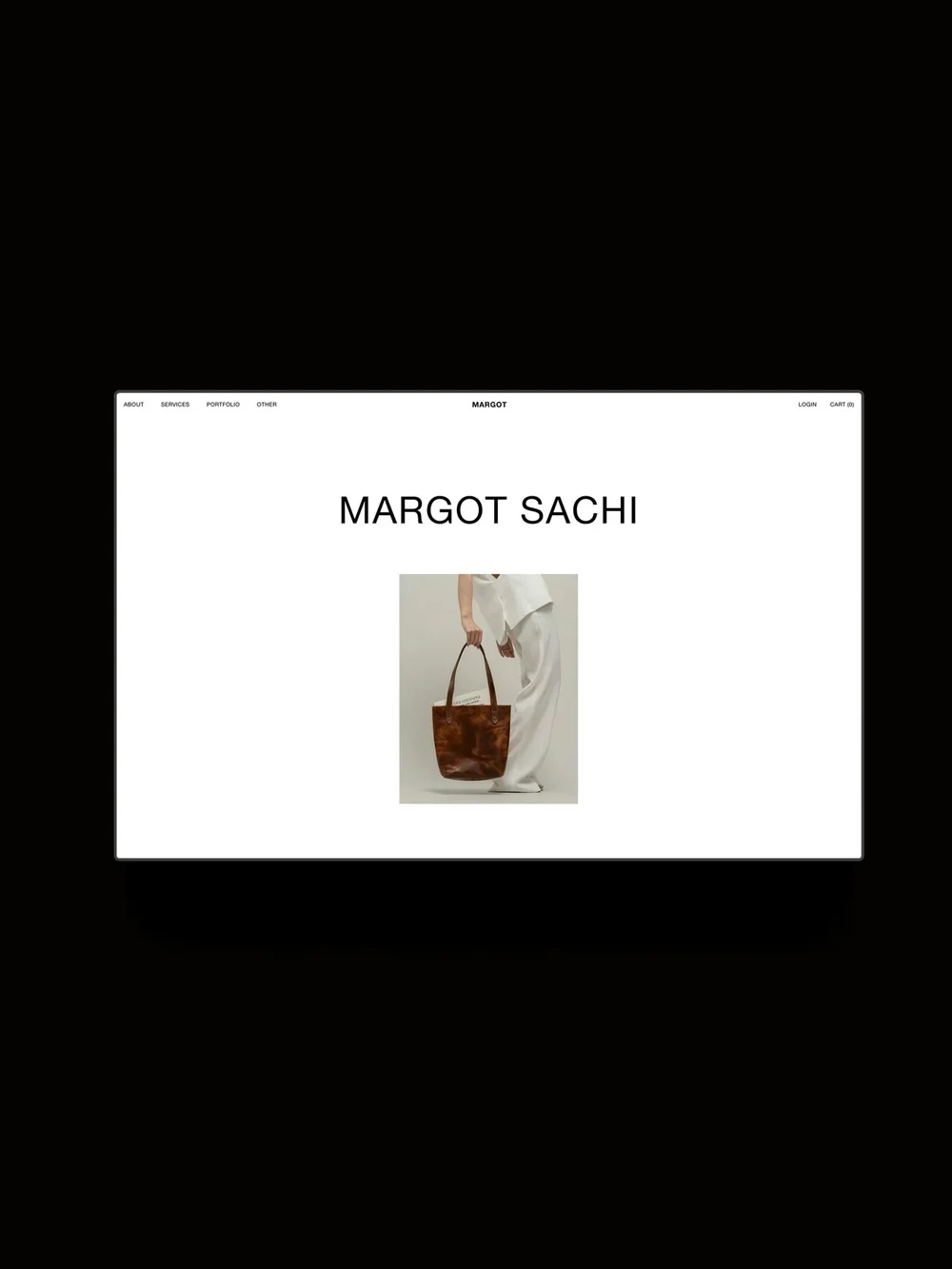
Margot is a Squarespace 7.1 template for commercial and editorial photographers whose work feels bold, modern, and punchy. It features sticky scrolling blocks, multi-font headings, hover effects, and more, and comes with strategy guides, tutorials, and email support.
Pages:
Home, About, Services, 2x Portfolio layouts, Project Pages, 2x Blog layouts, Blog Post Pages, FAQ, Shop, Product Pages, Sales Page, Contact, Instagram Links, Legal Pages, custom 404.
Pricing:
$399 or 2x $199.50 with split payment. Includes 25% off your first year of Squarespace with any annual plan.
13. Palma by SquareStylist
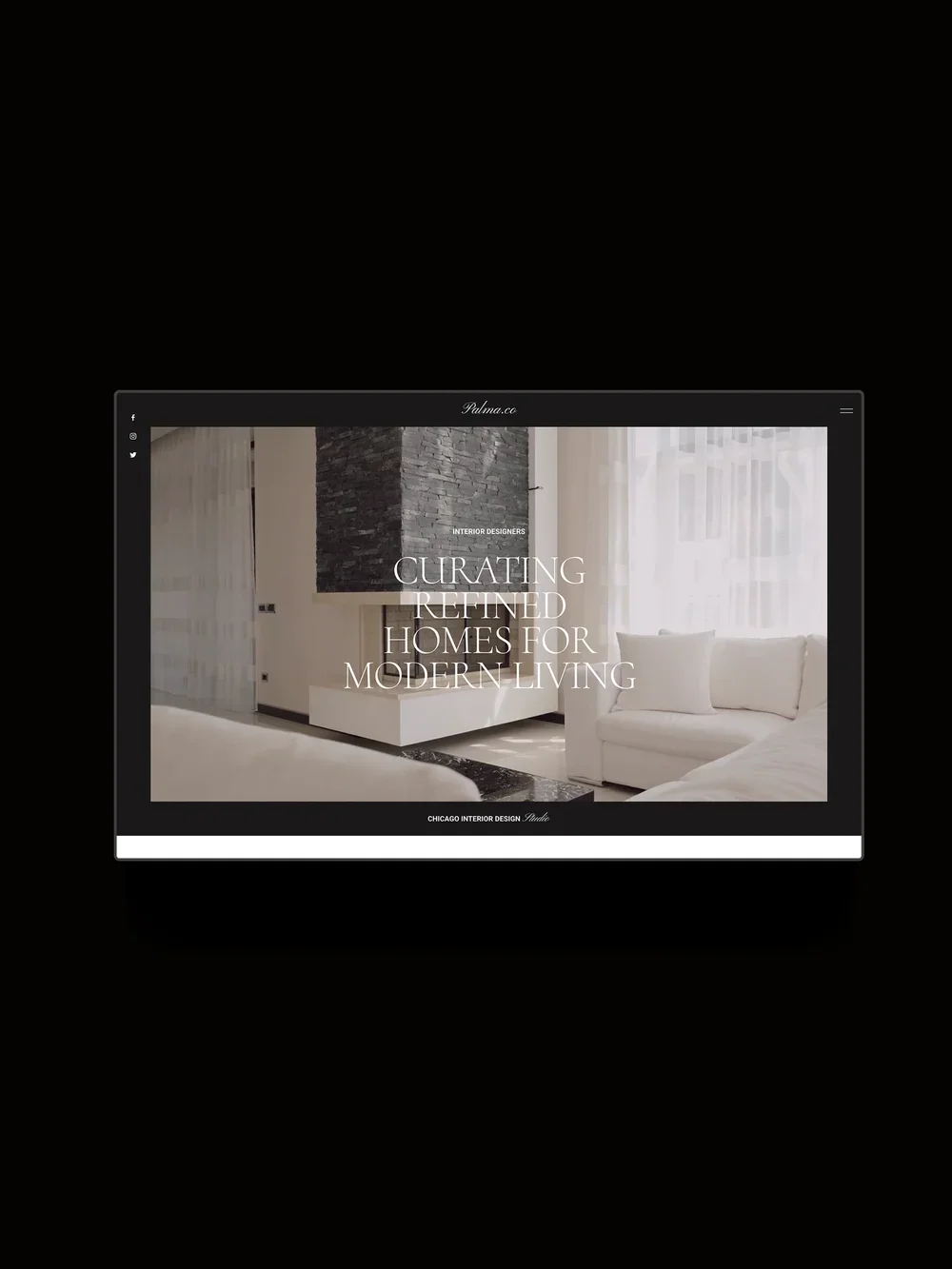
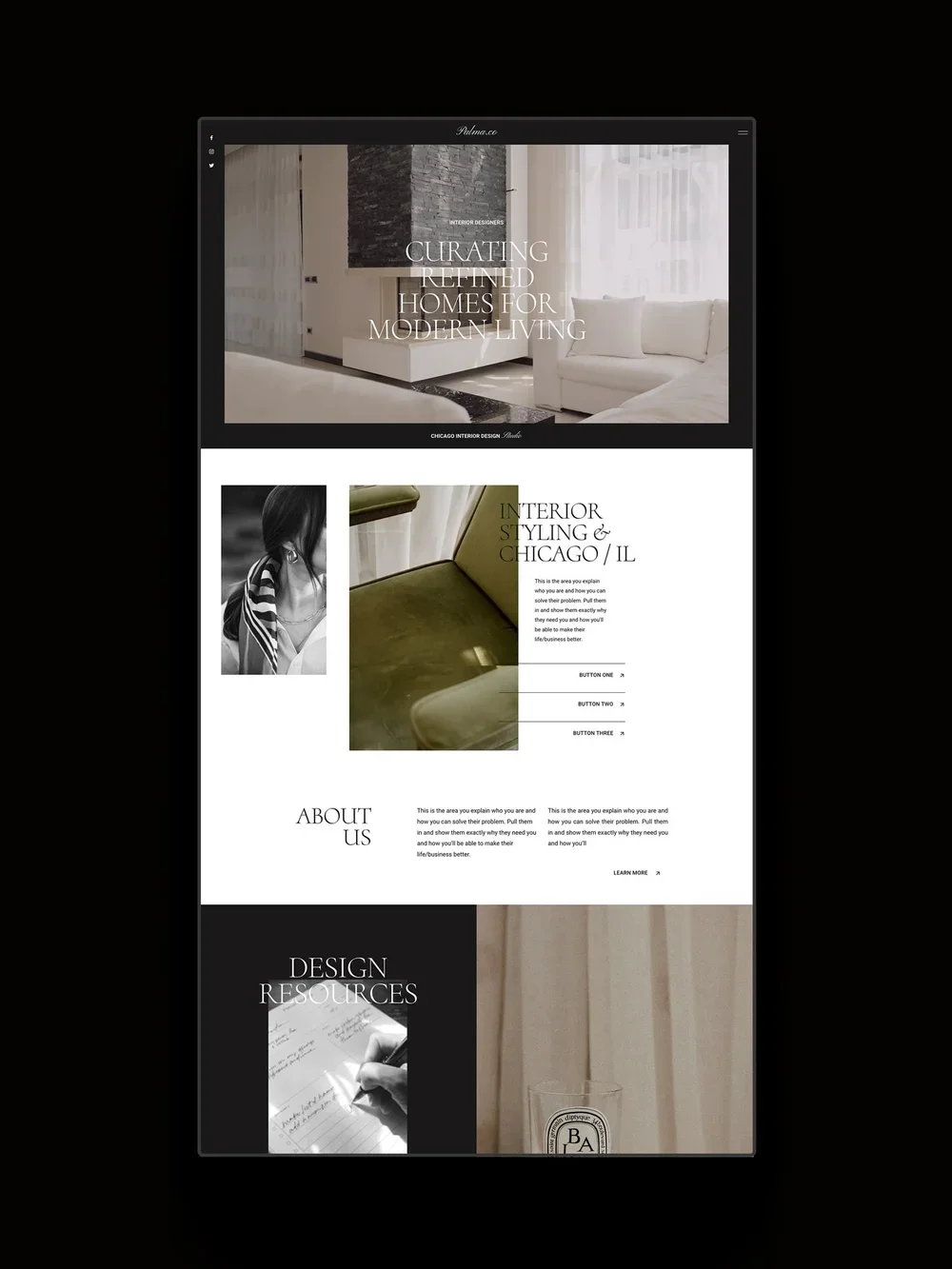
Palma is a sophisticated Squarespace template. While made for interior designers, we think this could work nicely for photographers photographing interiors, too. It features a pop out menu, animated buttons, image hover effects, and more.
Pages:
Home, About, Portfolio, Contact, Services, Blog, Shop, FAQs, and more.
Pricing:
$997.
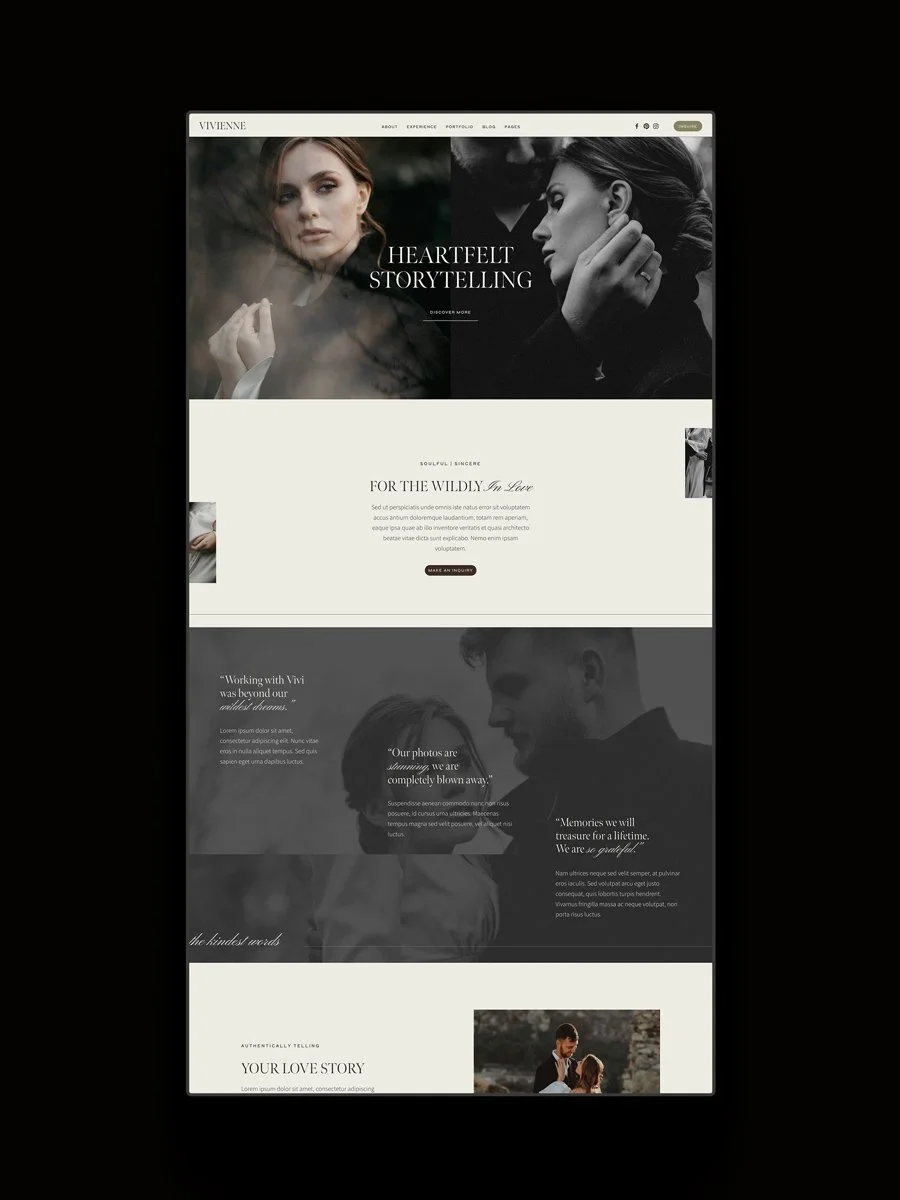
14. Vivienne by Clare Butler*
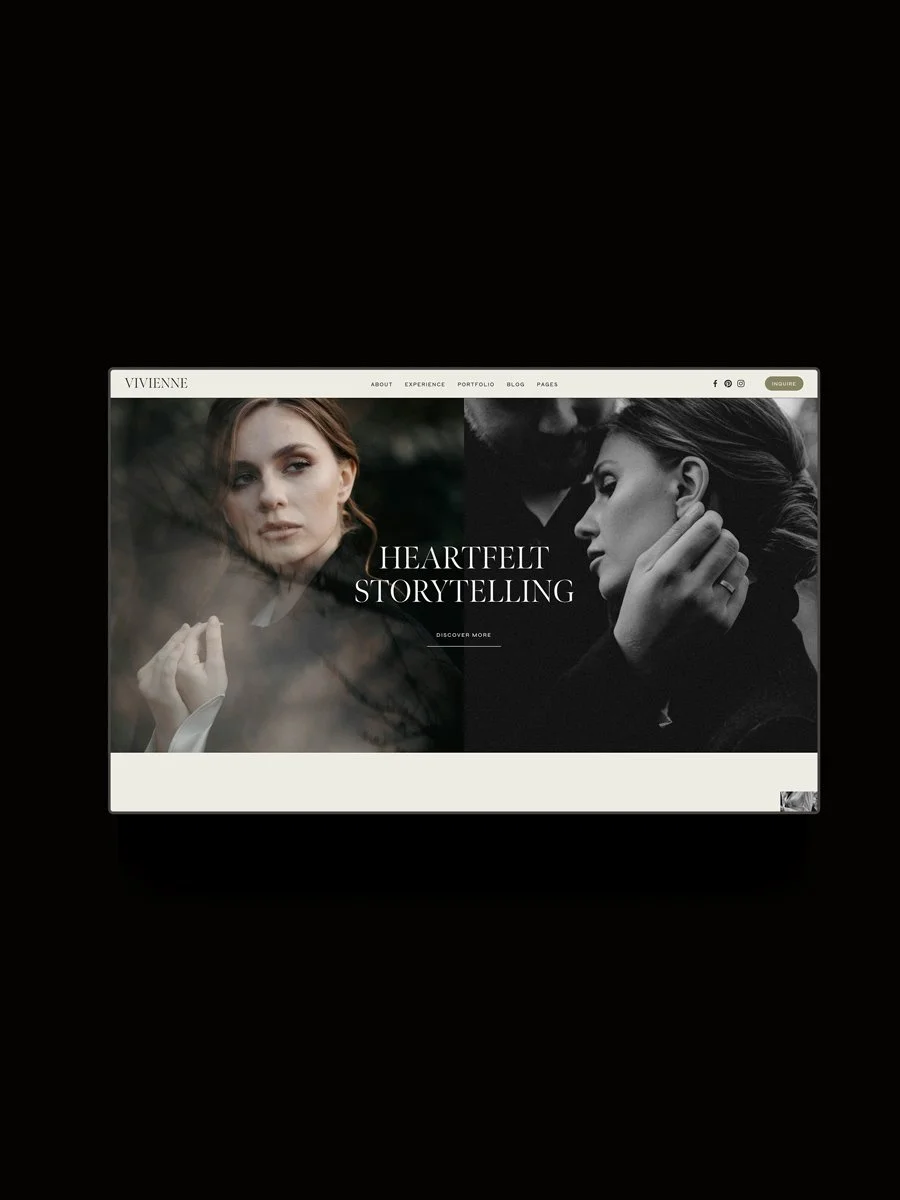
With an editorial, romantic feel, the Vivienne template features an elegant aesthetic. It includes a portfolio page and sections for experience and testimonials, and it best suited to wedding photographers would want a story-led website. It includes a large range of 11+ strategically designed pages, and has the option to add on a done-for-you customization service.
Pages:
Home, About, Experience, Portfolio, Editorial, Portfolio Grid, Blog, 404, Newsletter Sign-up, Instagram Links, Contact, Privacy.
Pricing:
£169.
FAQs
Q. Is Squarespace a good platform for photographers?
A. Yes! We recommend it to photographers because it’s easy to manage, so you don’t need to spend time managing security, updates, or plugins. You can handle your entire process (contact form, scheduling, proposals, invoicing, and email marketing) from your Squarespace website. Squarespace is built for visual content, with a range of options for galleries, sliders, and portfolio pages. It’s also responsive and mobile friendly.
Q. What is a premium Squarespace template?
A. The free templates are made by Squarespace and are included in your subscription. A premium Squarespace template is one that has been professionally designed by an independent studio or designer.
Q. How do I access a premium template after purchase?
A. Delivery depends on the template shop. Some provide immediate access, while others transfer the template manually. You can check the delivery details on the product page before you purchase. Our templates are installed for you into your existing Squarespace account within 48 hours.
Q. How much do premium Squarespace templates cost?
A. They typically range from $150 to $599, depending on the number of pages, the design, and the support included.
Q. Can I customize a template to match my brand?
A. Yes! Squarespace is very flexible, and you can update fonts, colors, imagery, layouts, and pages. Custom coded features may not be fully customizable, so remember to check with the template designer if you’re unsure.
Q. Should I choose a template or a bespoke design?
With a template, you can launch sooner with a lower investment. We recommend bespoke design when you’re more established and ready to invest in brand and website strategy and design.
The middle ground is our One-Week Website, where we tailor a template for your brand, including strategy, content upload, design customization, and SEO essentials.
You May Also Like:
11 Best Places to Buy Squarespace Templates (2026)
18 Best Squarespace Plugins for Online Stores (2026)
5 Squarespace CSS Hover Effects
Continue Reading
Shop the Template Library