Squarespace offers a collection of built-in templates available with your subscription. They offer a great starting point if you’re new to Squarespace, typically including key styled pages, like Home, About, and Contact.
As a drag-and-drop builder, you’re not limited to the templates. You can add new blocks and pages, move things around, and change fonts and colors. So if you’re looking for a fast and affordable way of launching a website, a free Squarespace template combined with drag-and-drop design is a great starting point.
However, you’ve likely heard of premium Squarespace templates. This post is for those wondering what premium templates are, what they offer, and when you should choose a premium template over a built-in one.
Affiliate disclosure: Some of the links in this article are affiliate links, marked with an asterisk (*). Studio Founded may receive a commission from qualifying purchases made through these links, at no additional cost to you. You can read our full affiliate disclosure here.
What Are Built-in Squarespace Templates?
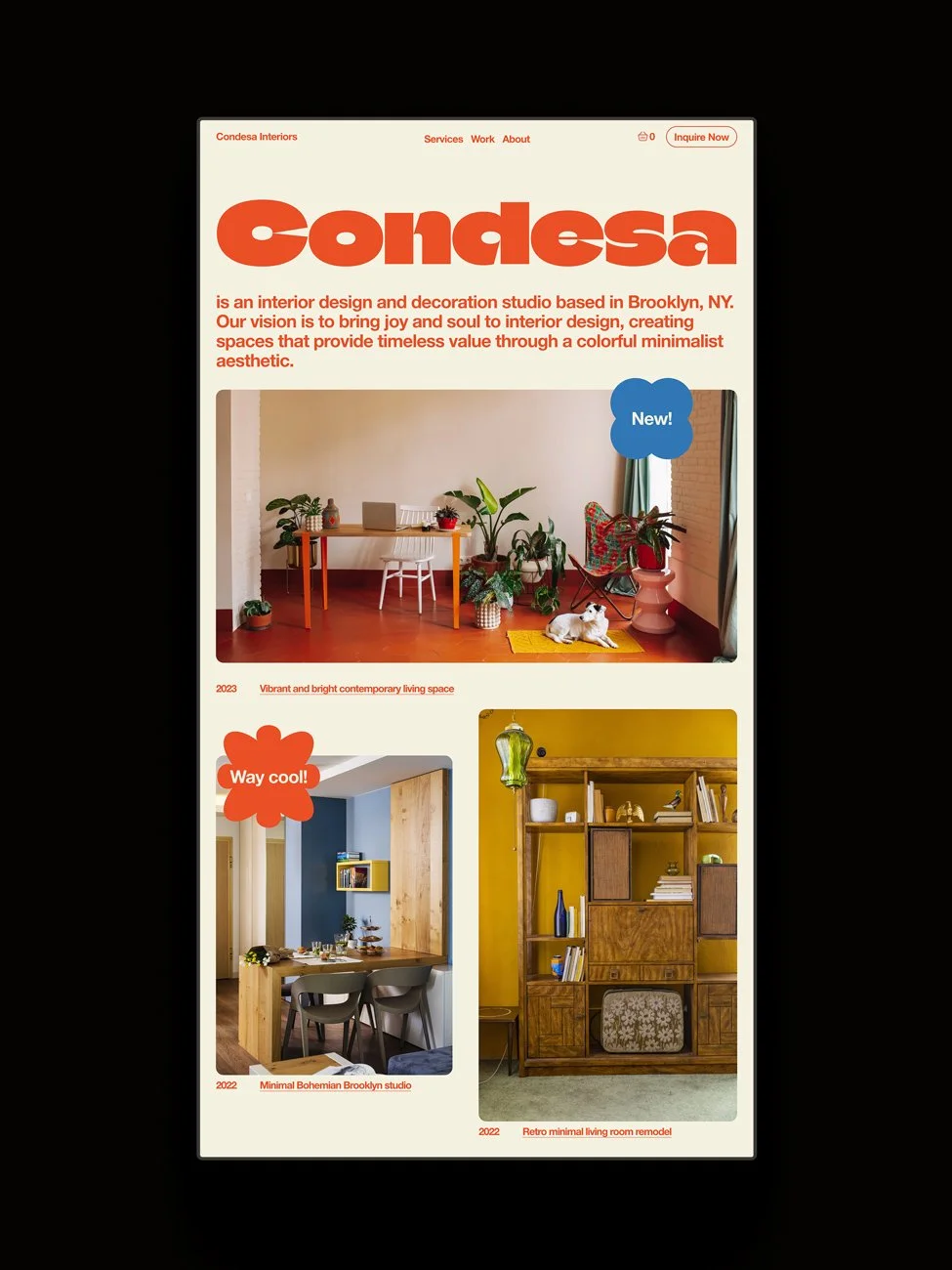
Let’s begin with a close look at the built-in templates and what they offer. Some of our favorite built-in templates include:
If you’d like to explore them, you can start a 14-day free trial here*, and if you’d like to subscribe, you can use the code STUDIO10 to save 10%.
Note: Squarespace opts for its drag-and-drop builder instead of a template-based system. This means that you can select a template as your starting point, but you’re then reliant on the drag-and-drop builder to make changes. You can’t switch between different templates, for example. This is fine if you’re fairly confident with website design, or are happy to learn and DIY, but if you’d like to keep the design process as simple as possible it’s important to choose a template that provides a solid foundation for you.
The Benefits of Built-in Squarespace Templates
Home Page
These templates all come with well-designed Home pages, with sections for things like portfolio work, testimonials, and products, depending on the template.
Additional Pages
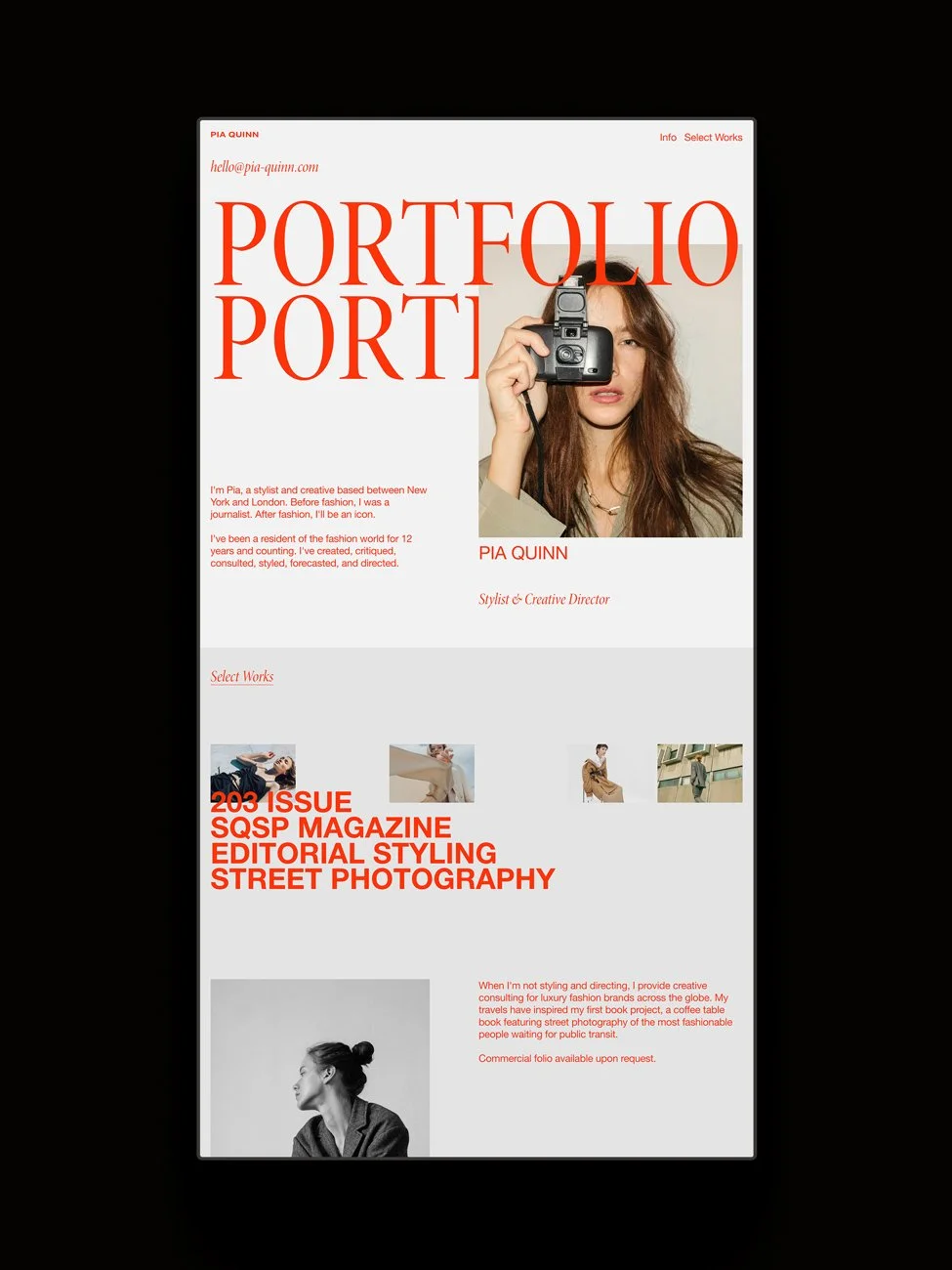
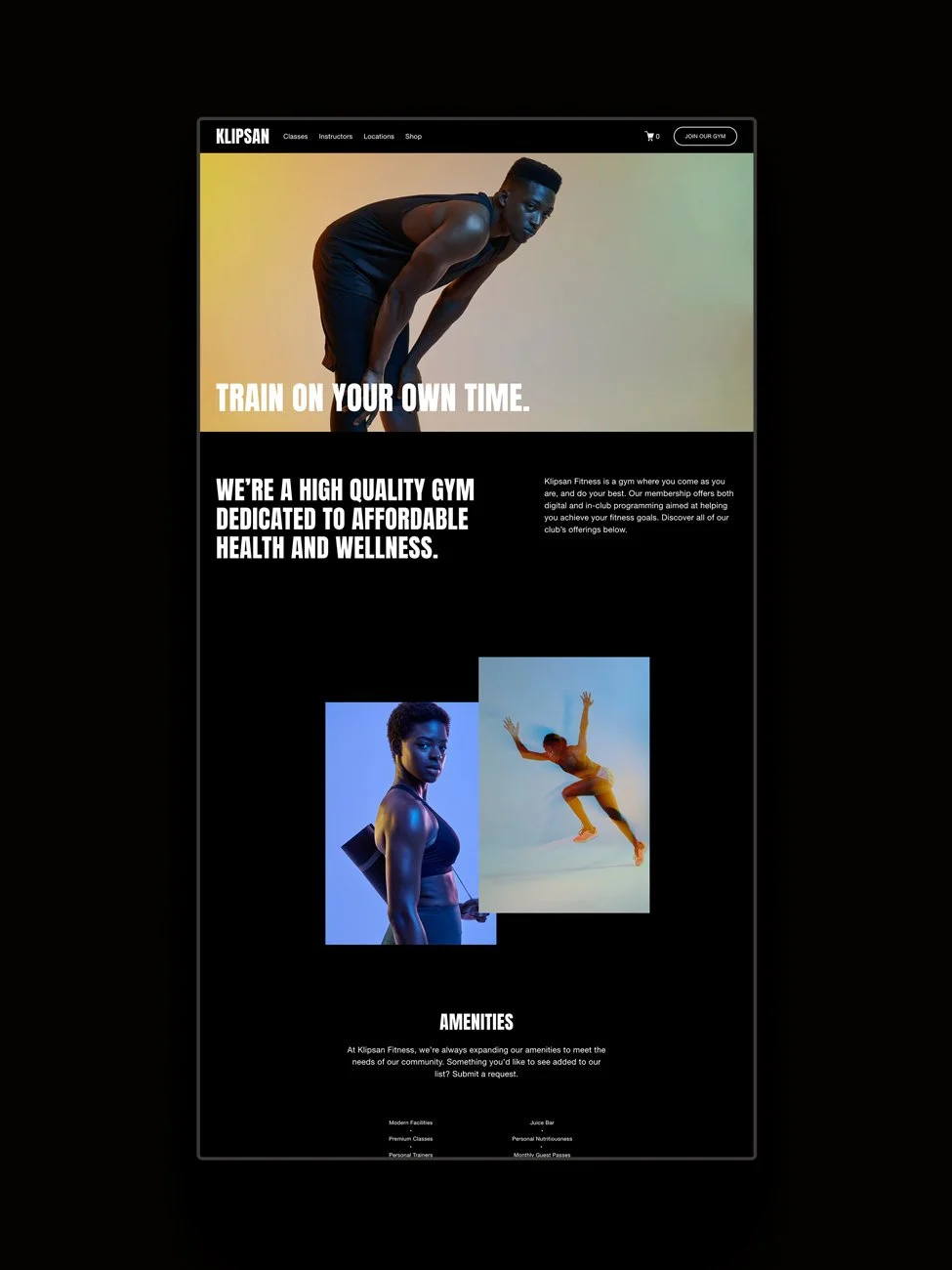
They also include a selection of key additional pages. For example, Quinn comes with an about and Select Works page, while Klipsan comes with pages for Classes, Instructors, Locations, and Shop.
Squarespace Features
Many of them also make use of Squarespace features such as the newsletter block for Email Campaigns (Squarespace’s built-in newsletter feature), a contact form so visitors can reach out to you, a scheduler block for Squarespace Scheduling, and shop/product functionality.
Ease of Use
They’re no-code, easy to use, and easy to set up.
The Drawbacks of Built-in Squarespace Templates
Template Range
There are currently 202 built-in Squarespace templates, which is a lot, but it’s also not a huge selection. Especially when so many people use the platform, there’s a risk that many websites will end up looking the same, rather than something branded for their business.
Design
Which brings us to design. There’s a typical look to Squarespace websites that’s easy to spot in the wild. That isn’t necessarily a bad thing, but if you’re aiming for high-end positioning, you may want something a little more branded or differentiated.
Page Range
While they come with some additional pages beyond the Home page, it isn’t a full collection. They often skip blogs, a dedicated contact page, or a store, so you may need to design additional pages later.
Support
Squarespace offers 24/7 customer support for glitches, problems, or questions about the platform. This is a big benefit, but it isn’t the same as being able to ask a designer questions about layouts, fonts, and colors.
What Are Premium Squarespace Templates?
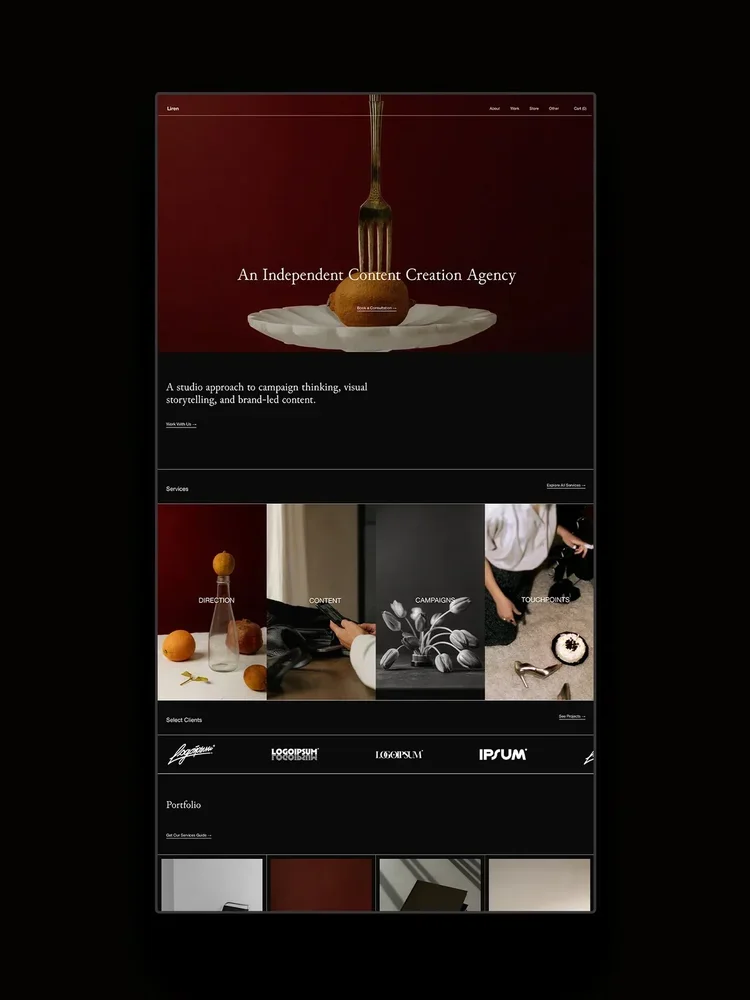
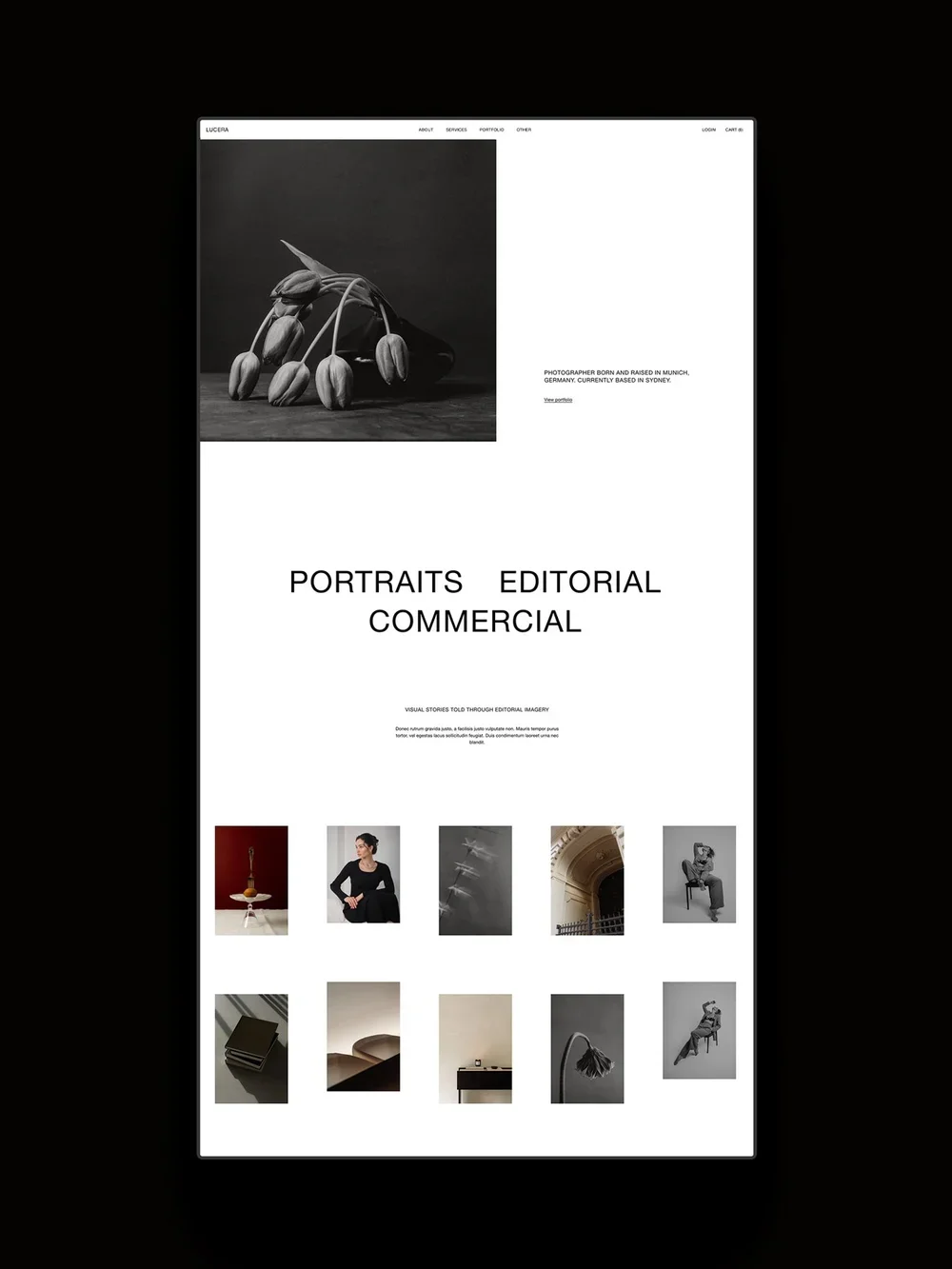
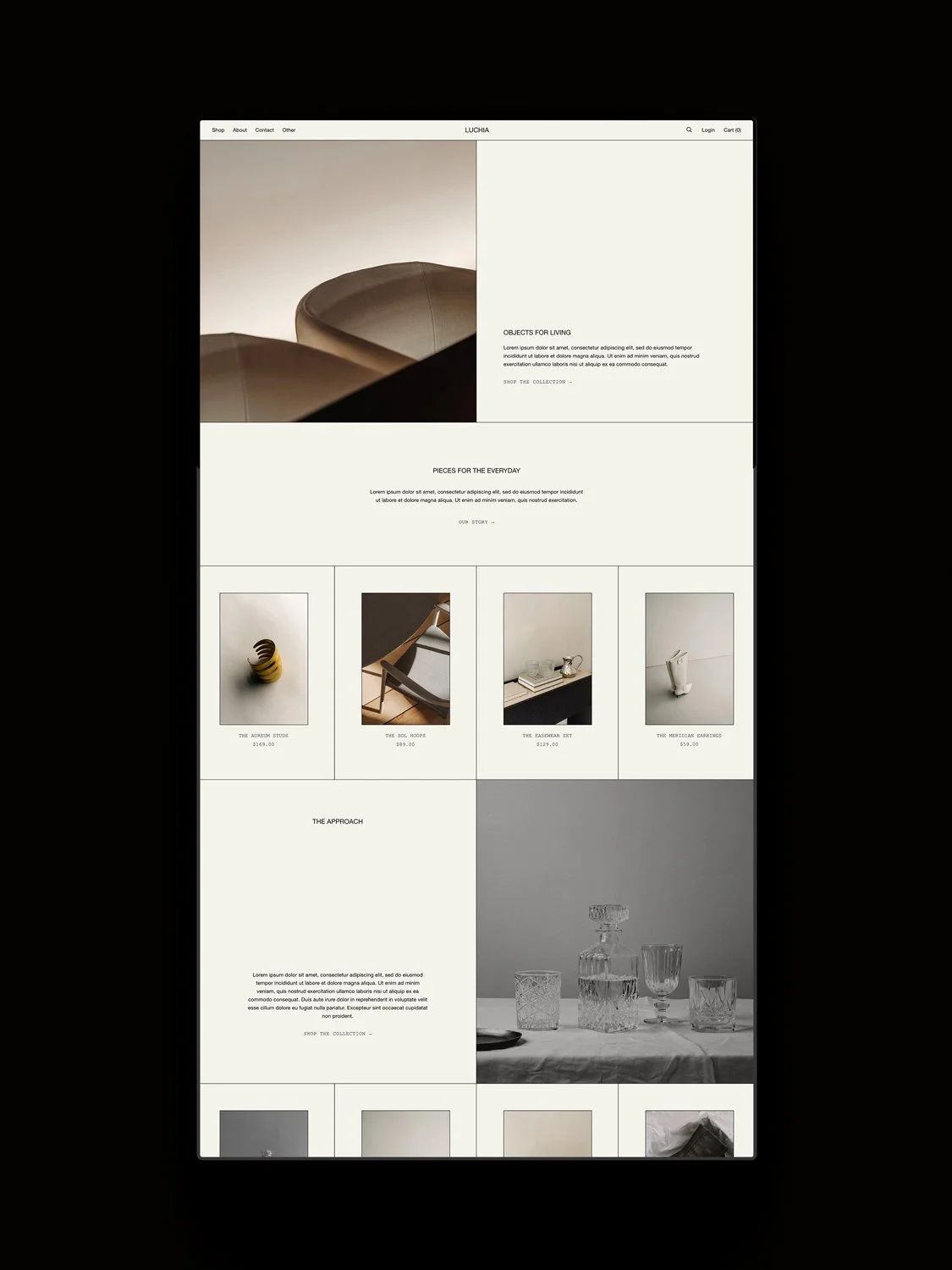
Premium templates are designs made by independent designers. We ourselves are brand and web designers, typically working on bespoke 1:1 projects, but we also offer a Template Library where we offer Squarespace templates. Some of our bestselling templates are:
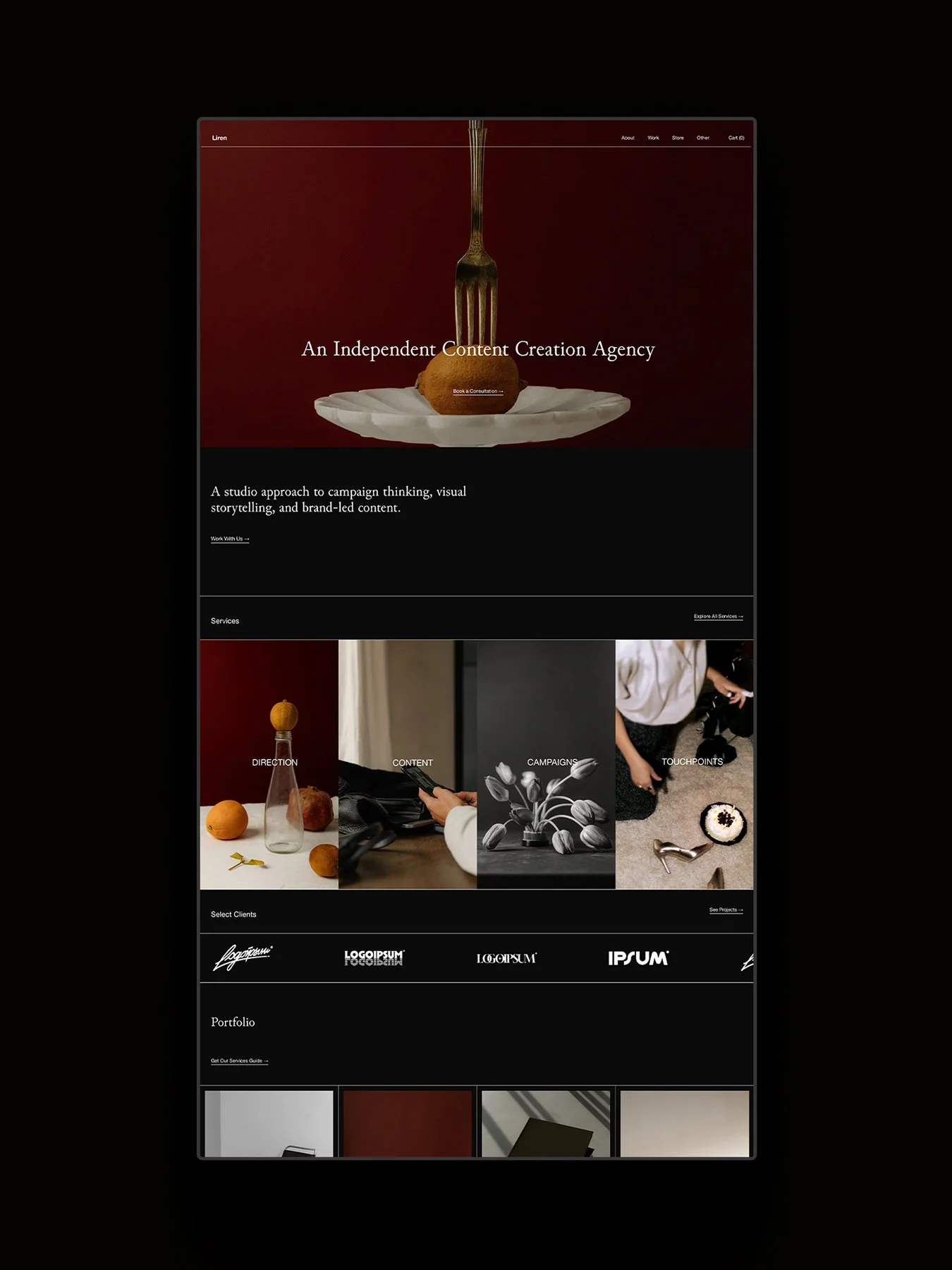
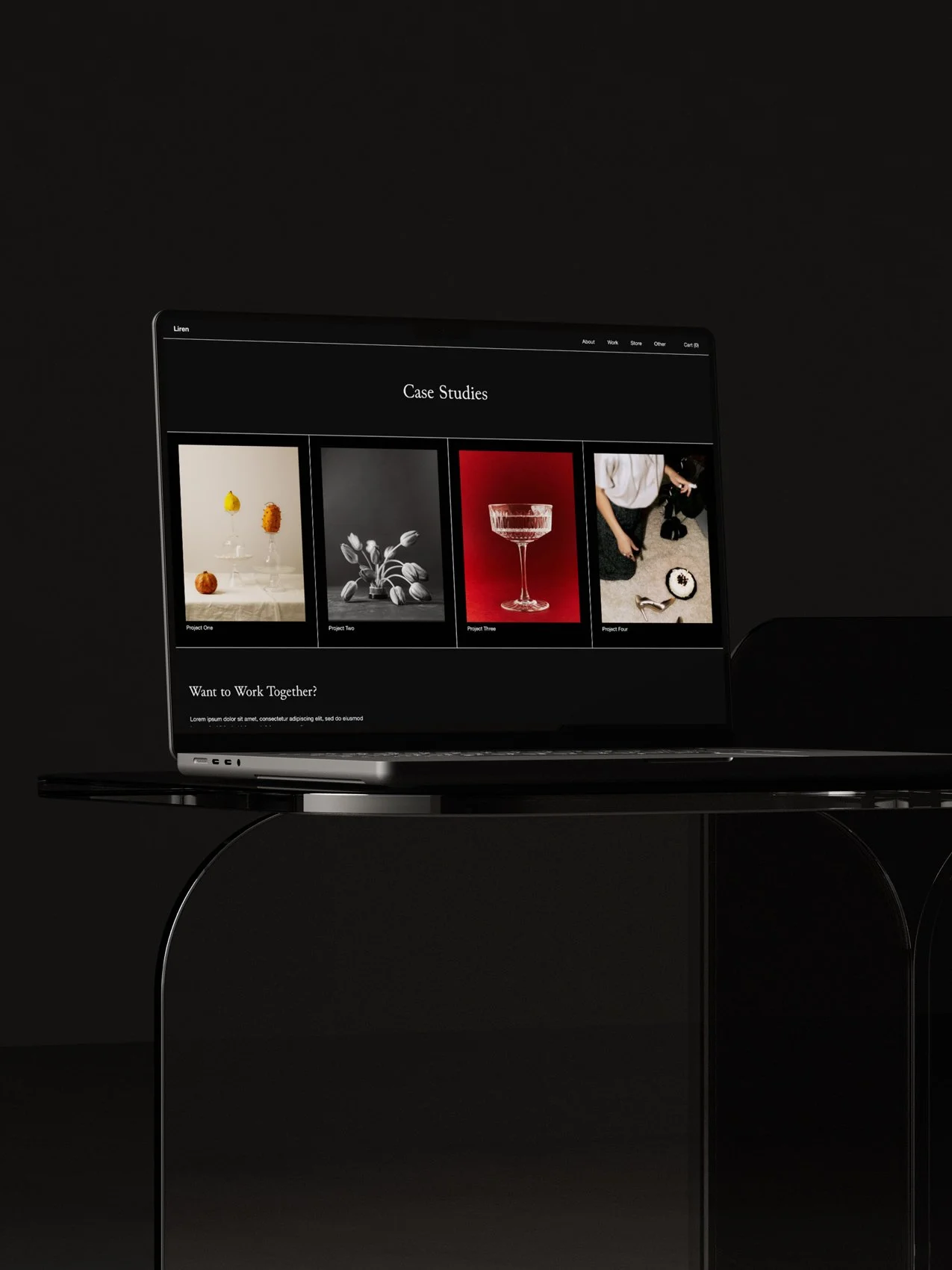
Liren for services
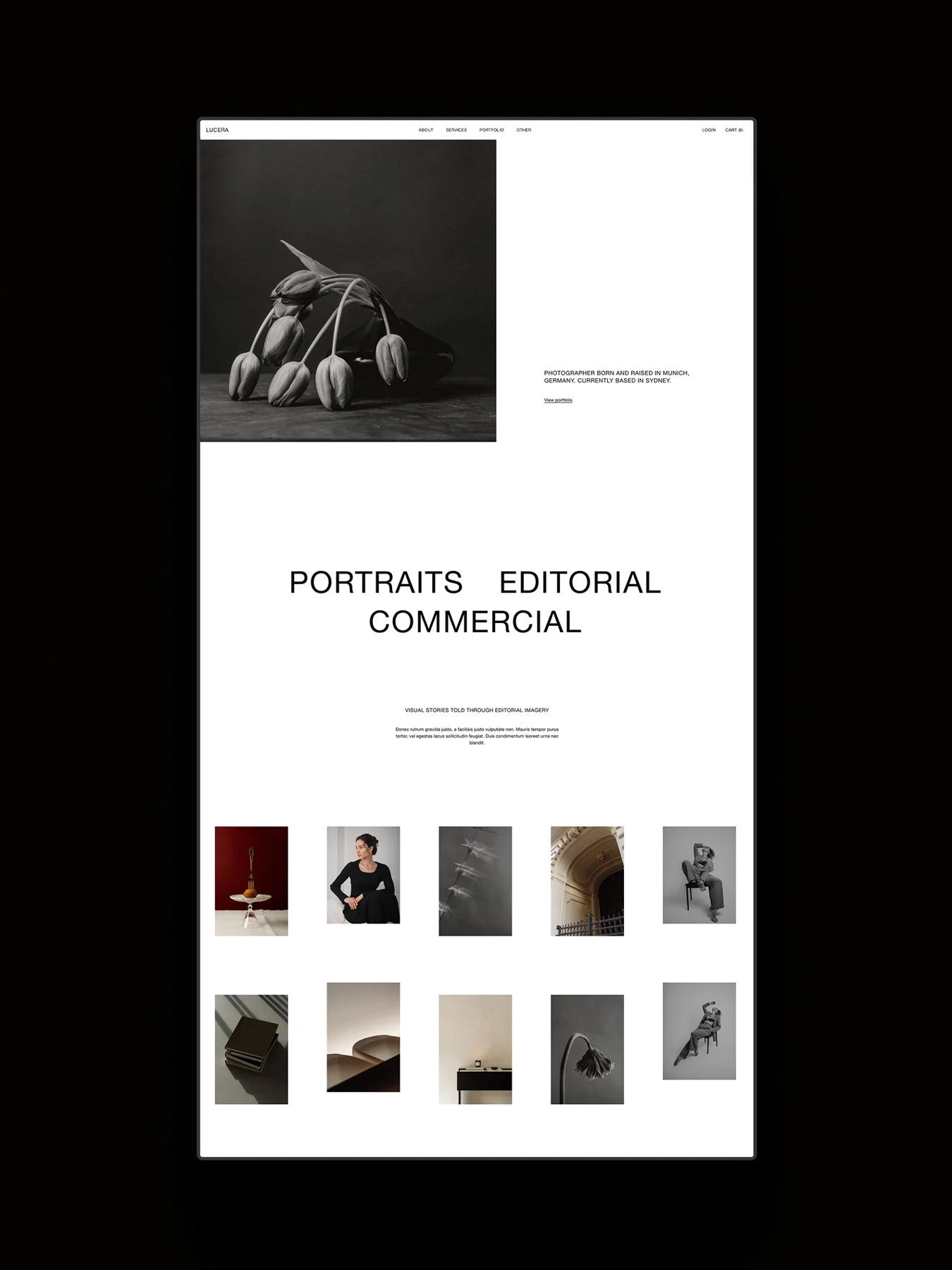
Lucera for photographers
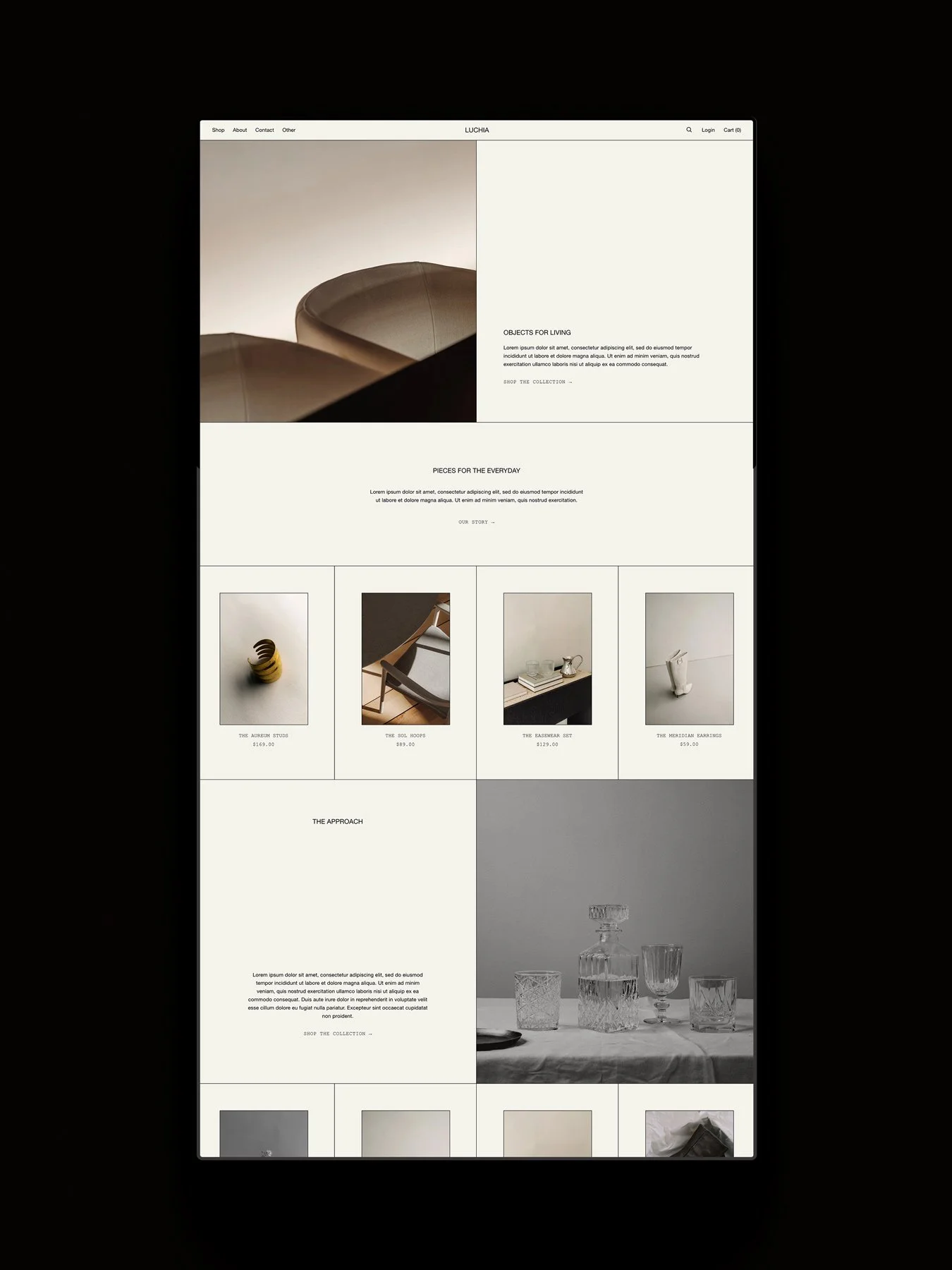
Luchia for shops
We aren’t the only Squarespace template shop, and you can read our full guide, 11 Best Places to Buy Squarespace Templates, for more information about where you can shop for templates.
In this post, however, we’re going to focus on the benefits and drawbacks of choosing a premium template, and when you should consider choosing one.
The Benefits of Premium Templates
All the Benefits of Squarespace
Premium templates are still built with the Squarespace platform, and come with all the benefits of a built-in template. This includes access to the drag-and-drop builder, Squarespace’s 24/7 support, access to add-ons like Memberships, Scheduling, and Email Campaigns.
Page Range
Premium templates often come with a wider range and number of pages (though not always, so remember to check the template documentation). For example, our templates include 12+ pages, including Home, About, Services, Shop, Blog, Portfolio, Contact, a Sales Page, and more.
Custom Features
They also often include custom features that extend Squarespace’s native features and capabilities. Our templates include features like modular split sections, tabbed sections, hover effects, animations, and more. This brings a wider range of design and layout capabilities and helps your website look more premium and designer-made.
Designer Support
Most Squarespace templates come with a support window, so you have someone to reach out to if you have questions. Direct access to a Squarespace expert is invaluable while you build. Support terms vary, but we personally provide 30 days of priority support. You’re welcome to send us questions after that, but we may require a little longer to respond during busy periods. We’re also happy for customers to contact us with any design and strategy related questions.
Additional Resources
Many Squarespace templates come with supporting resources. These may be Squarespace guides, template-specific tutorials, or additional resources. Our Template Guides include website strategy workbooks, SEO guides, checklists, Squarespace and template tutorials, recommended resources for growing your website, and more.
Extended Trial & Squarespace Discounts
Squarespace template designers are usually Squarespace Circle members. Being part of Squarespace Circle brings access to perks that you can share with your clients and customers. As Platinum Squarespace Circle Members, templates made by us receive an extended 12-month Squarespace trial, giving you more time to build out your content, and are eligible for a 25% discount for the first year of any annual Squarespace plan.
The Drawbacks of Premium Templates
Pricing
The cost may be a deciding factor for new businesses. A template typically costs between $150 - $599, though can go up to $999.
Custom Code
Premium templates may include custom code. This adds additional features and functionality, but may need tutorials or designer support to make customizations to, so check the template documentation or ask the designer if you’re unsure.
Support Window
Premium templates come with a support window, though it’s often limited. Template shops are often run by small studios and independent creatives who can’t offer ongoing support. Be sure to check and ask any questions during the support window, if needed.
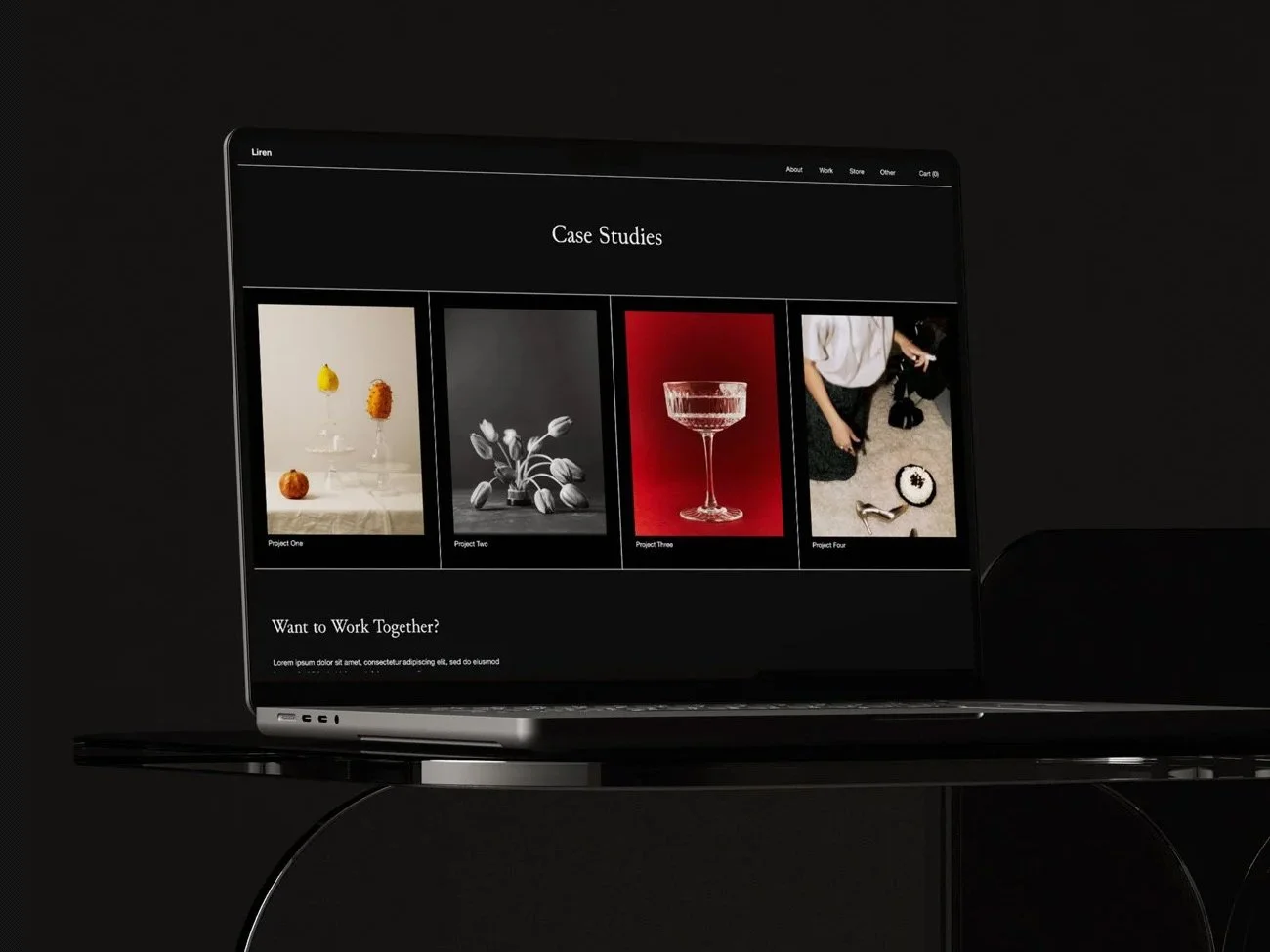
The Liren Squarespace template by Studio Founded.
When Should You Choose a Built-In or Premium Template?
Choose a built-in template if:
- You need a cost-effective way to launch your Squarespace website.
- You're happy to design pages and layouts yourself.
- You want to begin with a simple site, and branding doesn't heavily matter to you.
- You have the time to build the additional pages and sections you may need.
Choose a premium template if:
- You want a designer-made starting point.
- You need a premade collection of pages and layouts.
- Your website has a key role in attracting clients and making sales.
- You'd like extra features and functionality.
- You value tutorials, resources, and designer support.
- You want to spend less time working on design.
- You'd like access to extra perks, like extended trials and Squarespace discounts.
FAQs
How much does Squarespace cost?
You can go here to explore Squarespace plans, features and pricing. Use our code STUDIO10 to save 10%.
How much do premium Squarespace templates cost?
A. They typically range from $150 to $599, though they can be up to $999 depending on the designer, number of pages, and the design.
Can I customize a template to match my brand?
A. Yes! Squarespace is very flexible, and both built-in (free) and premium templates allow you to update fonts, colors, imagery, layouts, and pages. Custom-coded features in premium templates may not be fully customizable, so remember to check with the template designer if you’re unsure.