How to Upload Custom Fonts to Squarespace 7.1
If you have custom brand fonts, it’s best to include them on your website for cohesive branding. You can now upload fonts directly to Squarespace 7.1 through Site Styles, whereas you used to have to rely on custom CSS. In this guide, we’ll share a step-by-step guide to upload your fonts in Squarespace.
Affiliate disclosure: Some of the links in this article are affiliate links, marked with an asterisk (*). Studio Founded may receive a commission from qualifying purchases made through these links, at no additional cost to you. You can read our full affiliate disclosure here.
1: Visit Your Site
Start by going to your website. If you’re unsure how to log in, you can visit our guide on logging into Squarespace. Once you’ve logged in, click on the site where you want to upload your custom font.

II. Select Site Styles
Once inside your site, you can open Site Styles by selecting the Paintbrush Icon in the top right-hand corner.
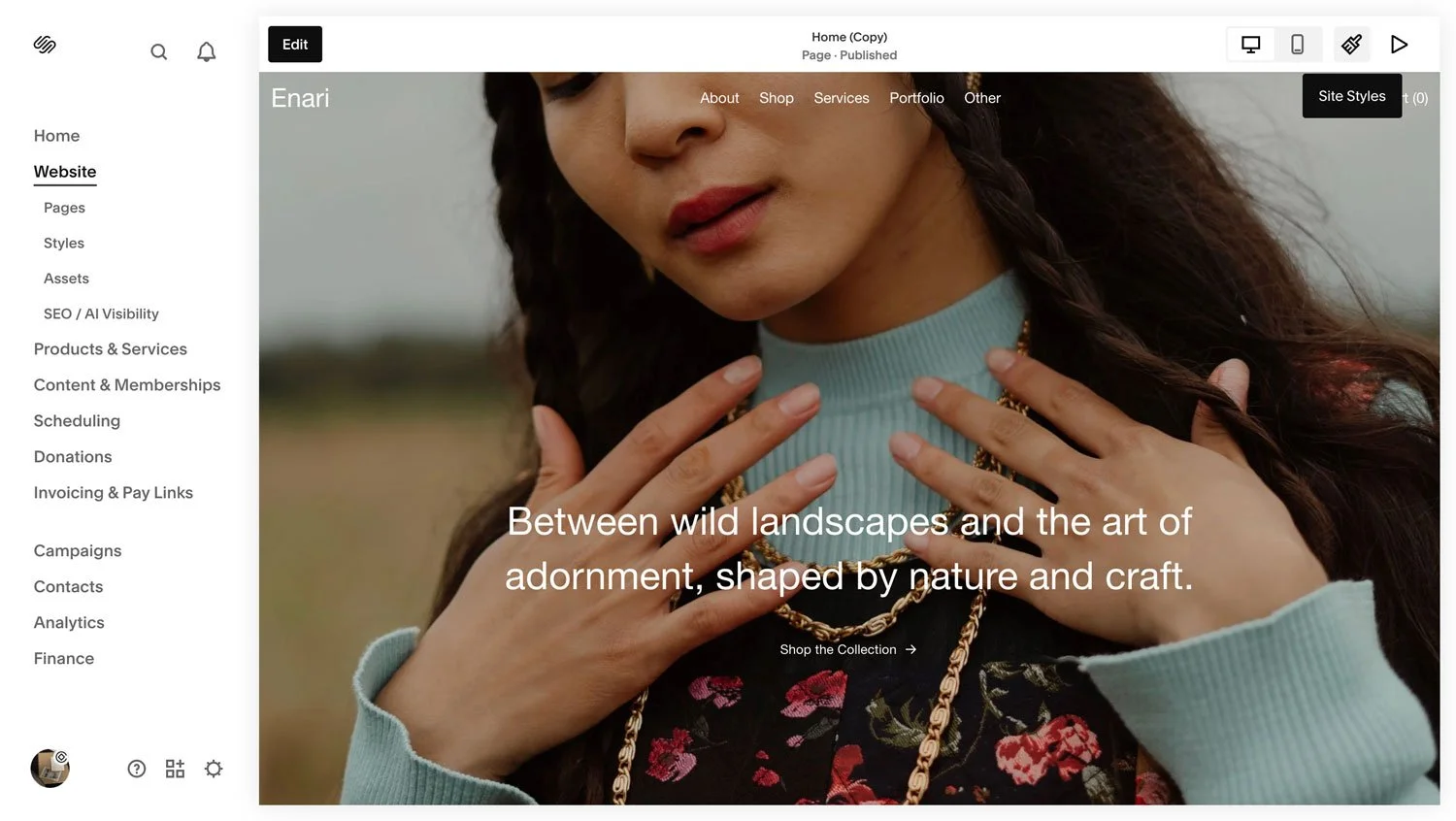
3. Open Fonts
With Site Styles open, click into the Fonts area to open up your font options.
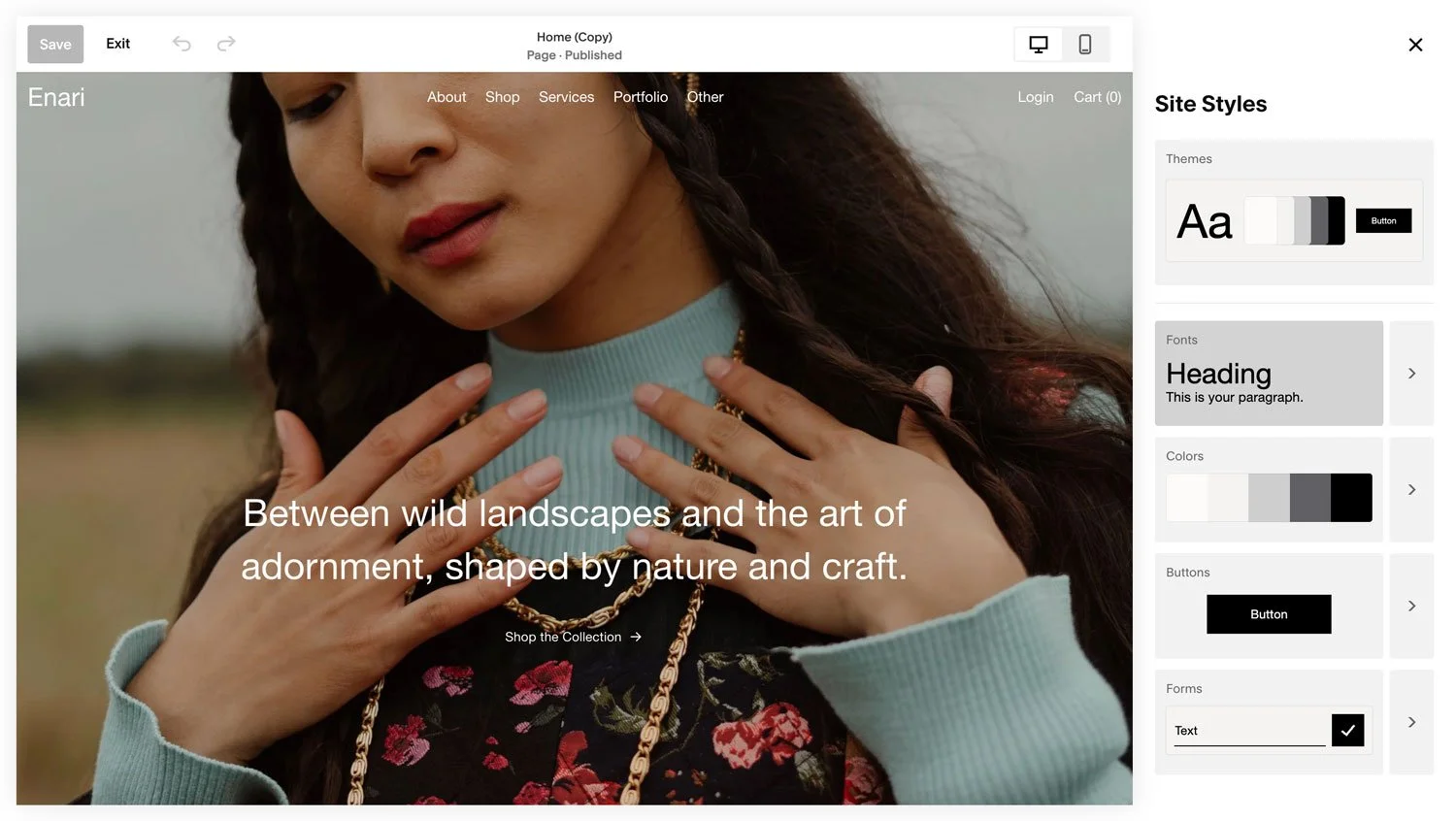
III. Choose Where to Upload Your Font
Select where you would like to upload your font: as a Heading, Paragraph, Button or Miscellaneous. In this example, we’ll select Headings.

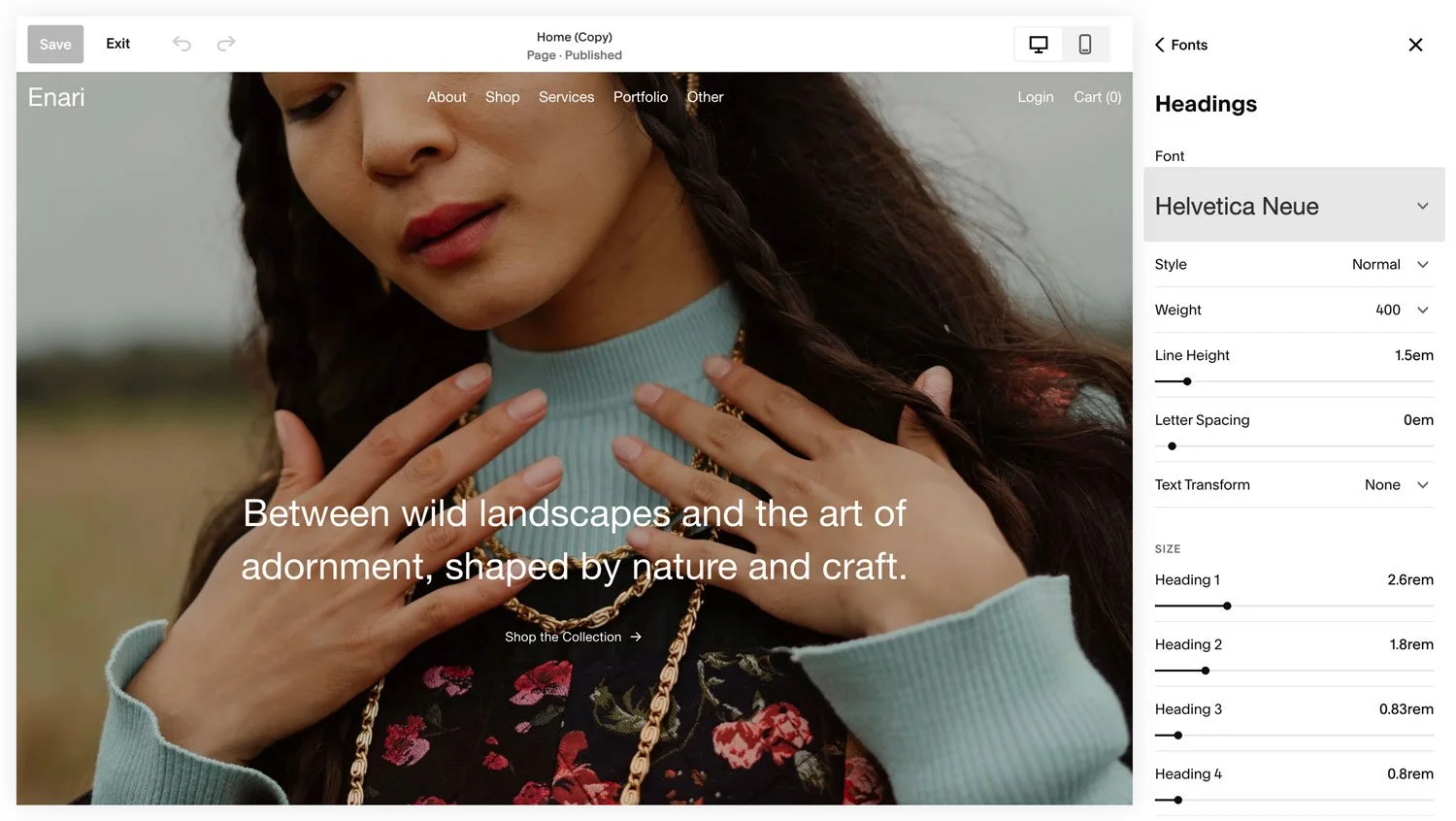
IV. Click on Font
In the Headings area, select Font.
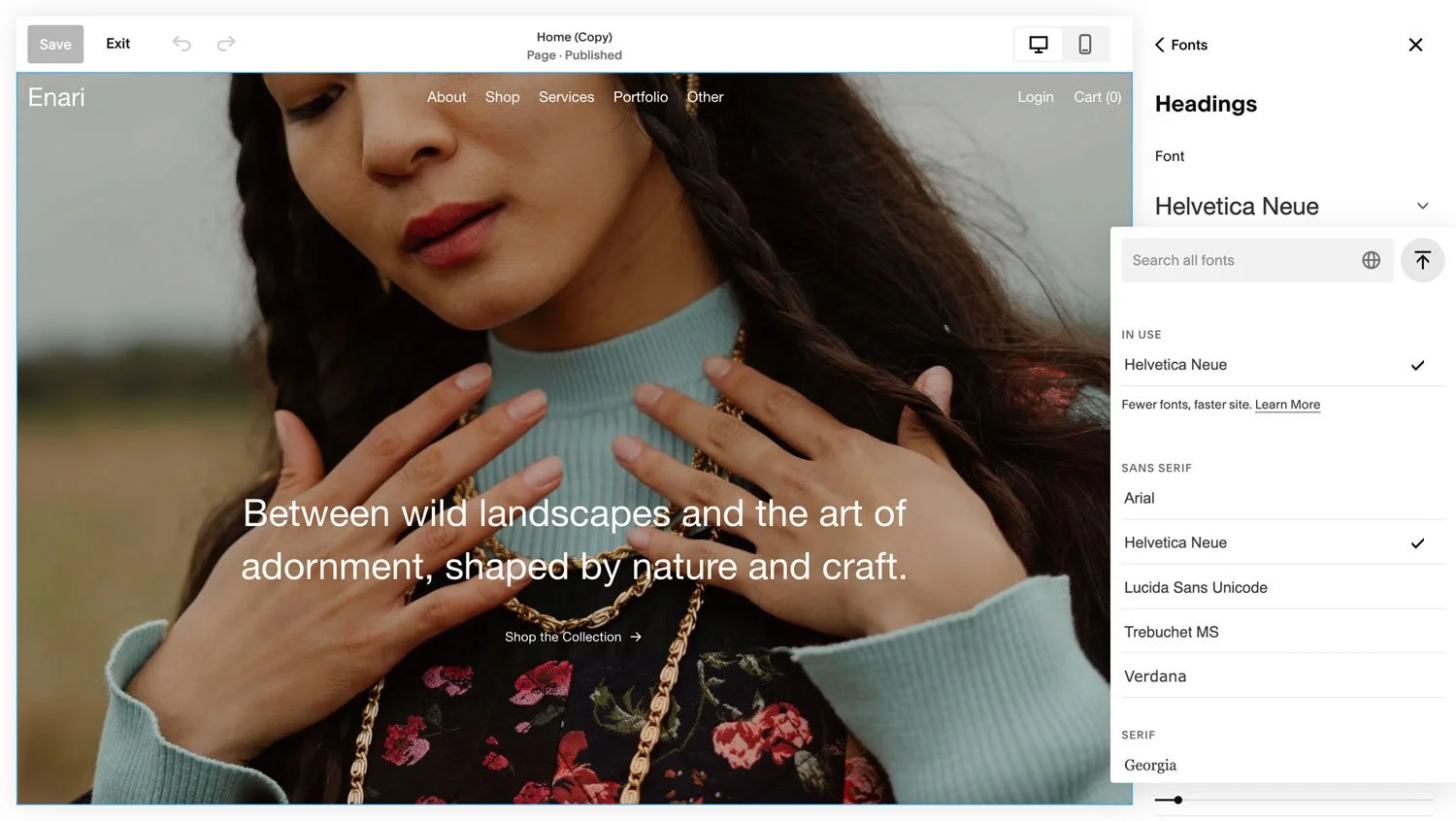
V. Press the Upload Button
Press the upload button (the upwards arrow on the right).
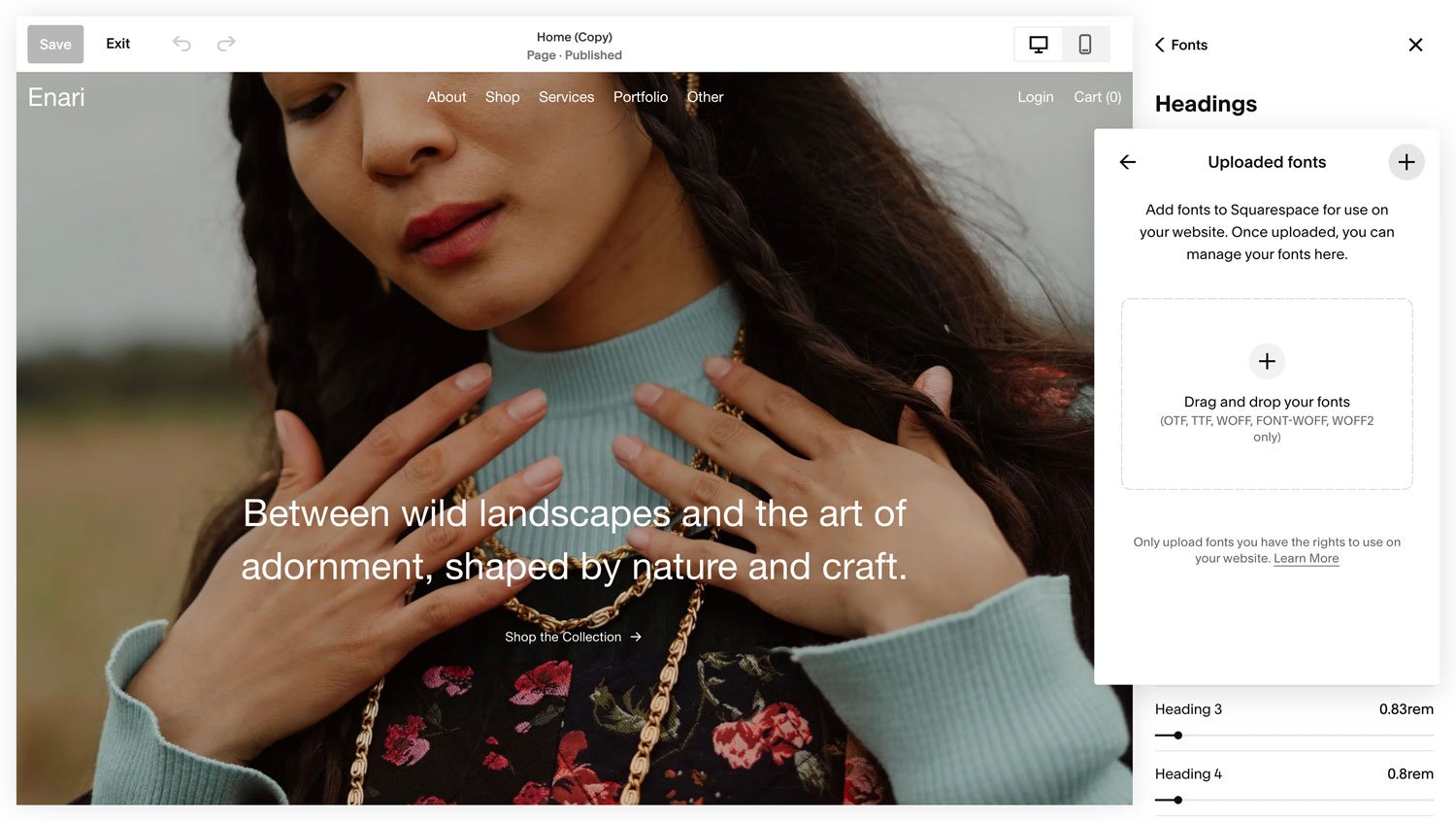
VI. Press the + Icon
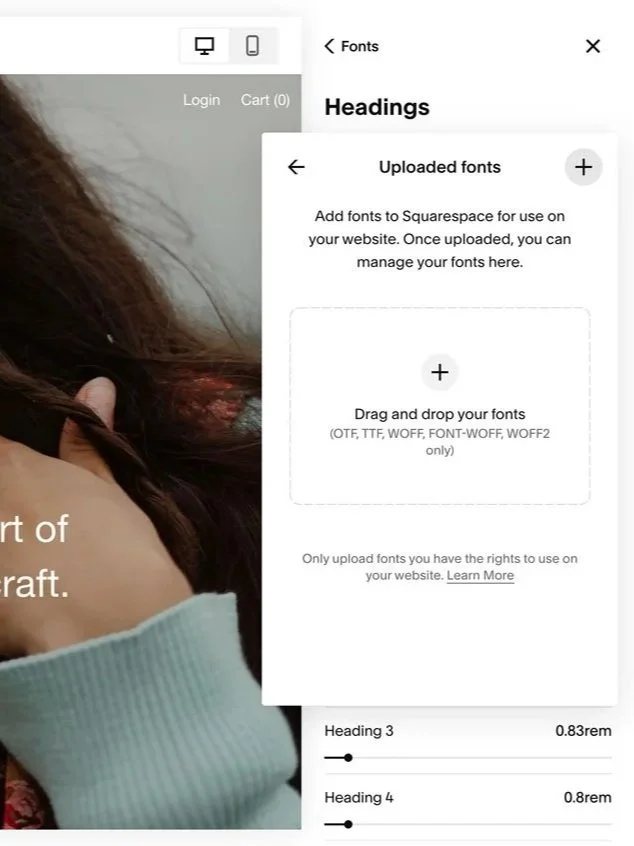
Press the + icon on the right. You’ll see a window appear where you can browse your computer and choose the custom font you want to upload. Alternatively you can drag-and-drop your font file into the upload area.
We recommend a WOFF2 file for faster loading speeds. The upload may take a few moments.
VII. Select Your Custom Font
Return to Headings, and select your custom font from the Uploaded fonts menu. You will see it apply to Headings throughout your site.
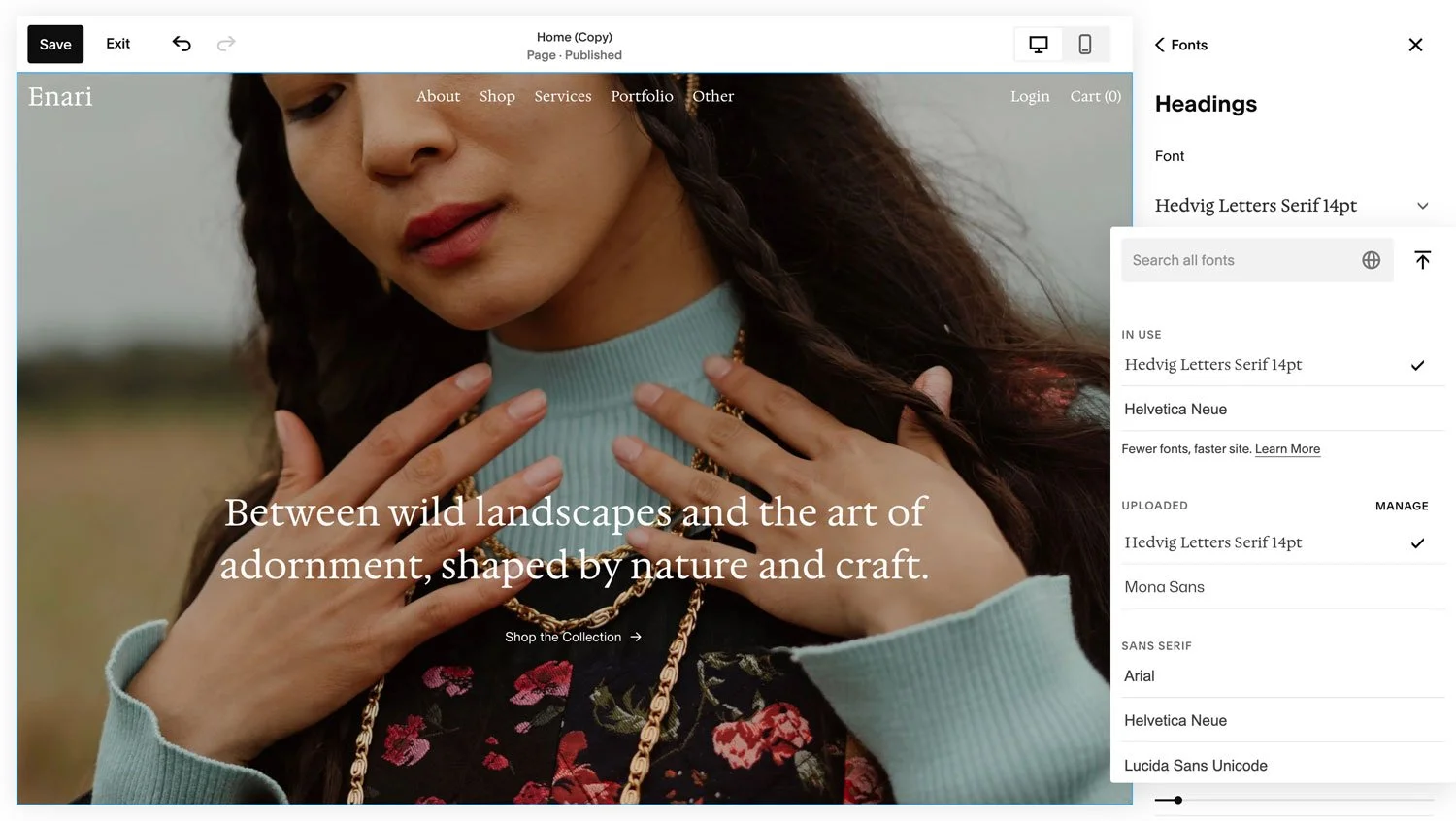
And you’re done! You can now use your custom font in Site Styles, and apply it to other areas of your site, like paragraph and button text.
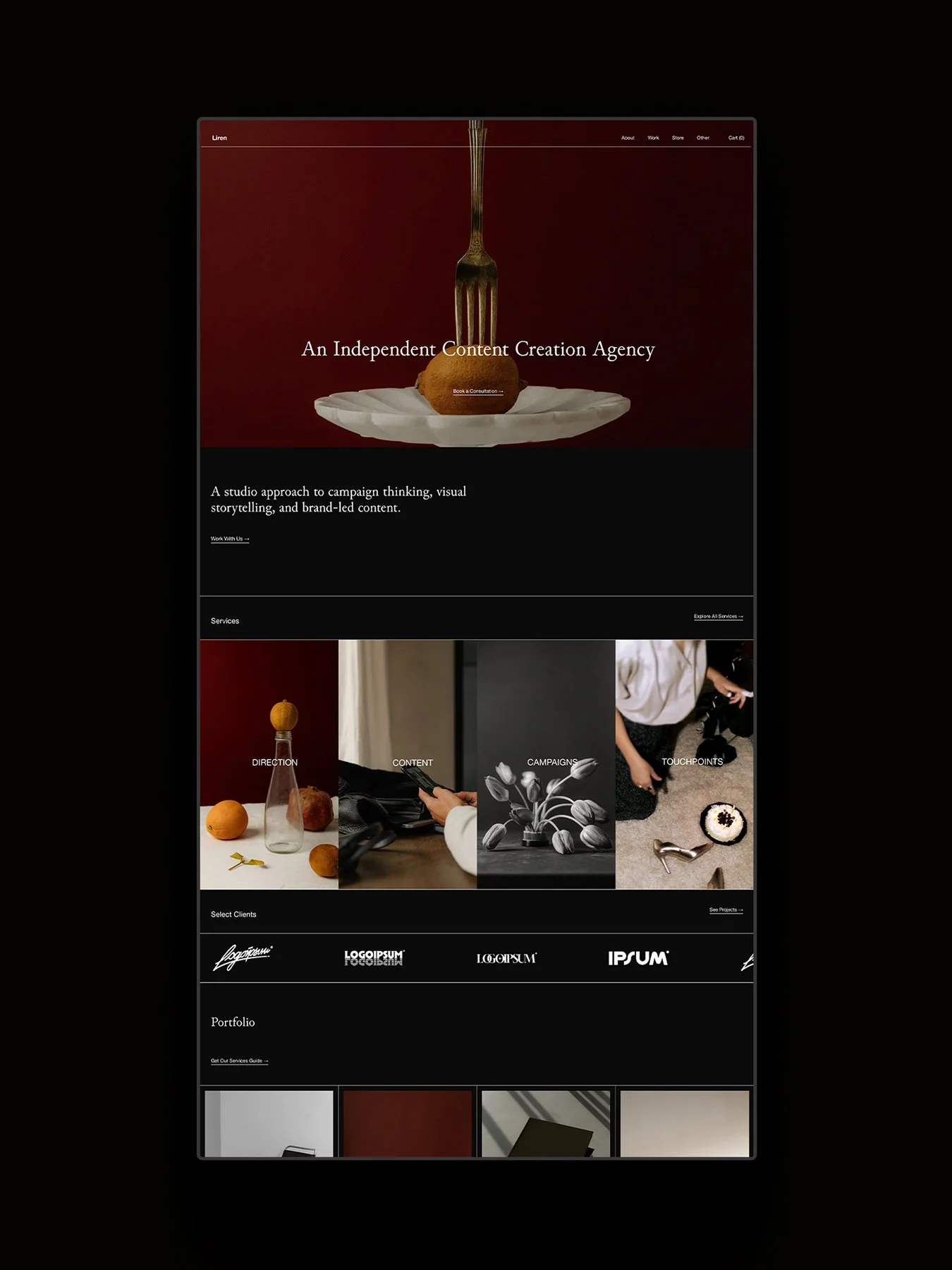
Looking for a Squarespace template? Explore our collection of art-directed Squarespace templates, each with a complete collection of 15+ pages, an extended 12-month Squarespace trial, and a 25% discount on your first year of Squarespace with an annual plan.