Squarespace SEO Checklist: How to Rank in Google & AI Search
Squarespace gives you a head start with SEO, but visibility isn’t automatic. The words you use, the way your pages are structured, and the choices you make behind the scenes all affect whether you show up in Google (and increasingly, in AI-powered search results).
This guide, written with creatives and small businesses in mind, will walk you through what part of SEO Squarespace does for you, and the actions you need to take yourself, all in a simple checklist format that you can work through at your own pace.
This post contains affiliate links. If you click and make a purchase, we might earn a small commission at no extra cost to you. We only recommend products we love and trust. Read our affiliate disclosure.
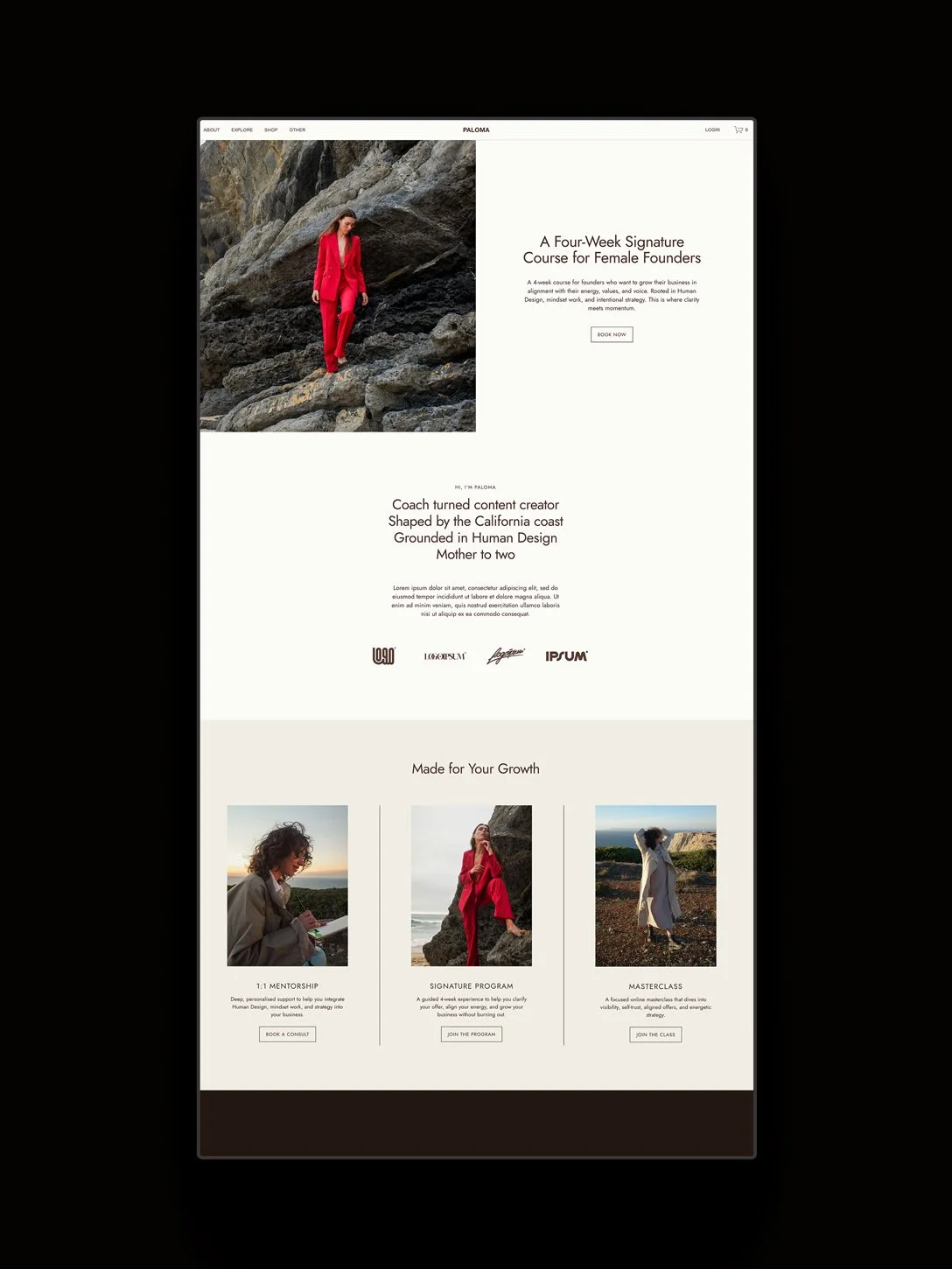
The Paloma Squarespace template for coaches and courses.
What is Squarespace SEO?
Squarespace SEO refers to the process of optimizing your Squarespace website so it ranks in Google and appears in AI-driven search results. It includes keyword research, metadata optimization, structured content, internal linking, and technical setup.
How Squarespace Supports SEO
One of the strengths of Squarespace is that it handles a lot of the technical SEO work. Here are some of the ways Squarespace sets your site up for discoverability out of the box:
Automatic Sitemap Generation
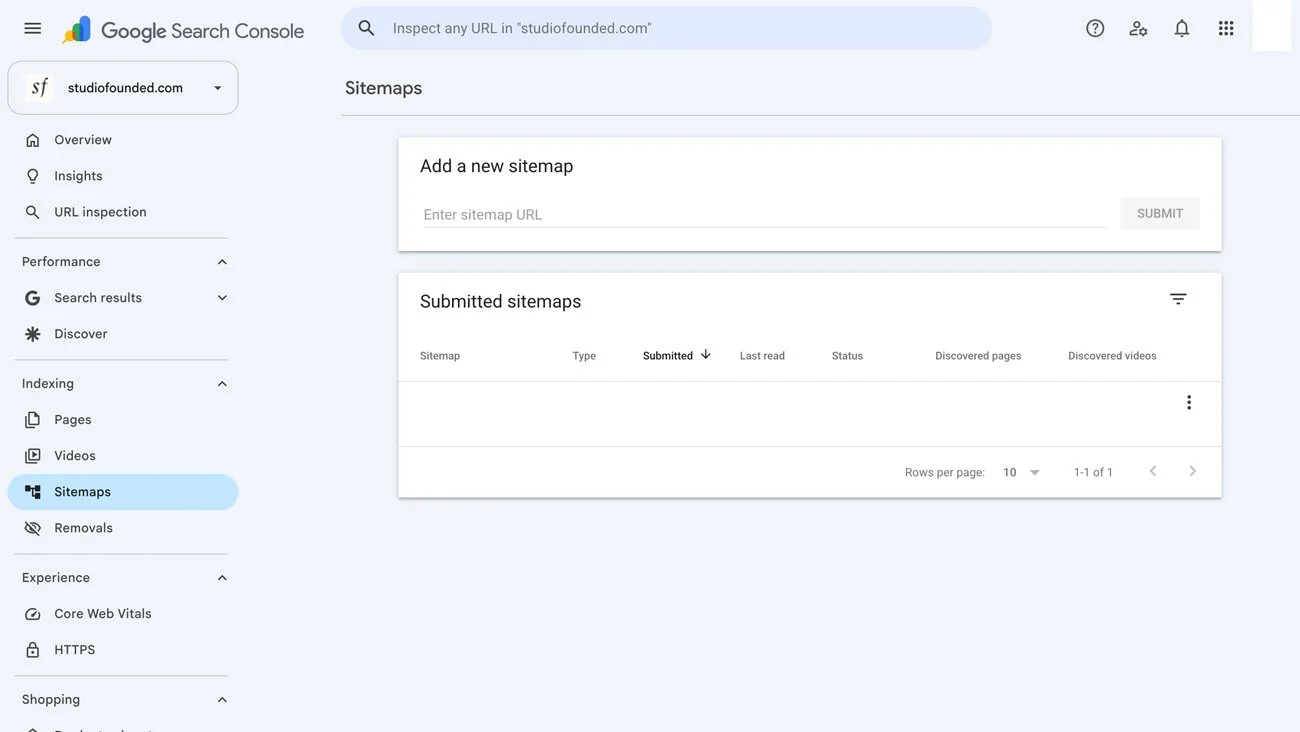
Every Squarespace site comes with a built-in sitemap (/sitemap.xml). It’s essentially a roadmap for search engines like Google, and lists every page and piece of content on your website. Instead of manually creating and updating your sitemap, Squarespace does it automatically each time you add, remove, or edit content. You can then submit it to Google Search Console to ensure it’s being crawled and indexed properly.
Clean Code
Squarespace generates structured HTML and CSS, which helps search engines interpret your content and supports solid baseline performance.
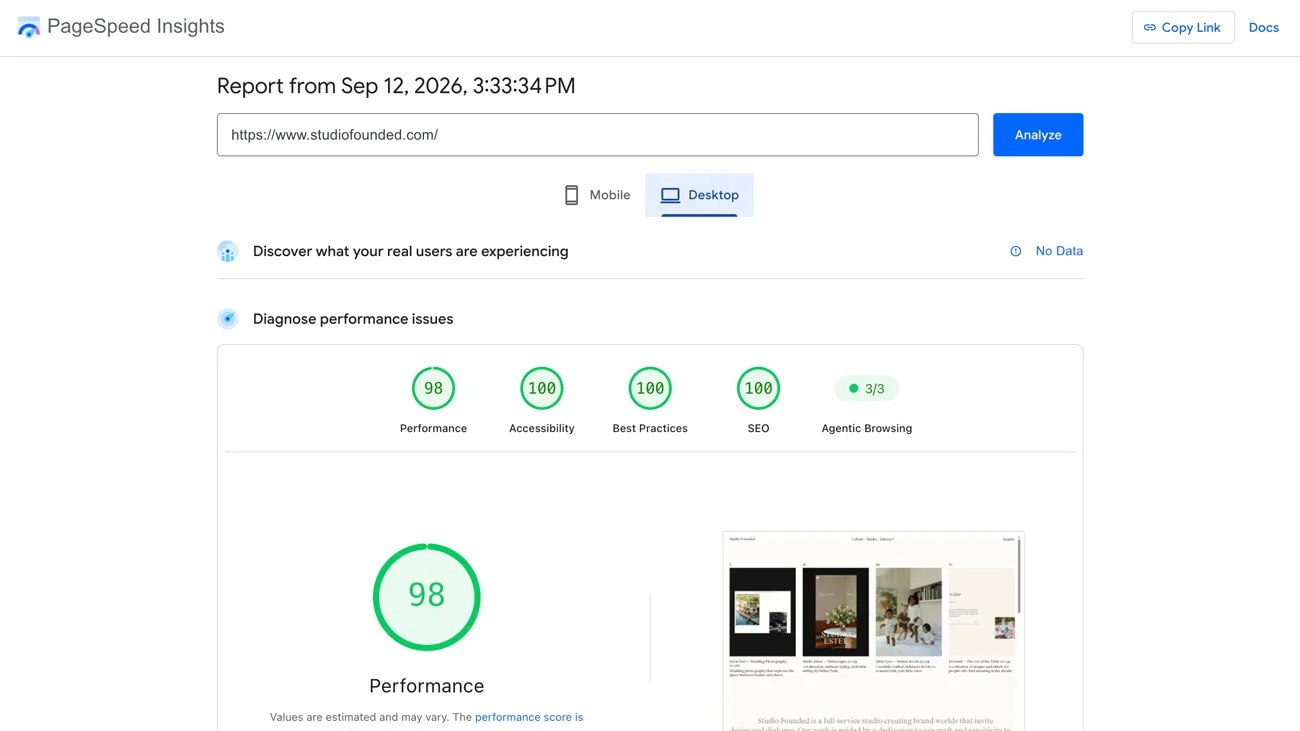
That said, site speed still depends on your design choices. Large images, custom scripts, third-party plugins, and complex layouts can all affect load times.
WebP Image Conversion
Squarespace automatically converts most uploaded images to WebP format. WebP is a modern image format that provides the same quality as JPEG or PNG at a fraction of the file size, which helps your site load faster and perform better in search.
Image Alt Text Generation
Squarespace can now generate image alt text for you. If you have any images missing alt text, it can identify them and suggest alt text that matches the image, which you can edit for accuracy and context.
Secure SSL Certificates
Squarespace sites include a free SSL certificate, so your site runs on HTTPS rather than HTTP. This encrypts your visitors’ data and avoids the “Not Secure” warnings that can scare people away. SSL is also a ranking factor for Google.
Built-In Structured Data (Schema)
Squarespace automatically includes basic schema markup for products, blog posts, and events. This can enable rich results such as pricing, availability, and article details in search.
That said, the coverage is limited. If you want advanced results like FAQ schema, review schema, or detailed service markup, you’ll need to add custom schema manually.
Hosting and CDN
Squarespace sites run on Squarespace’s managed infrastructure, with a built-in global CDN that delivers assets from servers close to your visitors, which helps with performance.
It’s not a guarantee of speed, as complex layouts, fonts, third-party code, and custom scripts can slow down a Squarespace site.
AI Search Visibility
Squarespace now includes AI Search visibility tools within the SEO dashboard. You can input questions your ideal client might ask, and Squarespace will scan your site to assess whether your content is structured clearly enough to appear in AI-generated search results.
The Squarespace SEO AIO dashboard.
The Squarespace SEO Checklist
But Squarespace doesn’t entirely take care of SEO on its own. Here is a guided Squarespace SEO checklist including all the steps you need to take to optimize your site for Google and other search engines:
1. Define Your Ideal Client
Before you research keywords, remember that SEO starts with your ideal client. Ask yourself:
Who are you trying to attract to your business?
What are their pain points?
What problems are they trying to solve?
What are their dreams, goals, and aspirations?
What language do they use?
What would they type into Google at 11pm when they’re stuck?
Search intent only makes sense when you understand the human behind the search.
For a deeper breakdown, you can start with our post on defining your ideal client.
Once you’re clear on who you’re speaking to, keyword research becomes much easier.
2. Research Keywords and Search Intent
Squarespace won’t tell you which keywords to use. Finding and adding the right keywords is up to you.
Keywords are simply the phrases people type into Google when they’re looking for something. The goal is to understand what your ideal client is already searching for. Start by asking:
What problem is my ideal client trying to solve?
What question would they type into Google?
Are they looking for instructions, ideas, or someone to hire?
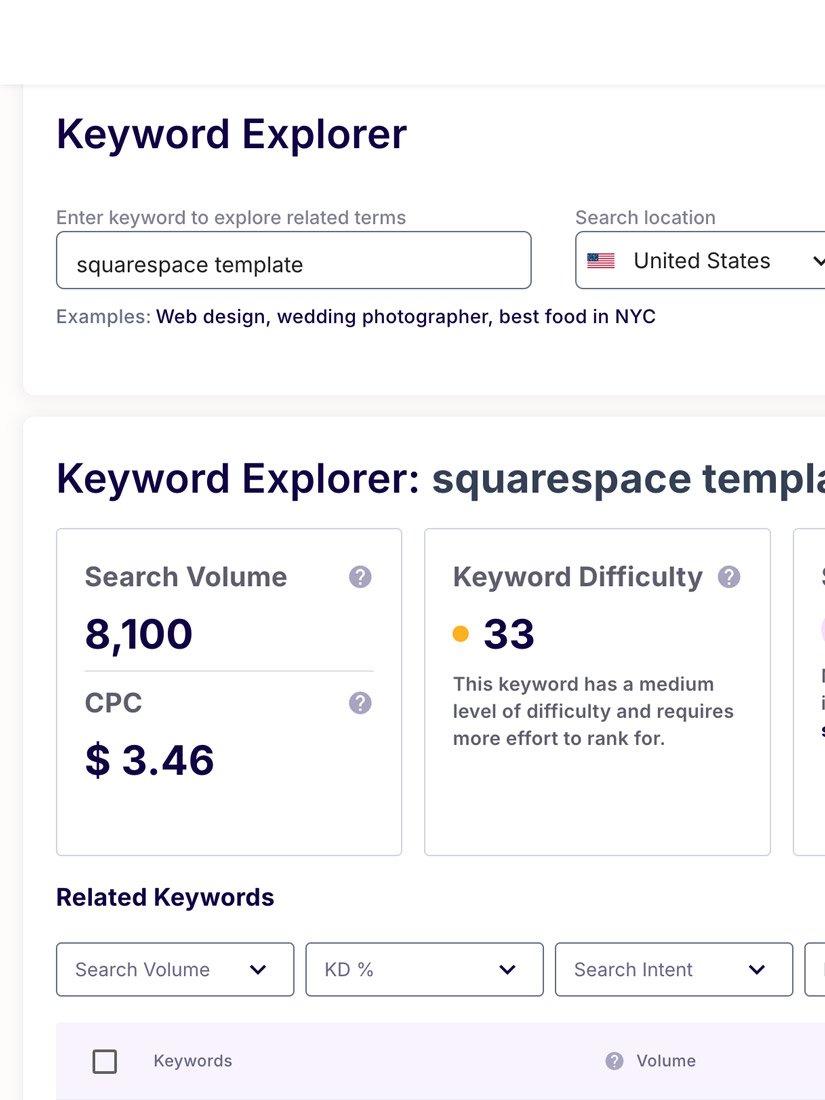
You can use tools like Google Keyword Planner, Search Console, or SEOSpace to find search terms.
When choosing a keyword, remember to also consider the intent behind the search. For example: If someone searches: “How to add a blog to Squarespace” they want step-by-step instructions, screenshots, and clear guidance.
If someone searches “Best Squarespace templates for photographers” they’re comparing options. They want examples and recommendations. This is called search intent, or the reason behind the search. When your content matches what the person is actually trying to do, your chances of ranking improve dramatically.
3. Add Page Titles and Meta Descriptions
Every page on your Squarespace site has two pieces of metadata:
Meta Title: The blue headline that appears in Google search results
Meta Description: The short paragraph underneath it
An example of meta data shown in Google search results.
Each of your pages should include:
A clear, keyword-aligned title (under 60 characters so it doesn’t get cut off).
A compelling description (under 160 characters, written for humans first).
To edit this in Squarespace visit your Dashboard > Pages > Cog Icon > SEO Tab.
Avoid duplicating titles across pages, each one should be specific to the content on that page.
Editing meta data in the Squarespace SEO tab.
4. Use a Clear Heading Structure (H1, H2, H3, H4)
Headings tell search engines (and readers) how your content is organized. Each page should have:
A clear H1 (usually your main title).
H2, H3, and H4 headings to break content into a sequential, logical flow to make your page easier to scan and help establish authority around your topic.
In Squarespace, headings are set through the text editor. Choose Heading 1, 2, or 3 from the style dropdown when formatting text.
The Squarespace heading selector in the text editor.
5. Use Alt Text for Images
Alt text matters for accessibility and SEO. Use it to describe what an image shows in plain language, remembering to be specific and contextual. Keywords can be included naturally, but avoid keyword stuffing.
You can change image alt text by double-clicking on the Image Block while in Edit Mode, and scroll down the Image Alt Text area.
6. Apply Clear Internal Linking and Navigation
Internal links are links between pages on your own website. They do two important things help visitors move naturally through your site, and help search engines understand how your content connects.
If you write a blog post about improving brand messaging, and you also offer brand strategy services or a messaging workbook, linking between those pages helps Google understand that they’re connected. It also helps readers go deeper instead of leaving after one page.
This strengthens your site’s structure and builds what’s called topical authority, showing that you don’t just mention a subject once, but cover it properly.
You can add links in Squarespace using:
The text editor link tool
Button blocks
Navigation menus
Clear navigation also matters. Use simple, descriptive menu labels so visitors (and search engines) can easily understand what each section of your site contains.
7. Keep Content Fresh and High-Quality
Search engines prioritize content that is useful and specific. Focus on:
Answering one clear question per post
Giving step-by-step guidance where needed
Including examples
Showing your expertise in your niche
If your knowledge is specific or unusual, lean into that. Search engines increasingly reward originality and first-hand experience.
Freshness also matters, so keep your content accurate and up to date. Review older posts periodically and:
Improve weak sections
Update outdated information
Add internal links
Expand thin paragraphs
Refreshing strong posts can often improve rankings faster than writing something new.
If you’re unsure what to publish, start with the questions your clients already ask you. Each one can become a focused blog post that directly matches real search intent.
8. Improve Page Speed
Page speed affects both user experience and search visibility.
If your site loads slowly, visitors are more likely to leave before the page fully loads. That increases bounce rates and reduces engagement, which impacts performance in search. Google also measures speed through Core Web Vitals, which assess:
How quickly content loads
How stable the layout is
How responsive the page feels
Squarespace manages hosting and a global CDN automatically, but your decisions still matter. To keep pages fast:
Compress images before uploading (using tools like TinyPNG or FreeConvert)
Avoid unnecessarily large image files
Limit third-party scripts and plugins
Be selective with custom fonts and heavy animations
9. Index Your Website With Google Search Console
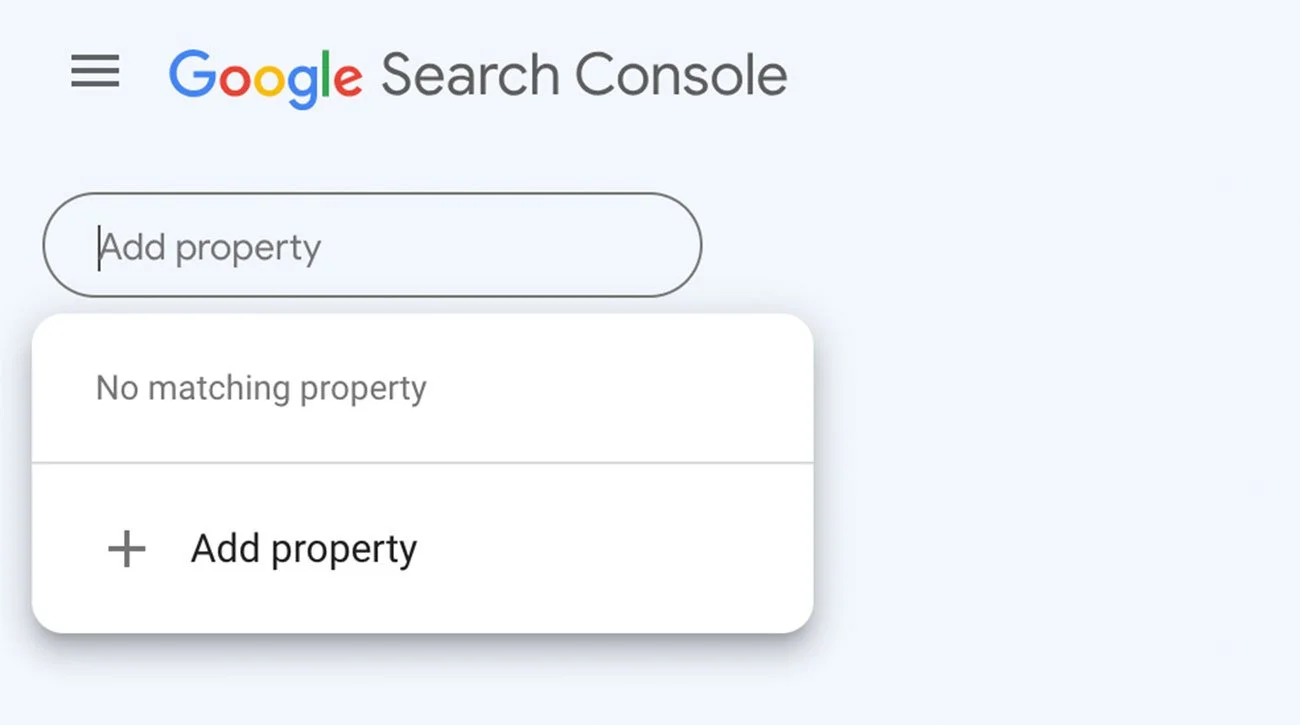
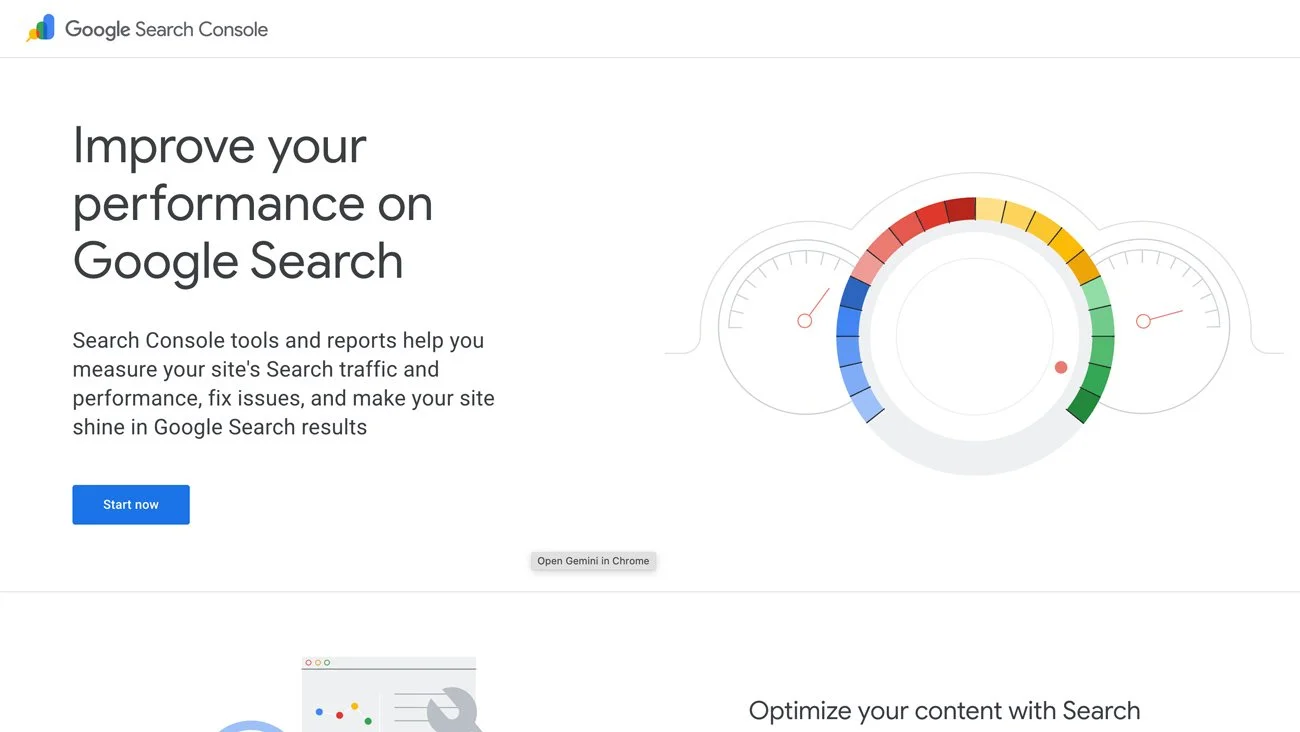
Squarespace auto-generates a sitemap, but you’ll still need to share it with Google by submitting it to Google Search Console. Check it every few weeks to make sure there are no errors and that your pages are being indexed and served on Google.
Your sitemap lives at www.yoursite.com/sitemap.xml. Copy this link into Google Search Console under ‘Sitemaps’ to submit it.
10. Build Structured Data and Rich Snippets (Advanced)
Structured data (also called schema markup) is a small piece of code added behind the scenes of your page. It helps search engines understand what your content represents. For example, schema can tell Google:
This is a product (with price and availability)
This is a blog post
These are FAQs
This is a review
This is an event
When Google understands your content type, it may display enhanced search results (also called rich snippets) such as star ratings, pricing details, or expandable FAQ sections.
Squarespace automatically includes some basic schema for products, blog posts, and events. If you want more advanced rich results (like FAQ schema on a blog post or detailed service markup), you’ll need to generate and add custom schema manually.
The simplest way is to generate it using AI tools like ChatGPT. You can ask it to create JSON-LD schema based on your page content. If you prefer not to use AI, you can use structured data generators such as:
Merkle’s Schema Markup Generator
These tools guide you through filling in fields and then generate the correct code format.
In Squarespace, you can add custom schema to a page using Page Settings > Advanced > Code Injection, or you can use the Site-wide Code Injection for global schema.
After adding schema, you can test it using Google’s Rich Results Test to ensure it’s valid.
If you’re comfortable working with code, schema can strengthen competitive pages. If you’re just starting out, focus on keywords, structure, and content quality first.
11. Optimize for AI Search Visibility
Search is no longer just about showing up in a list of blue links. AI tools like ChatGPT, Gemini, and voice assistants are pulling answers directly from websites, giving you another way to be found.
Traditional SEO can sometimes feel like a locked door. Big, established websites with thousands of pages and years of backlinks often dominate the first page of Google. AI search is shifting that dynamic. Instead of only pulling from the largest sites, AI tools look for content that is clear, structured, and directly useful. This opens up new space for smaller businesses to be discovered, especially if you’re answering specific questions or addressing niche topics.
To improve your visibility in AI search:
• Use clear, descriptive headings
• Answer questions directly and concisely
• Include FAQ sections where relevant
• Avoid vague or overly abstract language
• Structure content logically
AI systems favor clarity and well-organized pages. The same structure that improves traditional SEO also improves AI visibility.
What’s New: Squarespace’s AI SEO Dashboard & Optimizing for AI Search
Squarespace’s new AI SEO dashboard is a tool designed to help you keep your site visible in both traditional search and AI-driven results. It gives you clear prompts and steps to take to improve your rankings, which you can use alongside the Squarespace SEO checklist in this post.
Here’s how it supports you:
Metadata suggestions
The dashboard reviews your page content and suggests improved meta data. If you’ve left them blank or written something vague, AI will generate options for you
Image alt text generation
Writing alt text is one of those tasks that often falls to the bottom of the list. Now, Squarespace offers suggestions so your product galleries, blog visuals, and portfolios aren’t left invisible to search engines or inaccessible to some visitors. AI scans your images and suggests descriptive alt text, and you can accept the suggestions or tweak them.
A progress snapshot, at a glance
The dashboard shows you which pages are missing key elements, so you know where to focus your time. A built-in score shows which pages are fully optimized and which are missing metadata, headings, or alt text, you can clearly spot gaps.
Centralized control across your site
Instead of hunting through page settings one by one, you can edit and refine SEO elements across your site from one place. It’s less about busywork and more about keeping your content aligned and discoverable.
Squarespace SEO Checklist at a Glance
Here’s the full checklist at a glance so you can easily tick off tasks:
Define your ideal client
Research keywords and intent
Add page titles + meta descriptions
Use a clear heading structure
Write helpful alt text
Add internal links
Keep content updated
Improve page speed
Submit your sitemap in GSC
Add structured data (optional)
Optimize for AI visibility
FAQs
-
Yes! There’s a common belief that WordPress is better for SEO, but most modern website platforms provide the technical foundations search engines need: clean HTML, mobile responsiveness, SSL security, sitemaps, and editable metadata.
Where rankings are won or lost isn’t the platform. It’s:
Keyword strategy
Content quality
Internal linking
Structured data
Page speed decisions
Ongoing optimization
A poorly optimized WordPress site will not outperform a well-optimized Squarespace site. The difference comes from strategy and implementation of the steps included in this Squarespace SEO checklist, or by following guidance from tools like Ahrefs or SEOSpace.
-
Squarespace includes essential SEO controls like:
Editable page titles and meta descriptions
Custom URL slugs
Image alt text
Automatic sitemap generation
Basic structured data
It also now offers an AI-powered SEO dashboard that highlights missing metadata and optimization gaps, giving you a customized Squarespace SEO checklist to follow.
-
AI SEO refers to optimizing your content so it can appear in AI-generated answers, not just traditional search results.
Search tools powered by AI look for:
Clear structure
Direct answers
Logical headings
Well-organized content
If your pages are structured clearly and answer real questions, they are more likely to appear in AI search results.
-
SEO is always gradual. For newer sites, it often takes 2–3 months to see meaningful traction, and competitive keywords may take longer. After making changes, Google still needs time to crawl, index, and evaluate your pages.
-
Search intent is everything. Before you tweak headings or rewrite your metadata, pause and ask: what is your ideal client actually looking for? What are they hoping to find when they type that phrase into Google?
When you work through a structured Squarespace SEO checklist, keyword research comes first for a reason. It shapes your titles, headings, and keywords.
SEO isn’t about adjusting settings. It’s about understanding the question behind the search and answering it.
-
Large websites often dominate broad, generic terms. Smaller businesses can compete by:
Targeting specific queries
Demonstrating expertise
Creating detailed, structured content
Maintaining technical consistency
Search engines do not only reward huge websites, but also those that offer something useful.
-
Yes. There’s a tool called SEOSpace that functions like an SEO plugin specifically built for Squarespace. It integrates with your Squarespace website and workflow, giving you actionable guidance without leaving your editor.
SEOSpace helps you:
Run site-wide SEO audits that show what’s holding your pages back from ranking.
See step-by-step recommendations on things like titles, headings, alt text, and structure.
Explore keyword insights and competitor data so you can target terms your audience is actually searching for.
Monitor progress with rank tracking and visibility updates across Google and AI platforms.
Use features like local SEO tools and AI suggestions to refine both traditional and emerging search channels.
There’s a free plan you can start with, and you can upgrade based on how much optimization and reporting you want.
-
You don’t need to pay for a tool. You can manage SEO using:
Google Search Console
Google Keyword Planner
Squarespace’s built-in SEO settings
But if you would like a more guided process alongside this Squarespace SEO checklist, we recommend the SEOSpace plugin, which simplifies audits and keyword research.
Concluding Thoughts
Squarespace does a lot of the heavy lifting when it comes to SEO, but visibility still comes down to the details you add, from the titles you write to the clarity of your content.
This Squarespace SEO checklist and the new Squarespace AIO and SEO dashboard helps shift the process from overwhelming to manageable, showing exactly what to refine. For small businesses, this is an opportunity for smaller yet well-crafted sites the chance to stand alongside bigger players.
If you’ve worked through this Squarespace SEO checklist and still feel unsure whether your site is truly optimized, you don’t have to figure it out alone.
If you’d like tailored support, we offer SEO audits and strategic refinements for Squarespace websites. We’ll review your keyword alignment, structure, internal linking, metadata, and AI visibility, and give you clear, actionable next steps.
You may also like:
Squarespace SEO Checklist: Rank in Google & AI Search
A Guide to SEOSpace: The SEO Tool for Squarespace