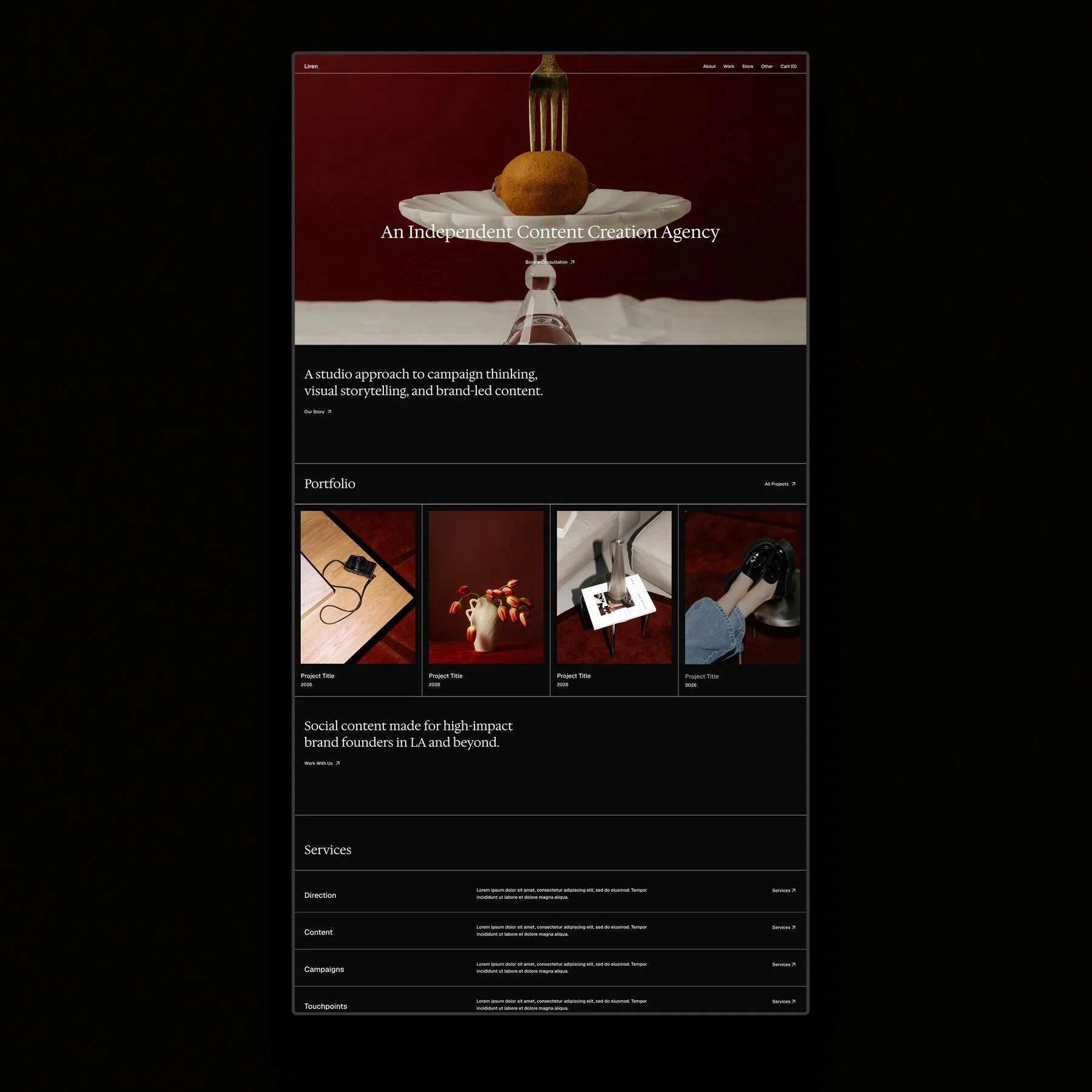
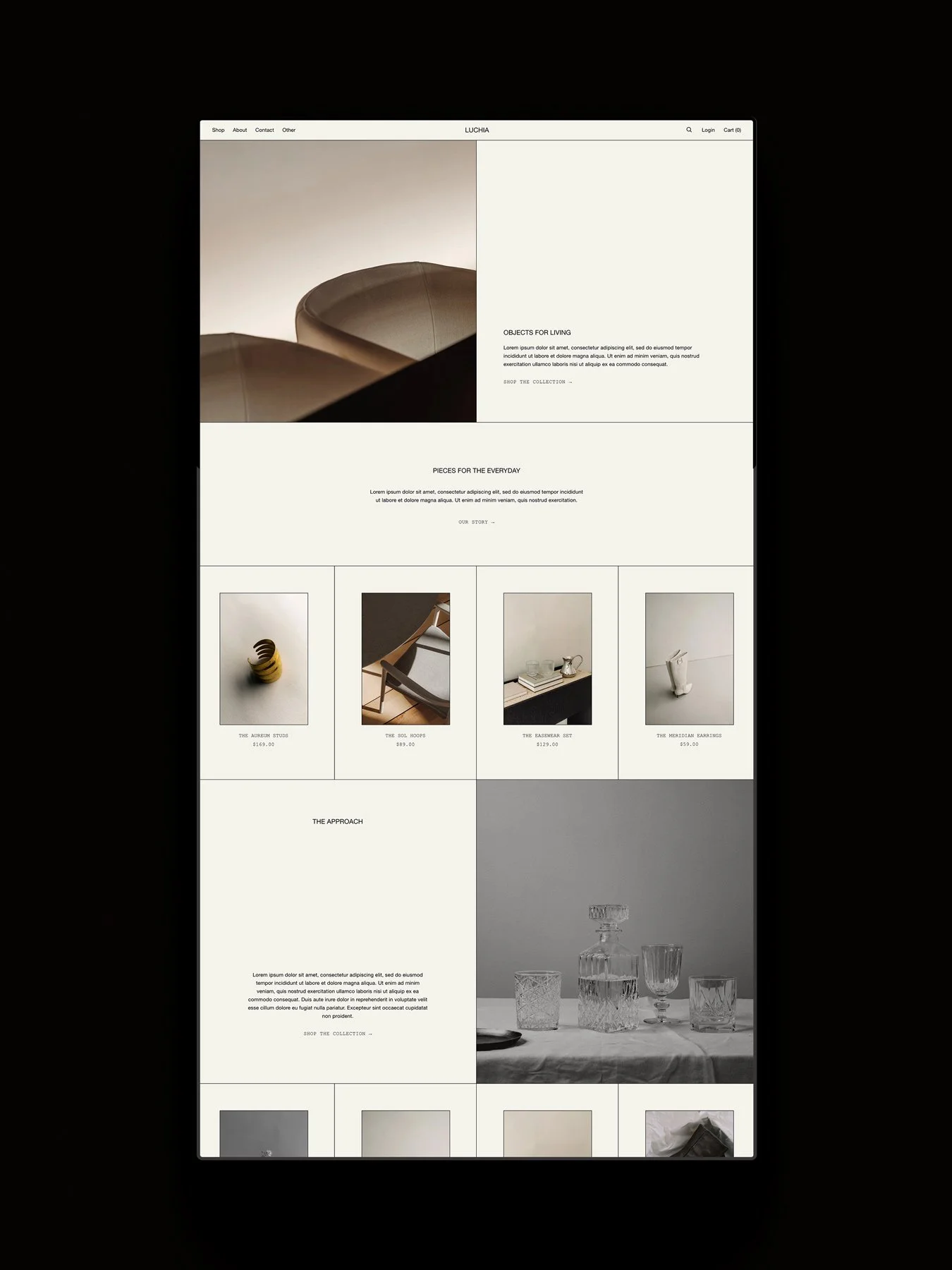
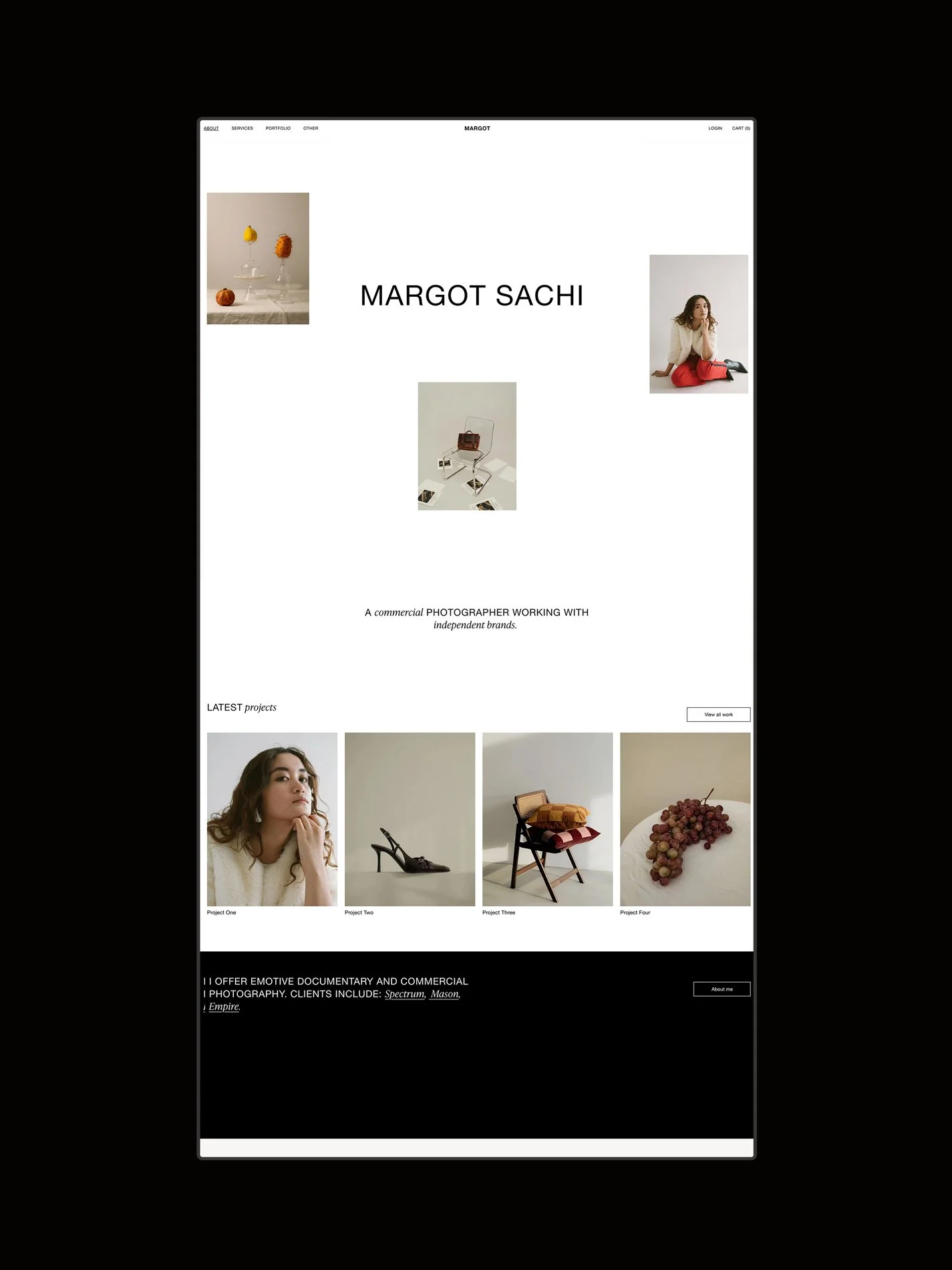
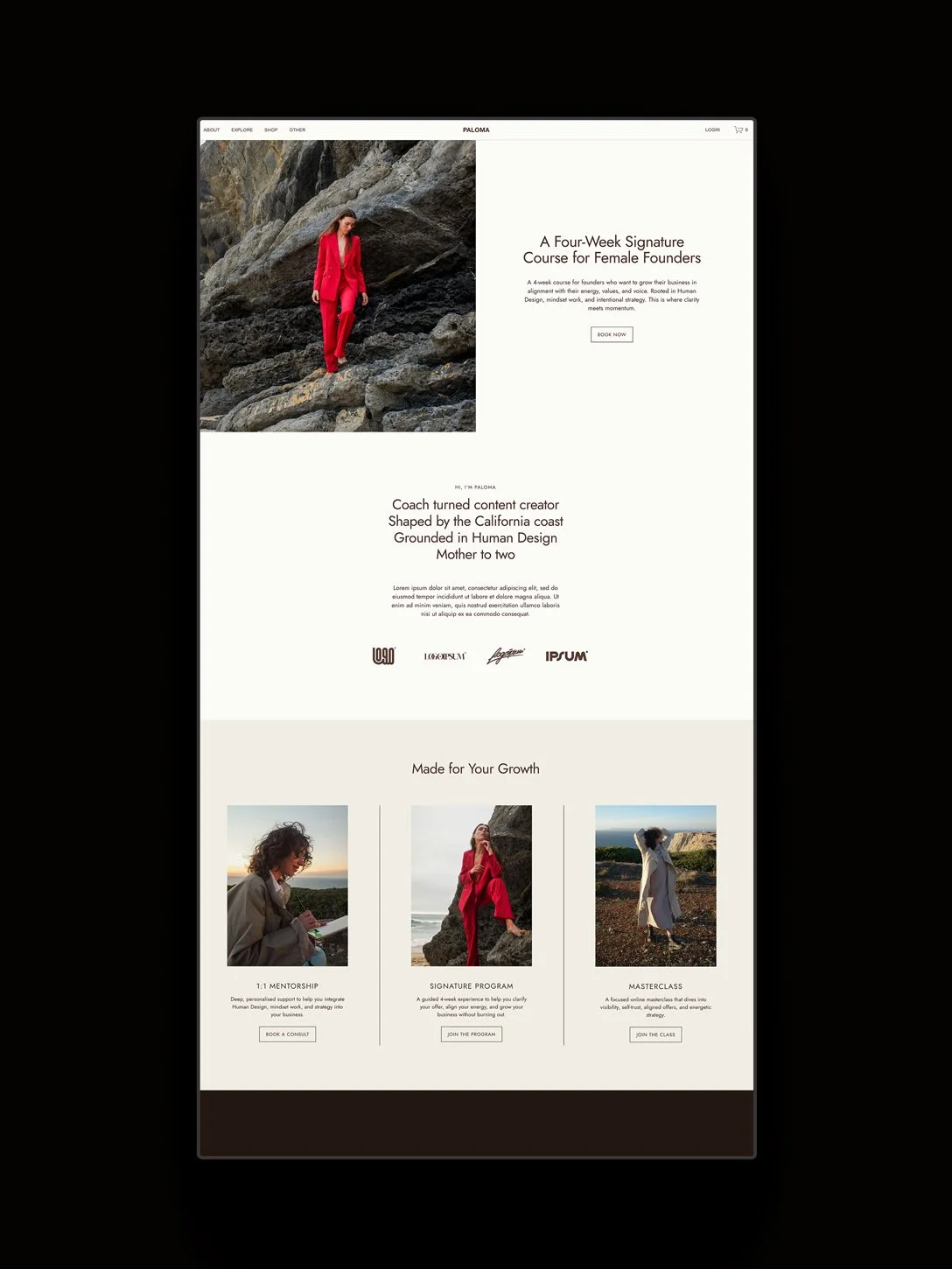
This post is for you if you’re interested in trying custom code in Squarespace and aren’t sure where to begin. As expert Squarespace designers with experience designing bespoke sites and selling several hundred Squarespace templates, we’re sharing our pick of the 7 best places to purchase Squarespace plugins and code snippets.
Affiliate disclosure: Some of the links in this article are affiliate links, marked with an asterisk (*). Studio Founded may receive a commission from qualifying purchases made through these links, at no additional cost to you. You can read our full affiliate disclosure here.
What Are Squarespace Plugins?
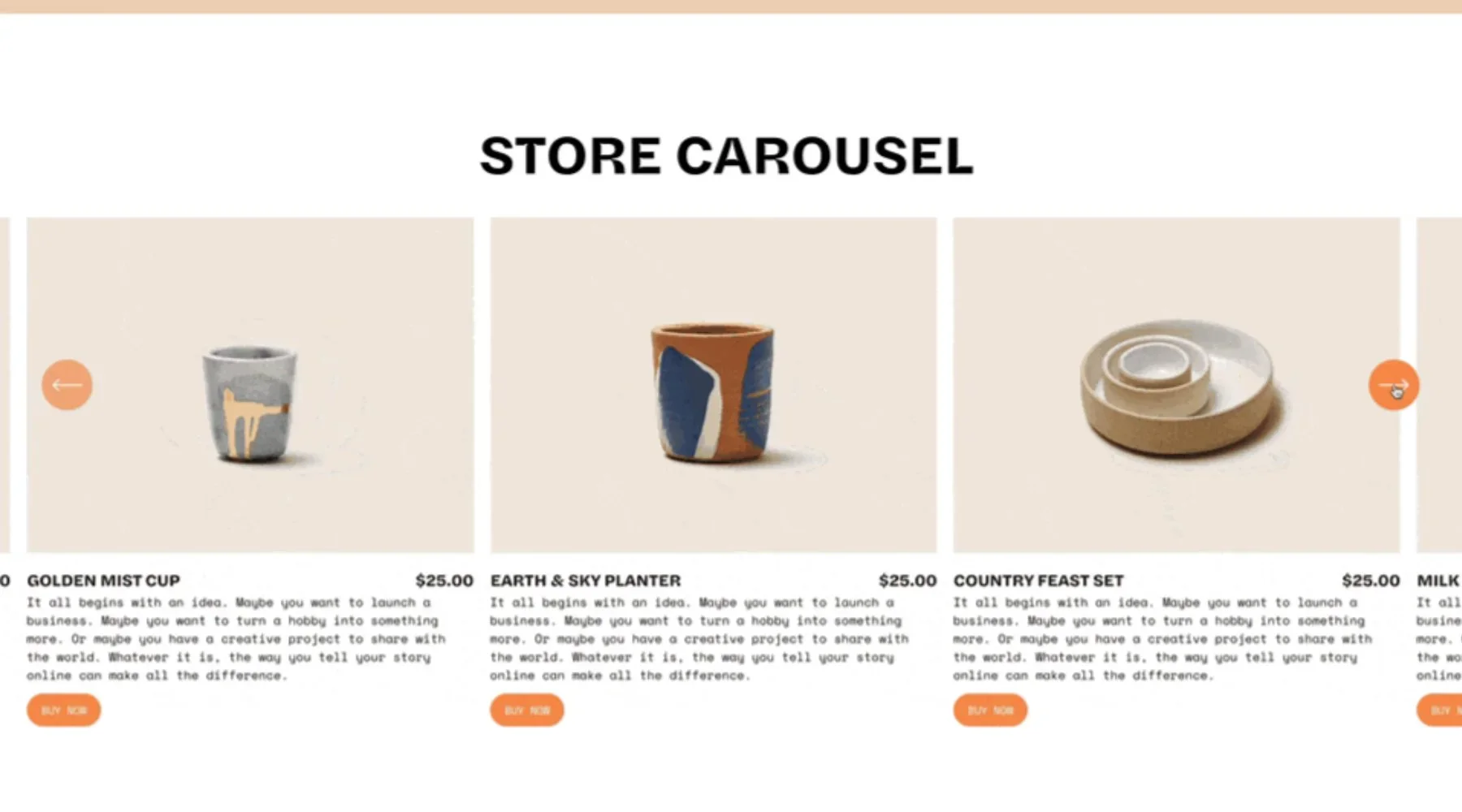
They’re custom-coded components created by independent developers and designers. They’re built to add extra functionality or design elements to your site that aren’t natively available in Squarespace. They can be used to add tabs, filters, custom navigation, popups, and more.
I. SQ Plugins*
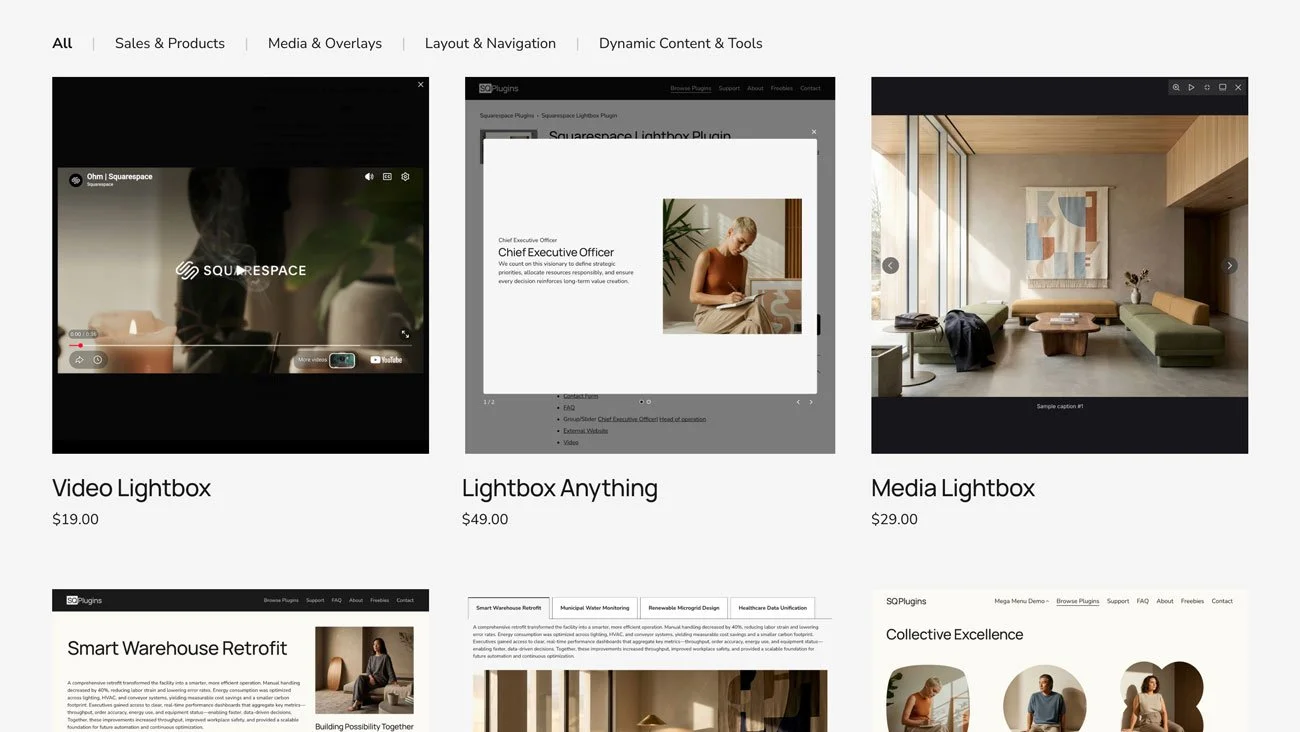
SQ Plugins have created some of the most trusted plugins for Squarespace, including the flagship Lightbox Anything and Sidebar plugins. Here are a few we love:
Lightbox Anything*
Turn any link or button on Squarespace into a lightbox popup, with a modern design style and plenty of customization options, from sliders to nested lightboxes. No coding is required, as the plugin is fully customizable via the built-in style and code generator.
Sidebar Plugin*
Create a fully customizable “master source” page to use as your sidebar on any other page. You can include up to two sidebars per page, perfect for blogs and sharing author bios, contact forms, banners, sticky navigation, and more.
Swatches Plugin*
This plugin changes the Squarespace product variant dropdowns into interactive swatch buttons to allow customers to visually select from different product options, like size, color, or material.
II. Will Myers*
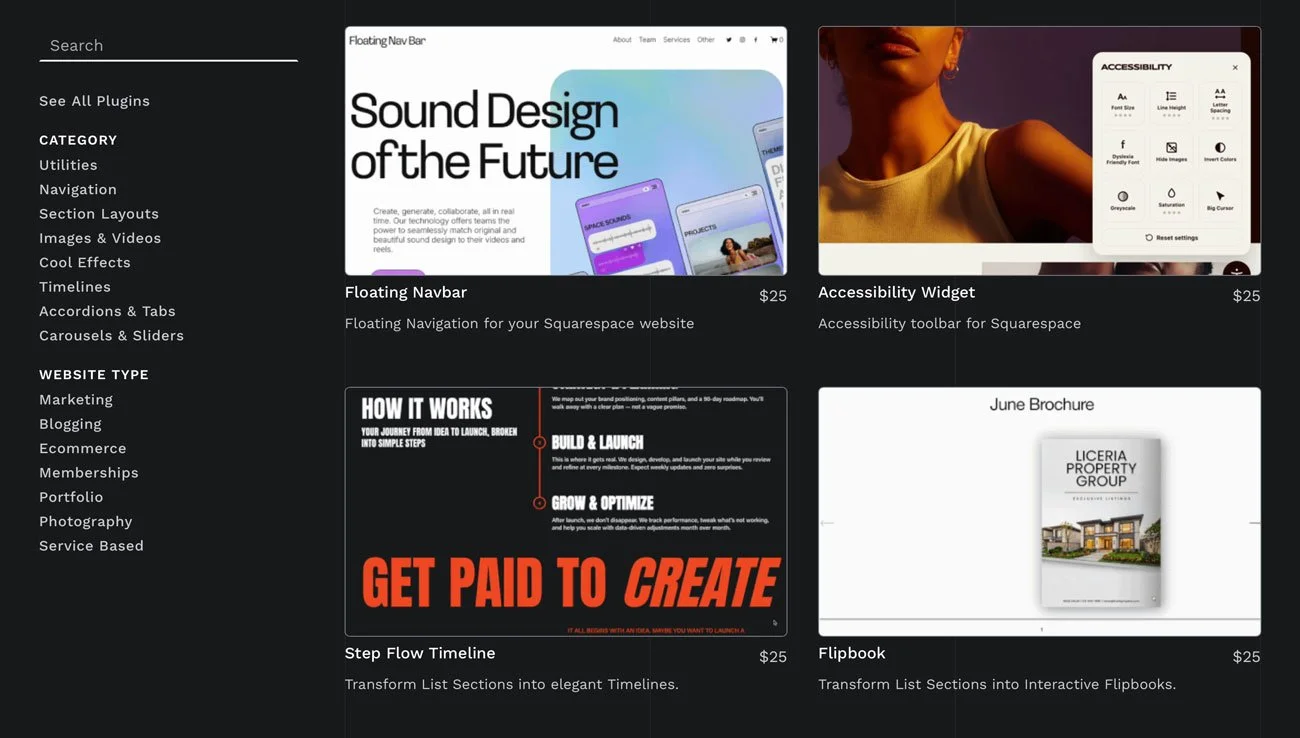
We have personally used a number of Will’s plugins and have been impressed with all of them. To install, you simply need to copy and paste the code provided into your sitewide Code Injection. From there, you can follow Will’s video tutorials to build and style the components. If you run into any problems, Will’s support team are fantastic and are always happy to help. Here are a few of our favorite plugins from Will Myers:
Horizontal Scrolling Sections*
Add horizontal scrolling to any page section, perfect for Squarespace galleries, portfolios, and storytelling layouts.
Tabs Pro*
Add a tabs component to your website, to display lots of content beautifully without it taking up too much space. Including options for vertical tabs, image tabs, sticky tabs, and more.
Infinite Gallery Slider*
Turn any List Section into a smooth, auto-scrolling slider, perfect for displaying magazine features or client logos.
Use code PLUGINS10 to save 10% at Will Myers.
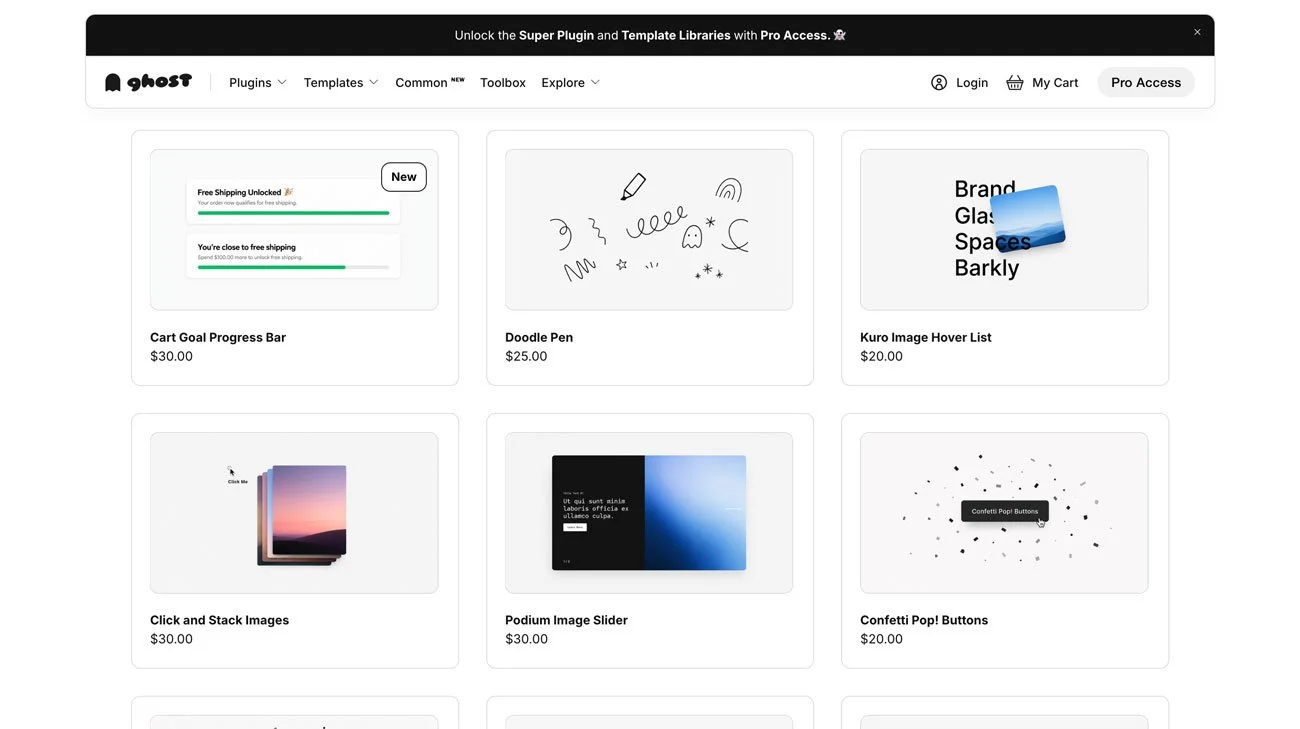
III. Ghost Plugins*
Ghost is well known for its collection of free Squarespace plugins and Super Plugins. They’re fun, interactive plugins that bring extra design features and interactivity to your site. Here are our favorites:
Snappy Page Sections*
This plugin adds a smooth snap scrolling effect as visitors scroll through your site. We love this for bringing a premium feel and sites that want to look more custom and less like Squarespace sites.
Doodle Pen*
Bring interactivity to your site by letting visitors doodle on your web page, playfully increasing engagement.
Cursor Image Flow*
This plugin adds flowing images that follow your cursor, so visitors can playfully experience your work with this interactive element.
Use code STUDIOFOUNDED to save 10% at Ghost Plugins.
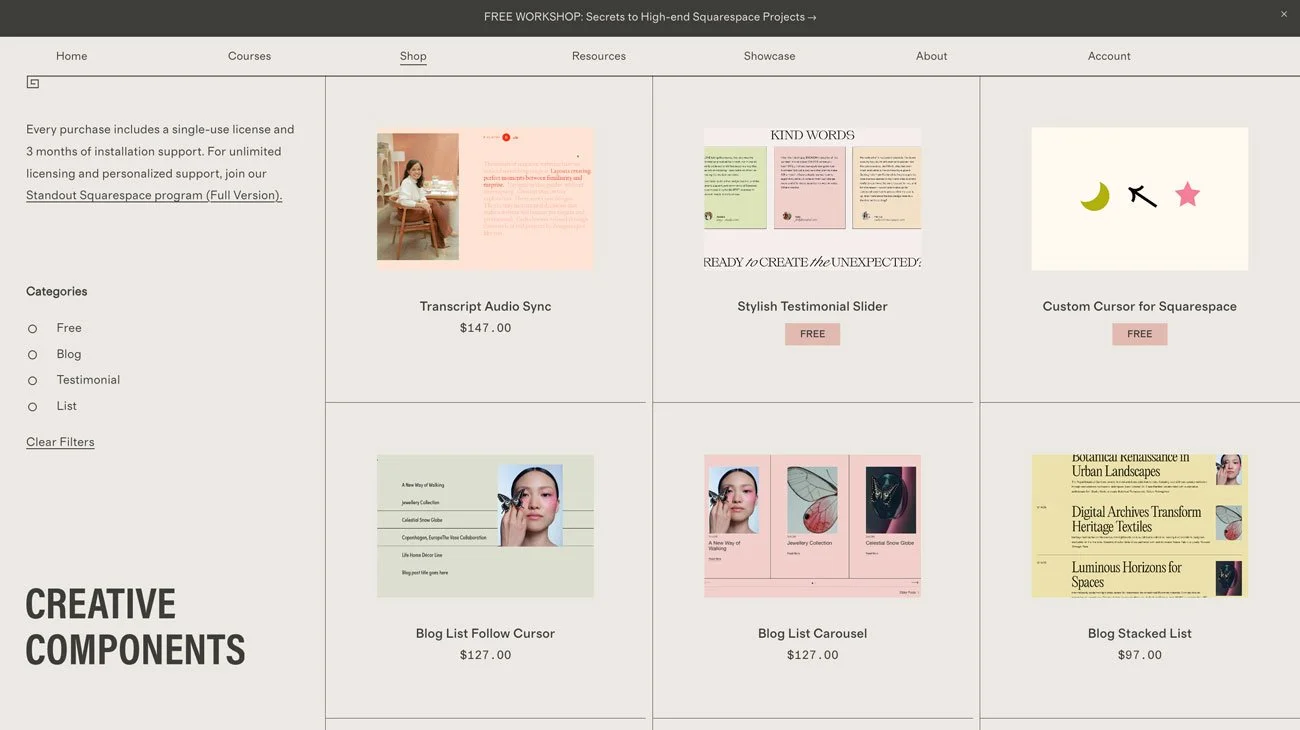
IV. SquareStylist*
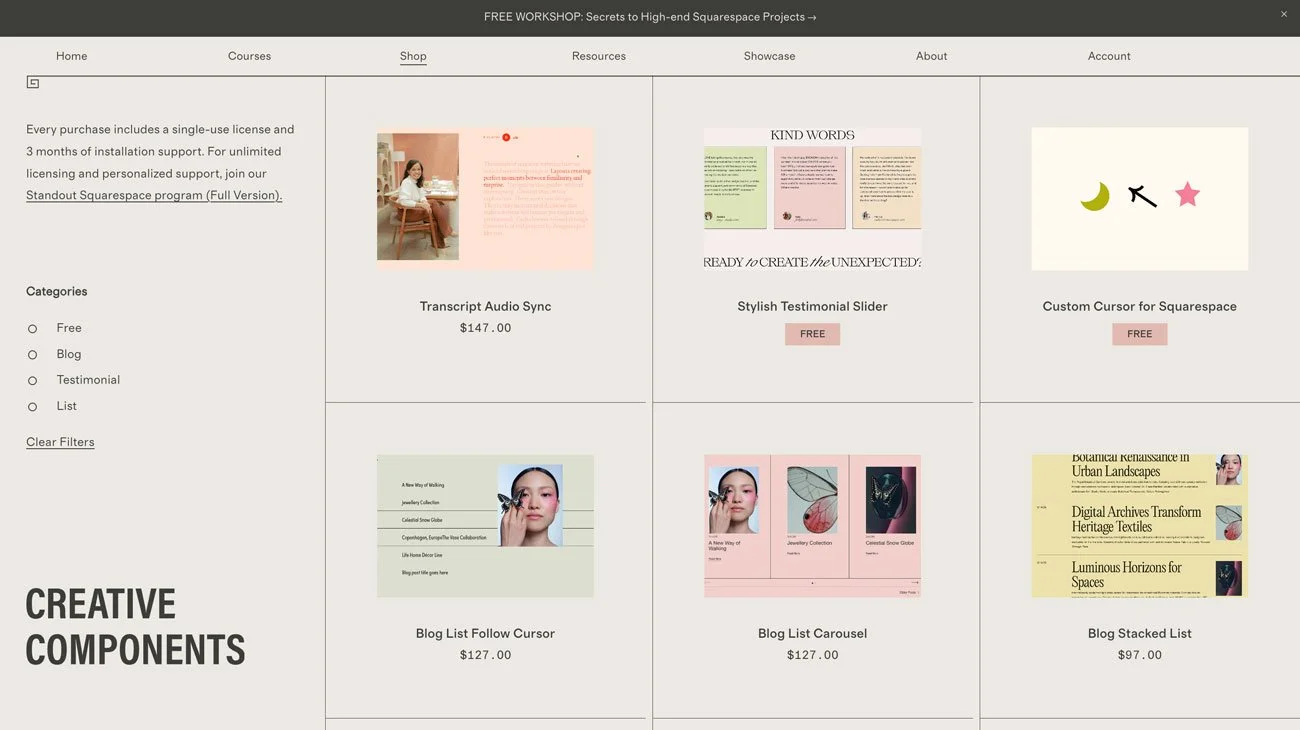
SquareStylist is the creator behind Standout Squarespace*, the leading web design course for Squarespace, which we have personally taken. Alongside the course, SquareStylist has a library of stylish, editorial code components. Here are a few we love:
Video Carousel
The Video Carousel plugin uses Squarespace’s native Video Blocks to create a carousel of videos. Perfect for sharing reels, social media, or film-based work.
Blog List Follow Cursor
This is a plugin we love to use in our own builds. It transforms the Squarespace blog layout into an editorial index with images that appear and follow your cursor on hover.
Vertical Tabs
Interactive flipbook style vertical tabs for when you want a stylish way to share content and information.
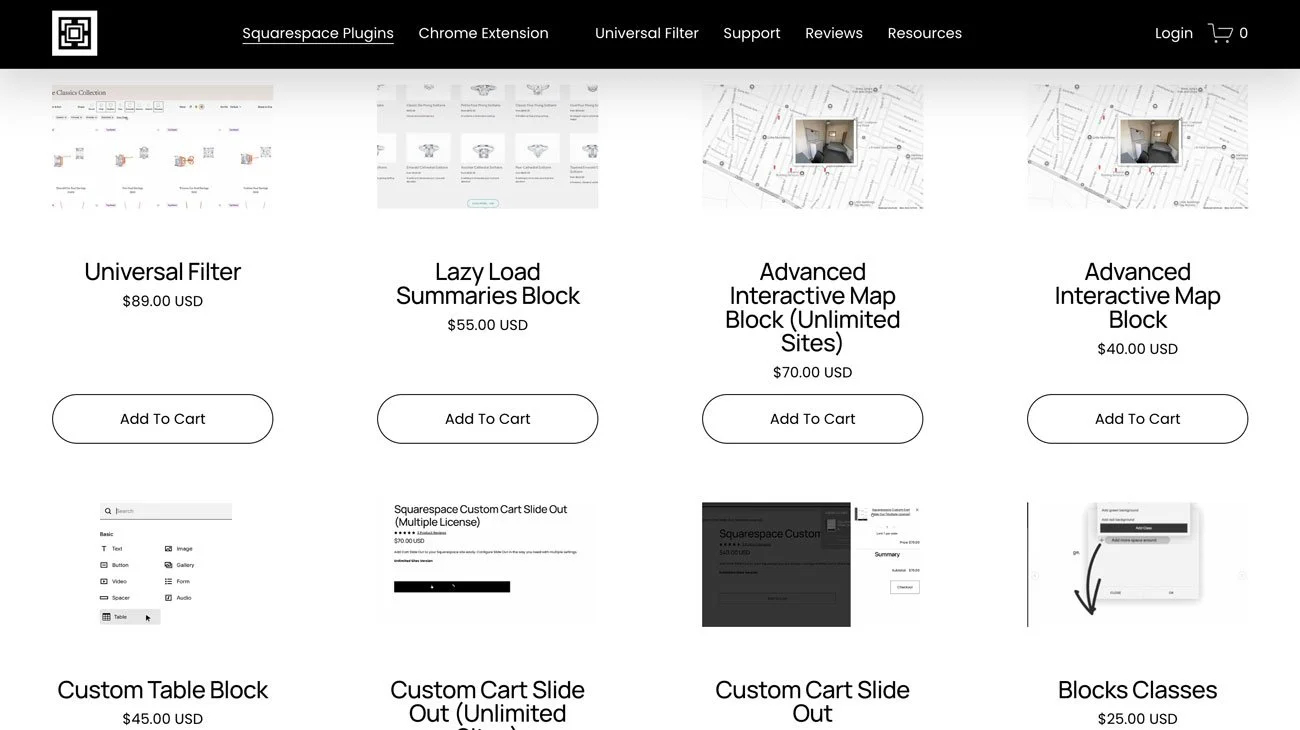
V. SquareWebsites*
SquareWebsites are one of the most well-known Squarespace plugin stores, having created the Universal Filter Plugin, which is well-loved by designers. Here’s more about it and a few of our other favourites:
Universal Filter Plugin*
Squarespace’s native filtering is limited to single categories, and when you want more options for filtering, this plugin adds custom filtering options. You can add multiple filter criteria, sorting options, and search functionality, perfect for advanced Squarespace product catalogs, recipe blogs, resource libraries, and directories.
Lazy Load Summaries Block*
Squarespace Summary Blocks have a load limit of 30 items. This plugin removes that limitation, allowing you to lazy load unlimited items within a summary. Perfect for displaying your blog posts and products, and also adds functionality to allow you to display your portfolio content in a Summary Block, which Squarespace doesn’t currently allow natively.
Custom Cart Slideout*
Add a slide out shopping cart to your Squarespace store for easier customer navigation and elegant design.

VI. SQS Mods
SQS Mods offer a collection of plugins that easily add advanced features to your website, and include many customization options for you to make each component your own. Here are some of our favorites:
Accordion/FAQ Search Box
This is a useful plugin that adds a dynamic search bar to your FAQs. When visitors type, the matching questions and answers appear. It also rearranges FAQs based on relevance to the visitor’s search, and displays a “Contact Support” button if there are no relevant matches.
Blog Filter
This plugin adds a filter to Squarespace blog collections, so readers can search posts, filter by category, tags, authors, date, and more. It also includes a ton of features like custom blog layouts, infinite scroll, custom date formats, and hero posts. It’s ideal for websites with large blogs, articles, case studies, and complex content that needs additional filtering capabilities.
Filter for Simple List
With this plugin you can turn the Simple List Section into a filterable showcase. This is perfect for showing rentals, events, courses, and portfolio work. The plugin comes with lots of customization options, from tab styling to sticky scroll, and more.
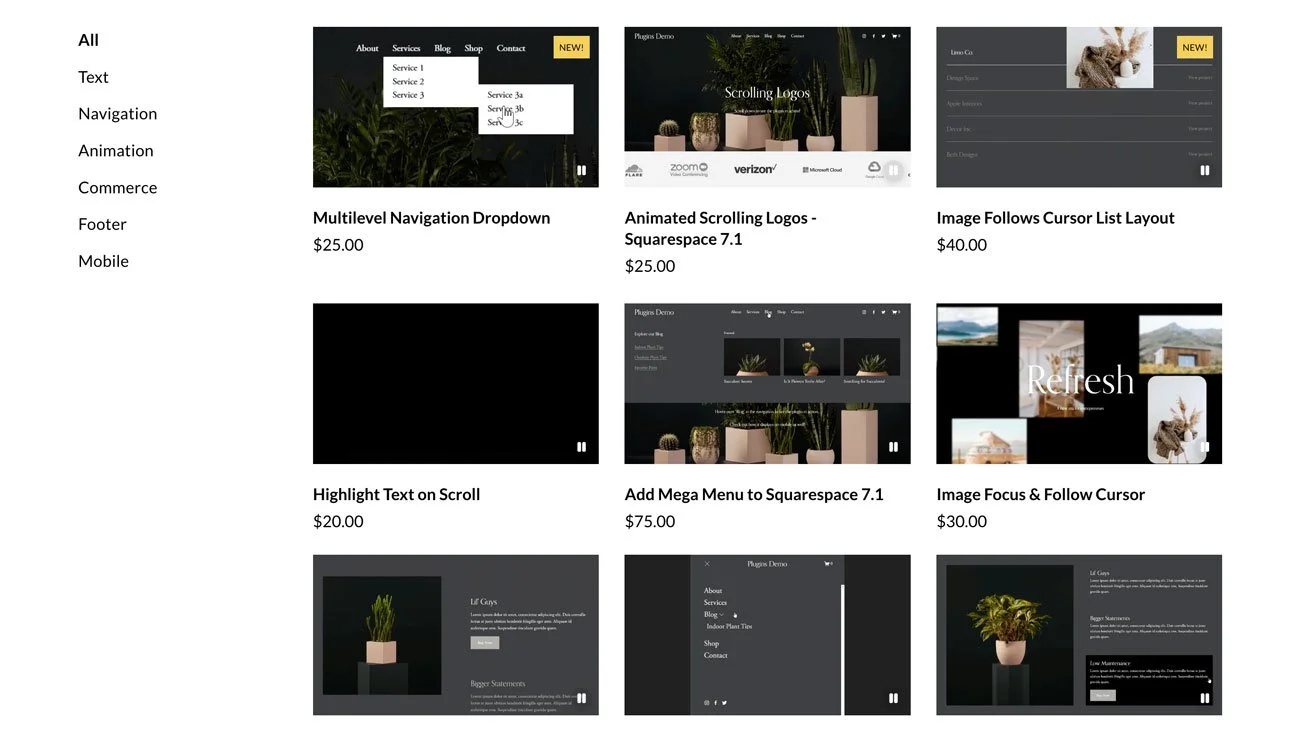
VII. Schwartz-Edminsten*
Schwartz-Edminsten is a Squarespace and CSS expert who offers courses, tutorials, and workshops alongside a plugin library. We recommend:
Fixed Footer Reveal*
We love a reveal style footer where the footer area is revealed on scroll, and this plugin makes it simple to add to your site. All you need to do is add the code to your footer code injection.
Modern Mobile Menu Dropdown*
This is a helpful plugin for anyone who wants an attractive mobile browsing experience. It adds menu dropdowns on mobile for easier browsing and a more elegant menu design than the native Squarespace mobile menu.
Scrolling Image Changer*
A beautiful, editorial plugin that switches out images as your content scrolls.